Viplex Express 4:Creating A Playlist
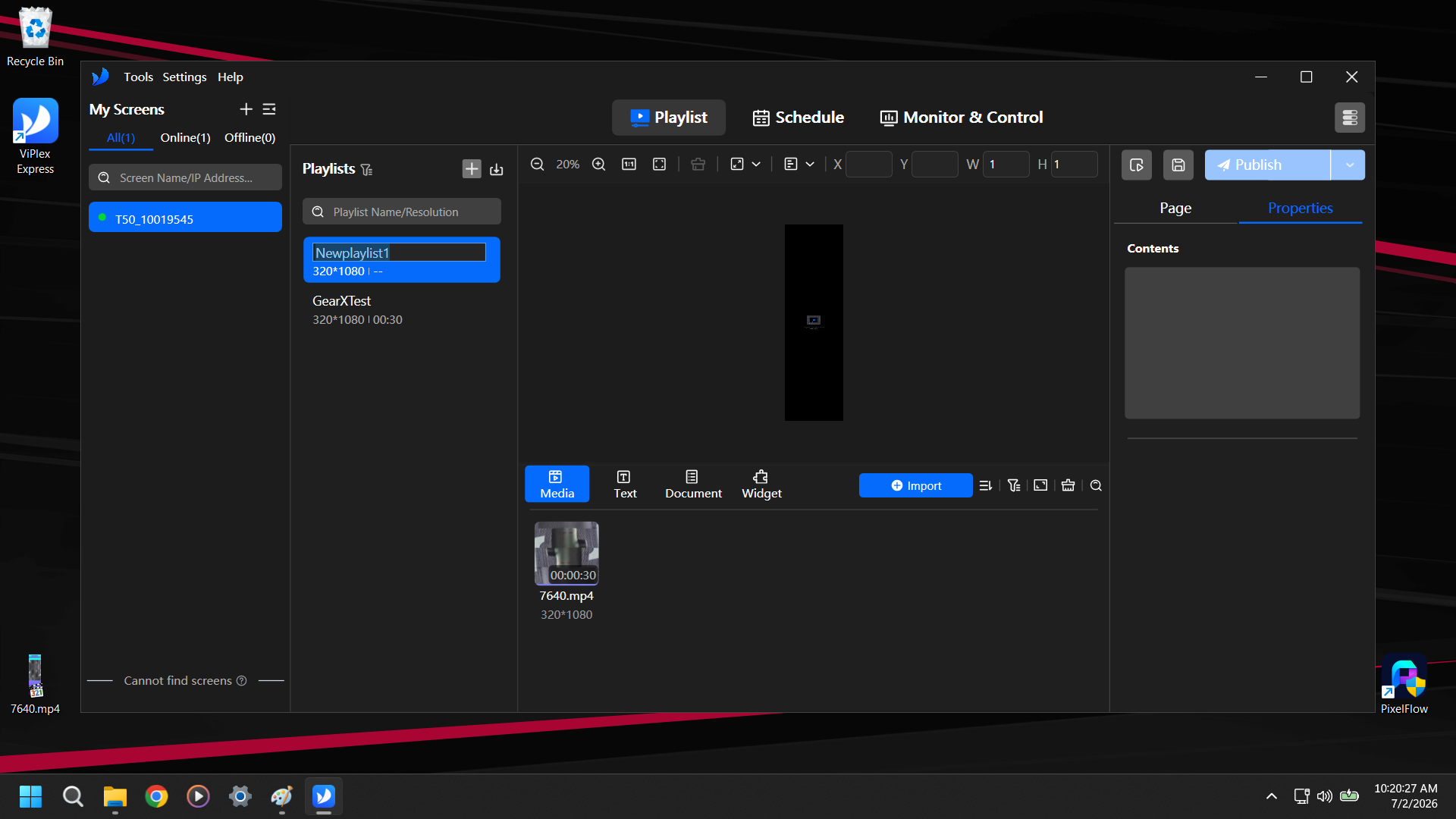
Click the + next to Playlists and name your new playlist
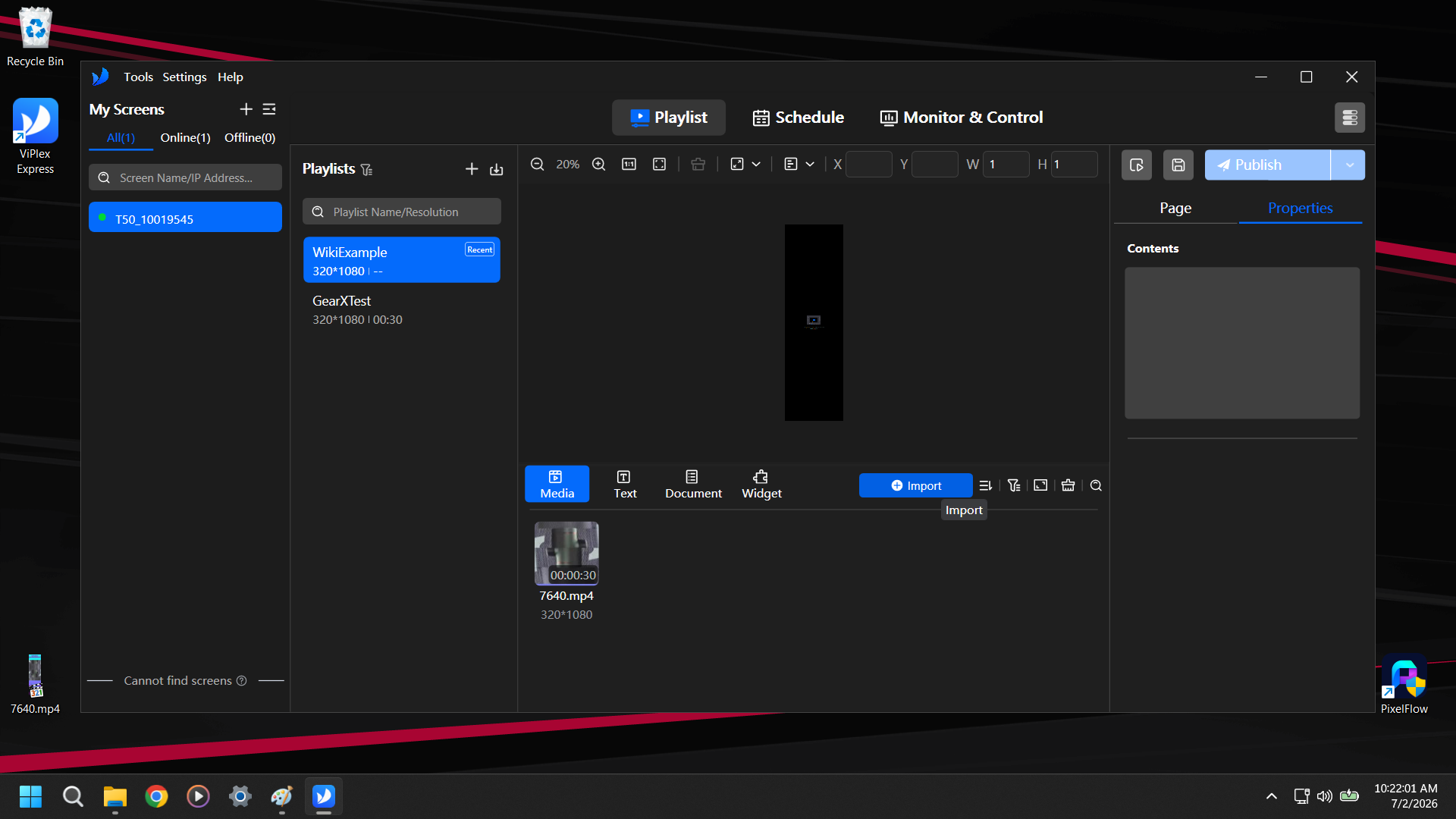
Click +Import
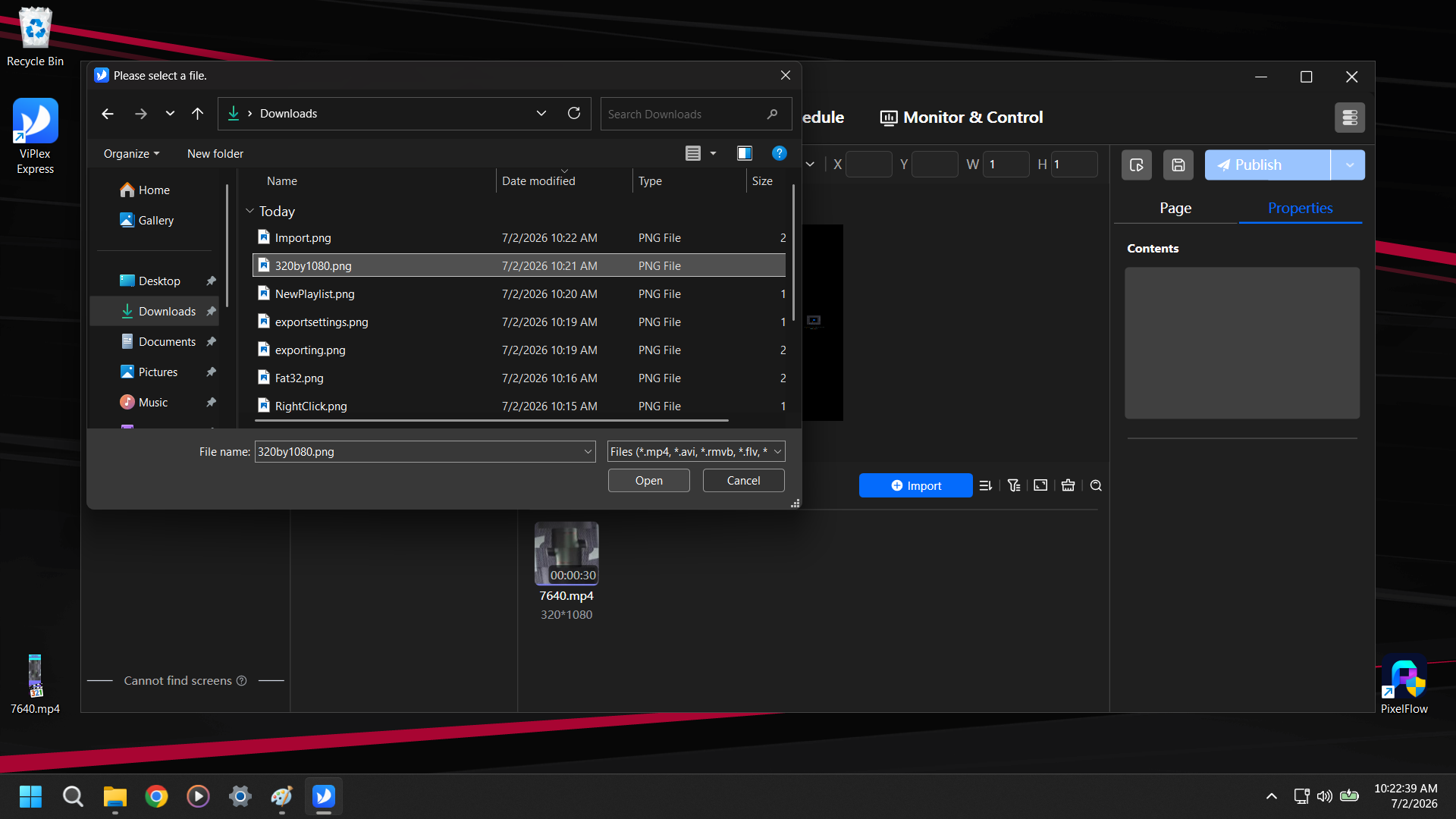
Find the media you want to use on the new Playlist, select it, and hit Open
Drag the media from the media bin to the design area above
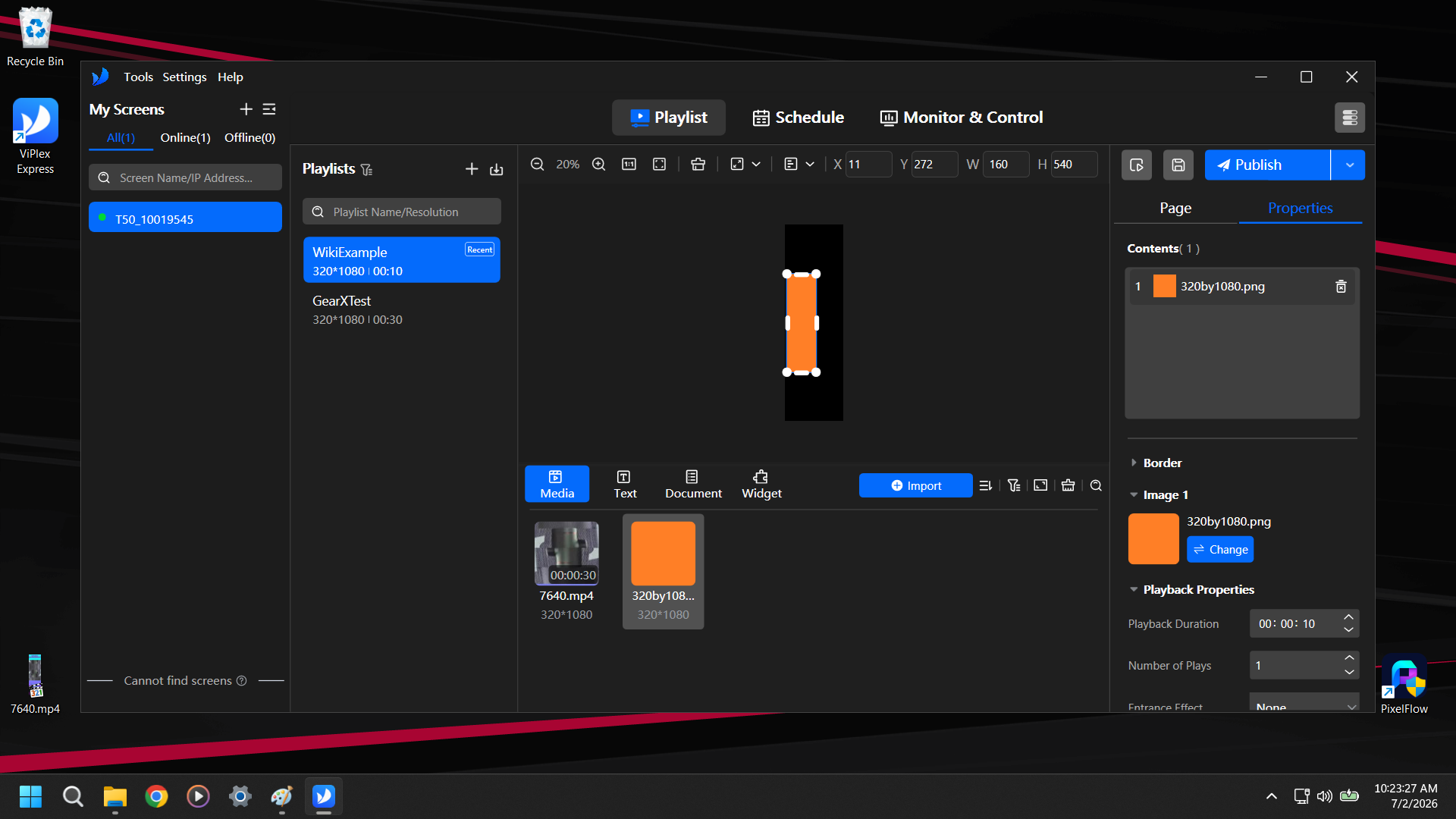
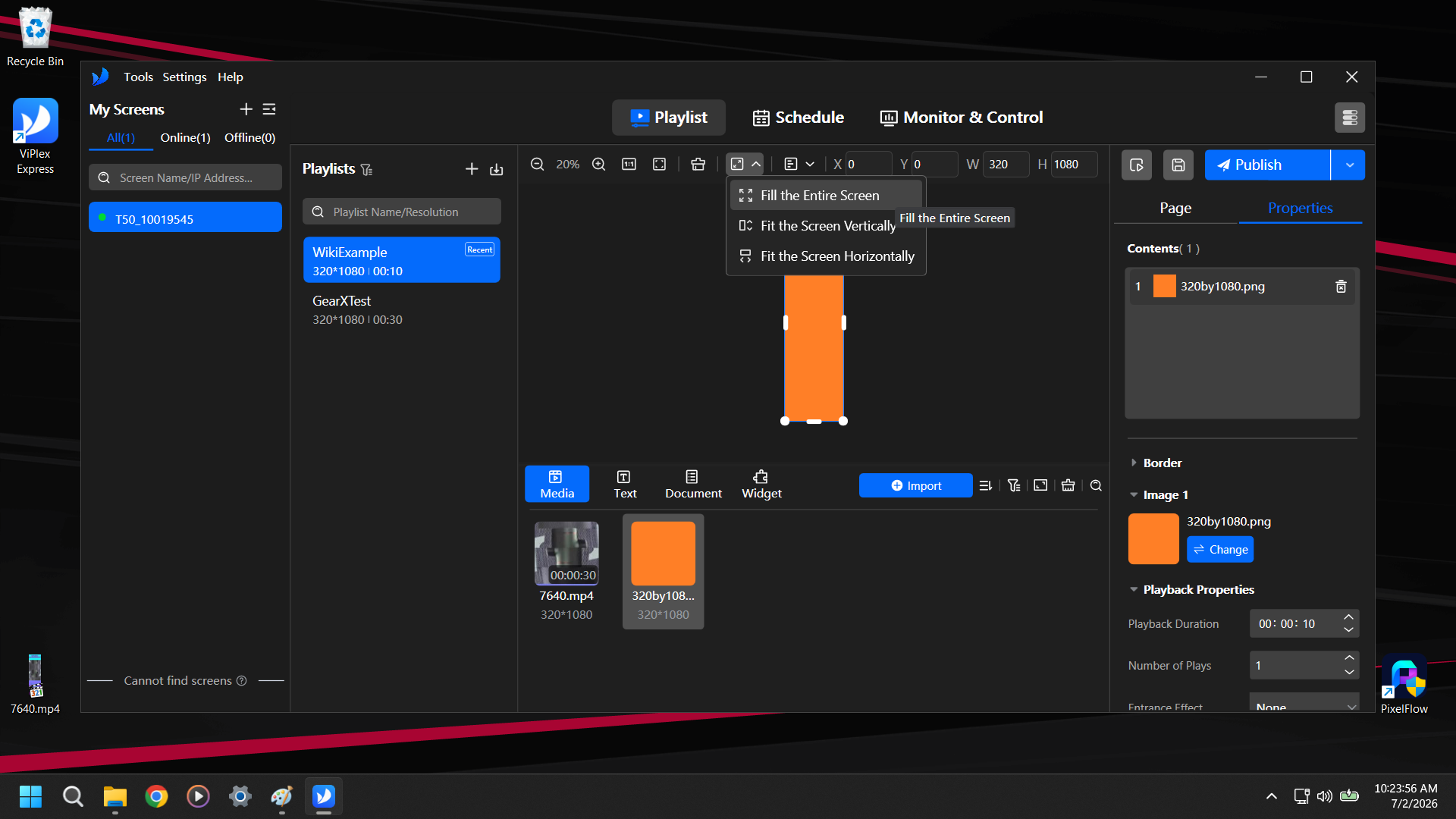
Typically we will be using "Fill the Entire Screen" found in the Fill Mode drop down at the top of the design area