Skip to main content
Markey's Equipment Knowledgebase
View All
Search
Shelves
Books
Log in
Info
Content
Books
Viplex Express
Formatting a USB drive...
Formatting a USB drive to work with Posters
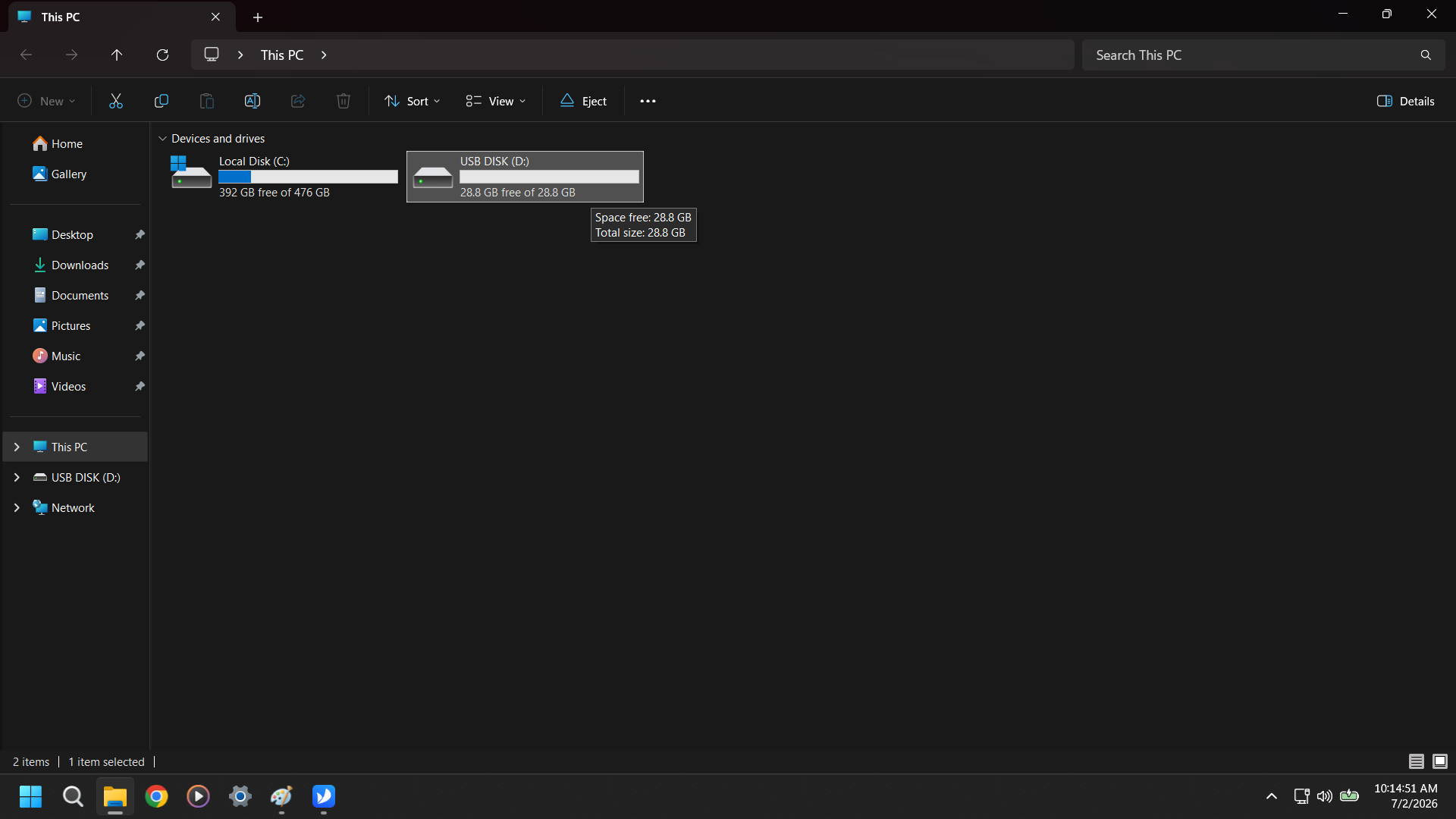
Find your USB Disk in the This PC section of File Explorer
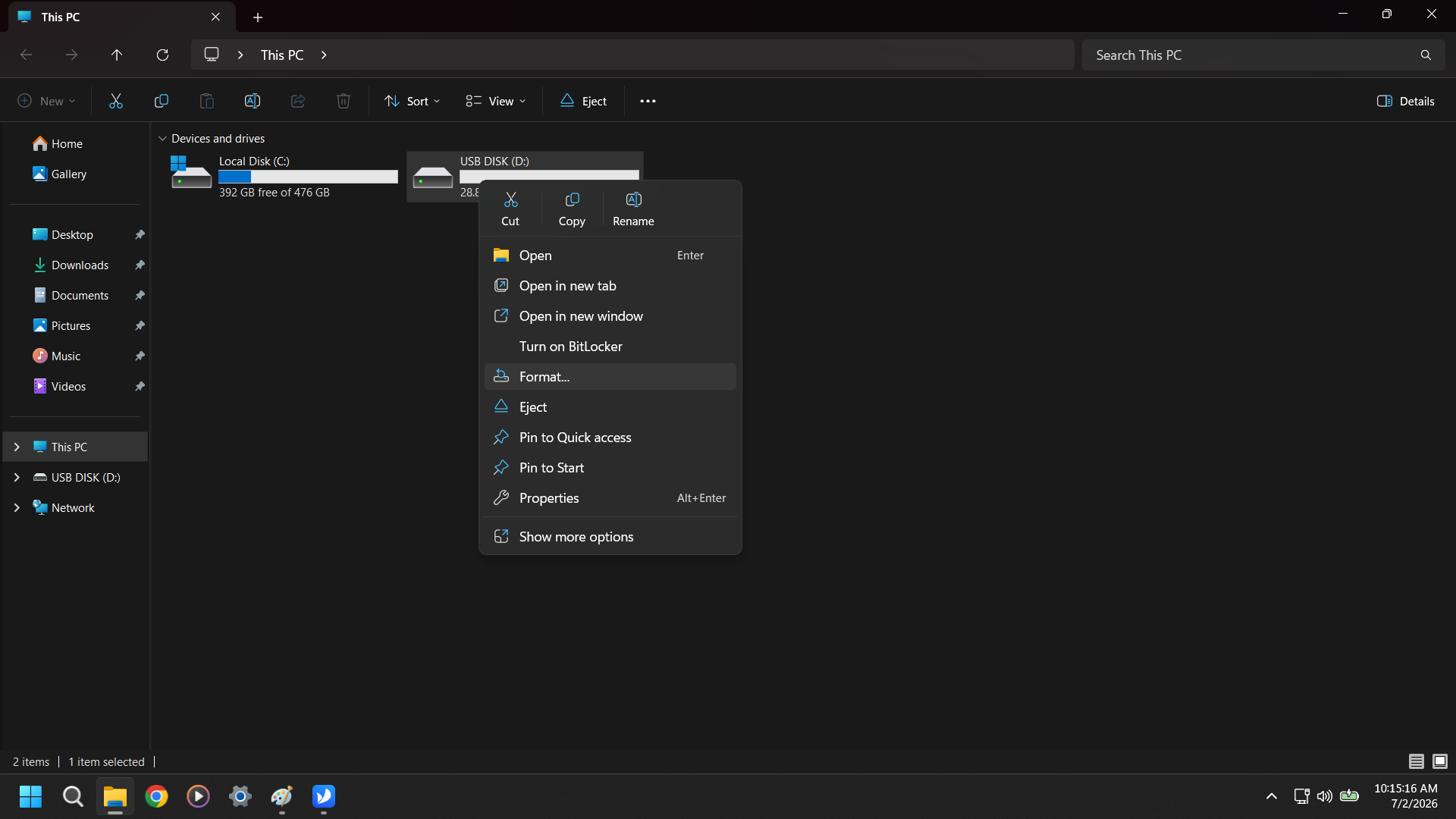
Right Click and Select Format
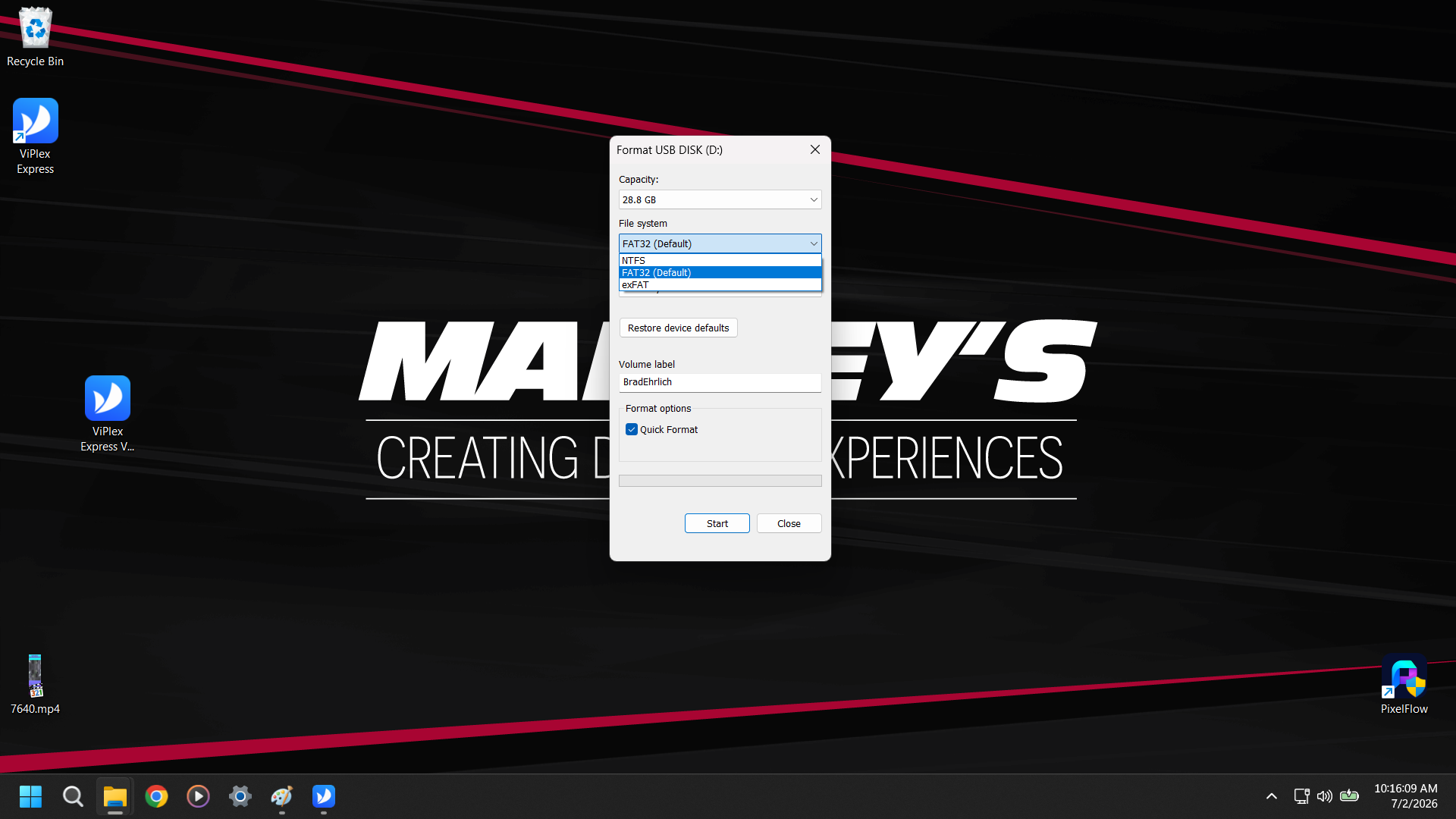
Make sure it is Set to Fat32 and then hit Start
Enter section select mode
Previous
Quick Start v3.0 & v4.0(Windows)
Next
Viplex Express 4: Setting Up a Demo Poster to...
Back to top