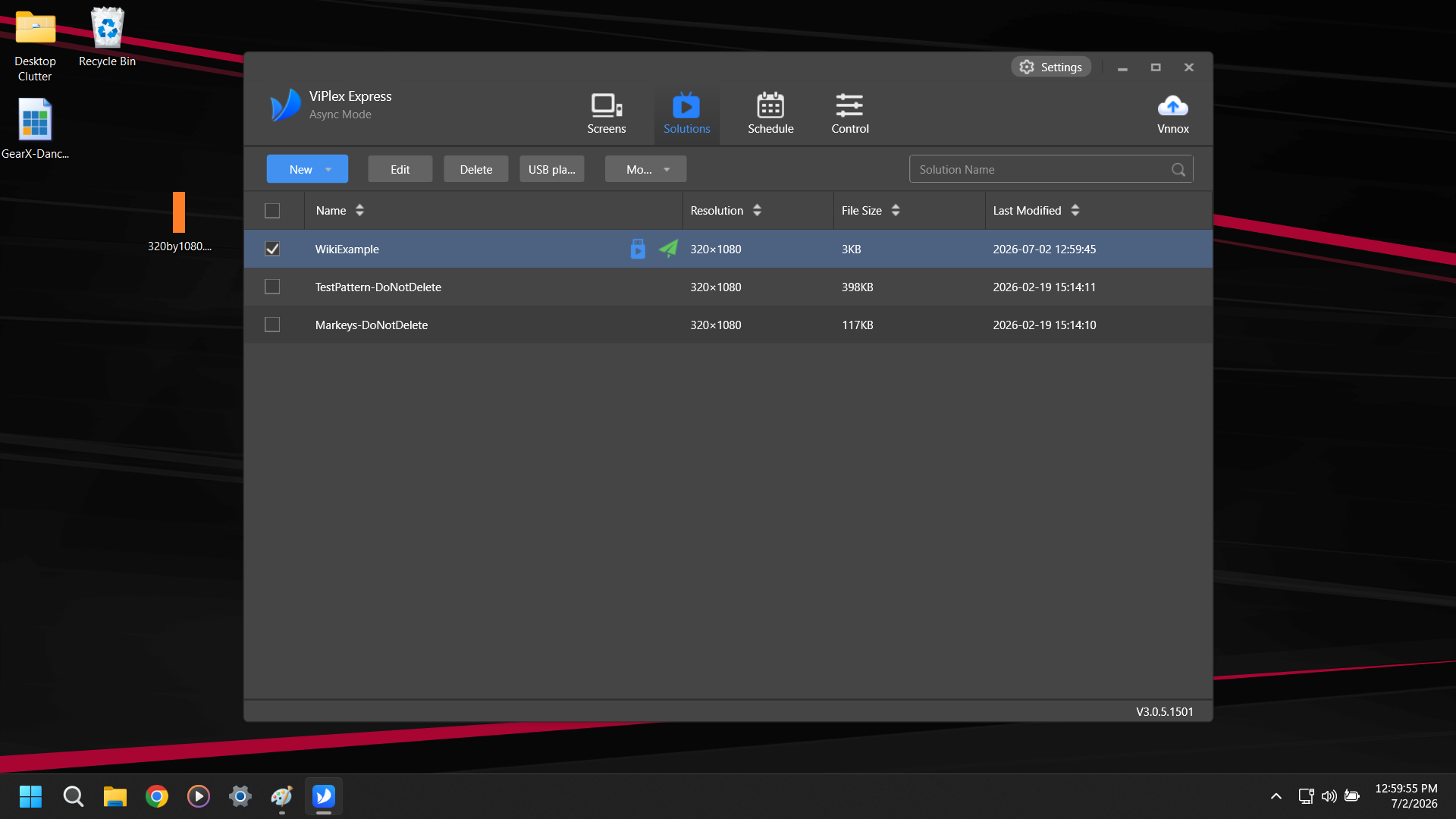
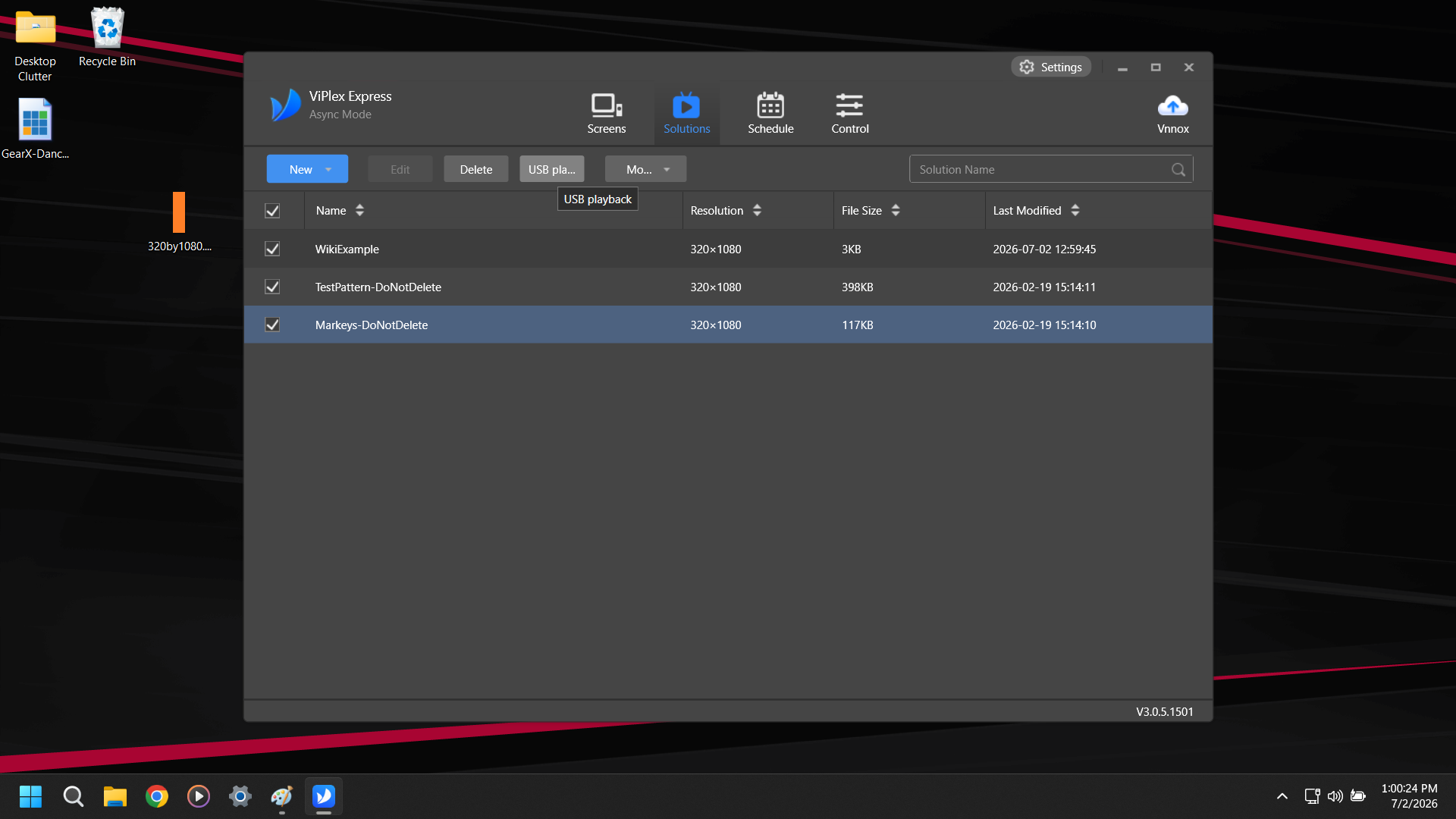
On the Solutions Tab select the Checkboxes of the Solutions you would like to upload onto the USB Drive.
Click USB playback.
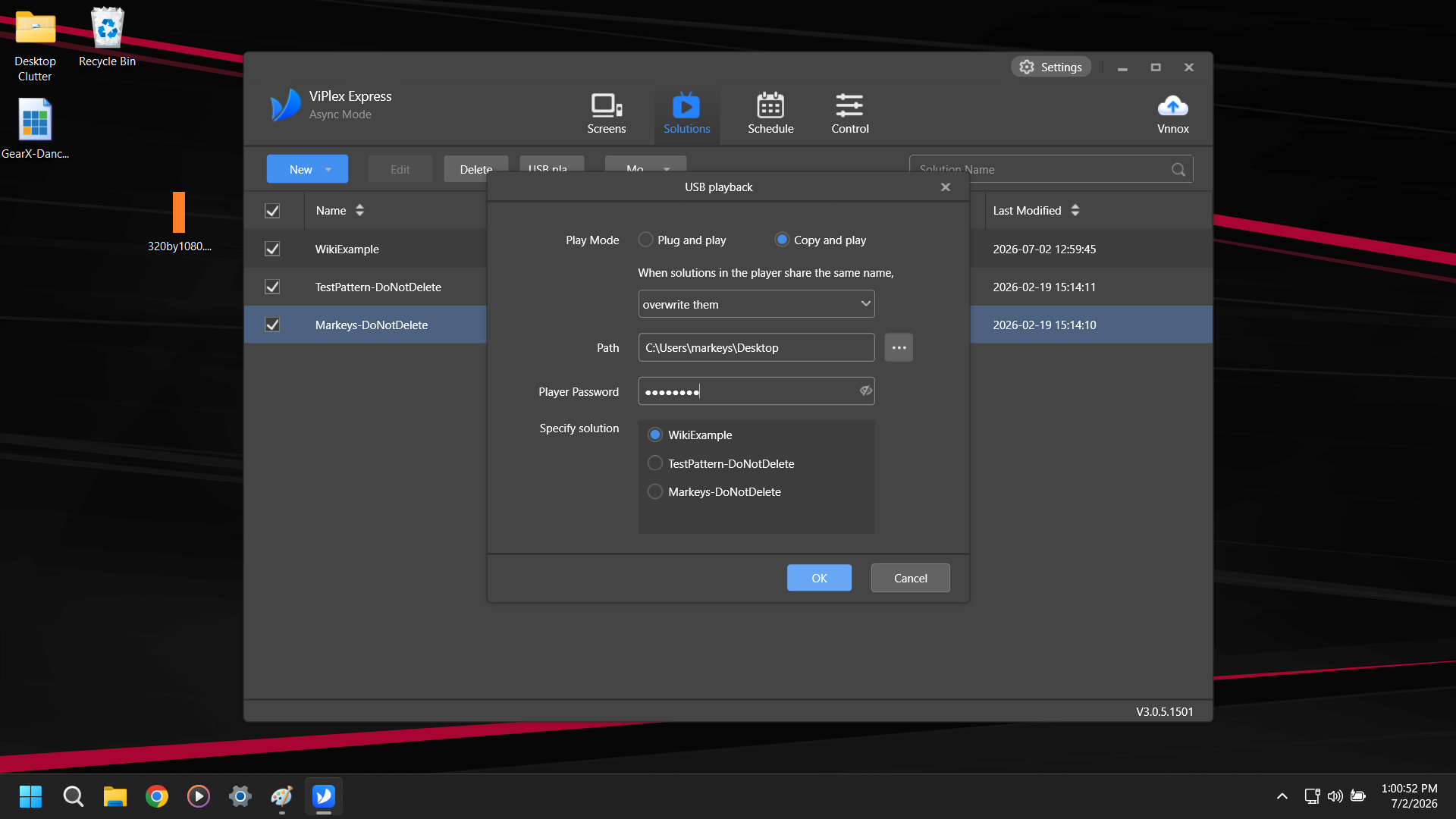
Select the Play mode and select what happens when solutions share the same name. Typically we use Copy and Play and overwrite them. Select the root(Primary) directory of the USB in Path. Type the password for the specific model of Poster you are working with. Select which Solution you would like it to Play after finishing upload. Hit OK.
This is the Poster Password, not SSID Password so for Transtech Posters it is just 123456.
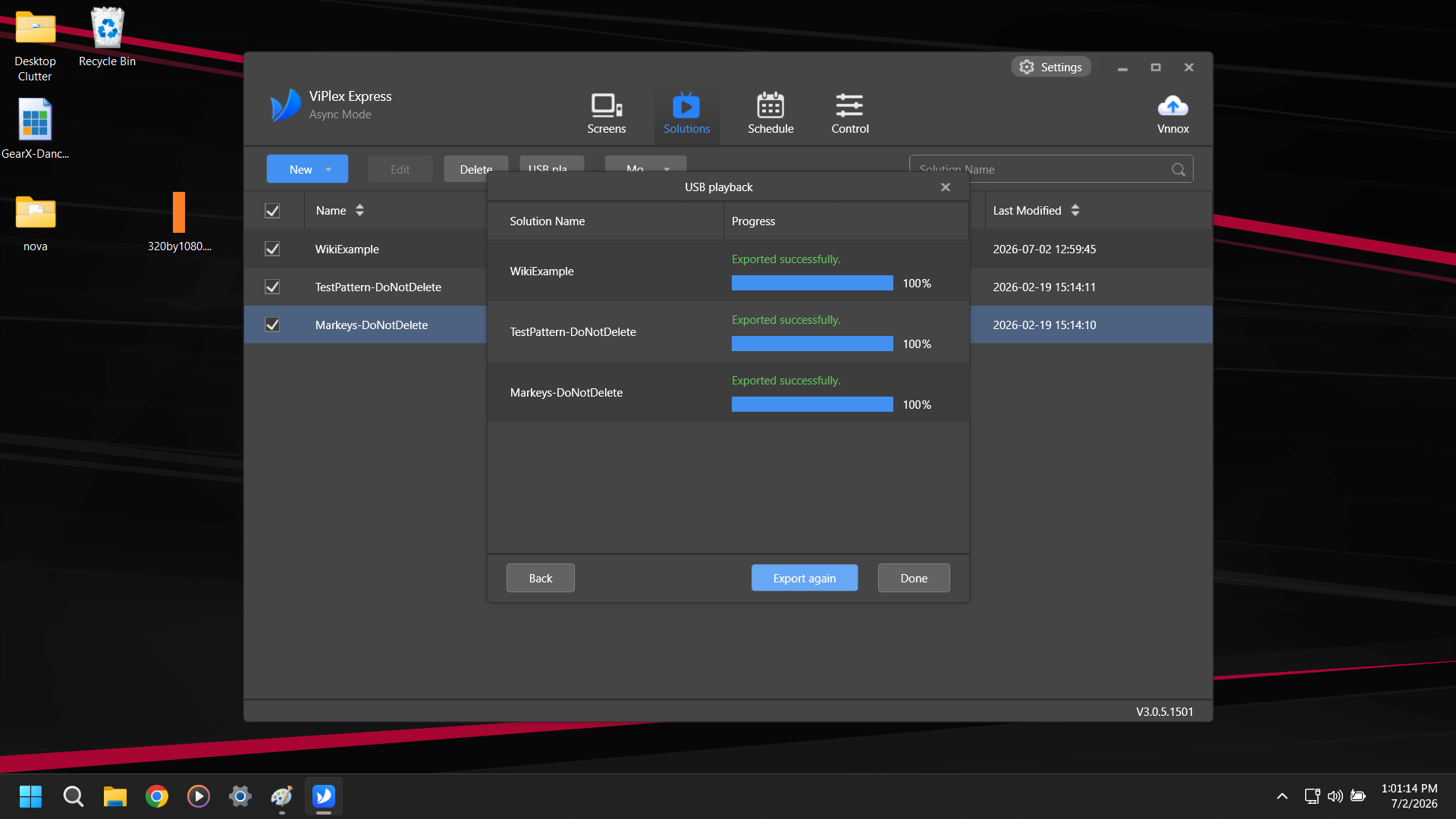
Watch the write progress complete and then click Done.