Skip to main content
Viplex Handy: Multiscreen Mosaic
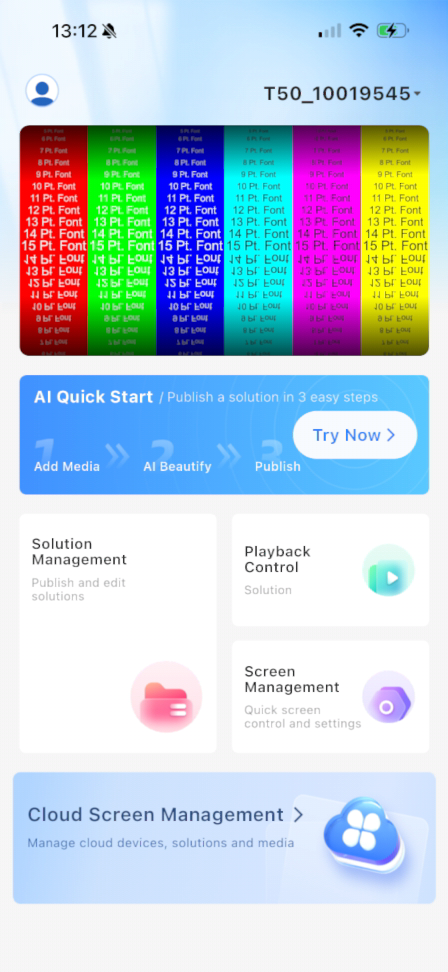
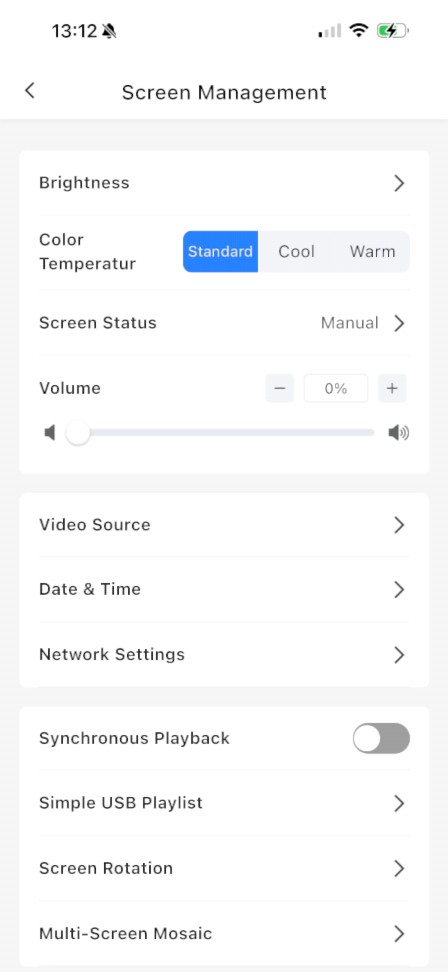
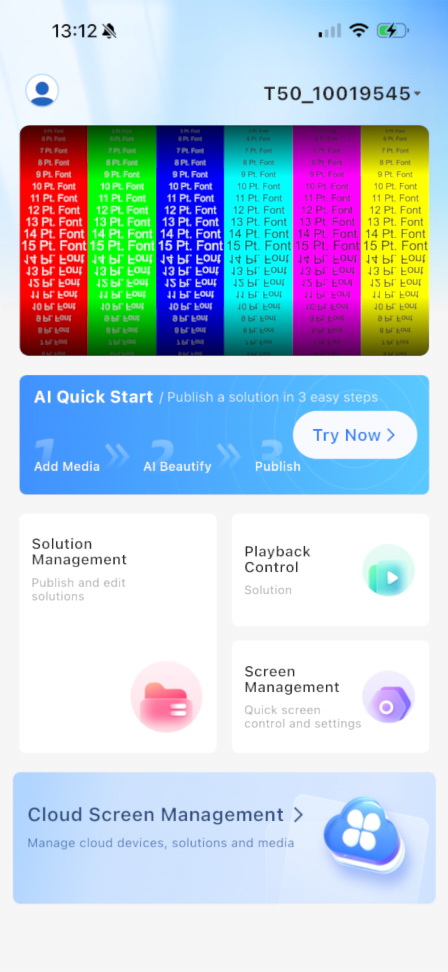
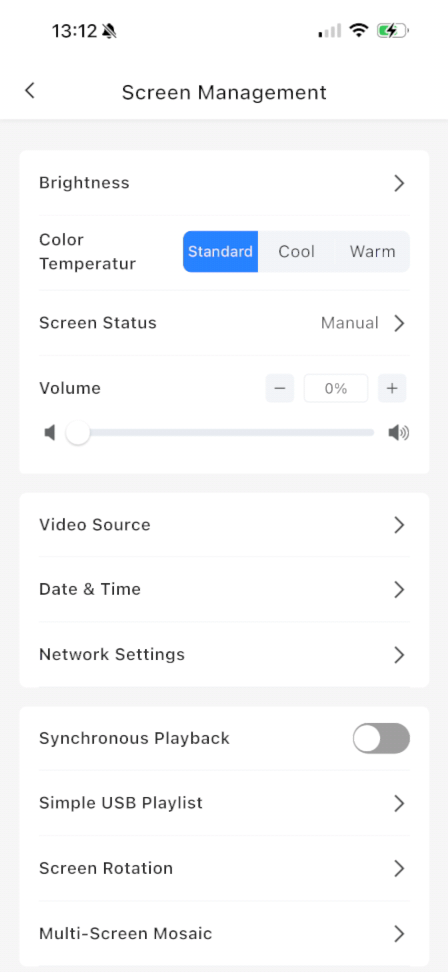
Connect to the Poster then go to Screen Management in the Lower Right
Next Select Multi-Screen Mosaic Near the Bottom of the Screen
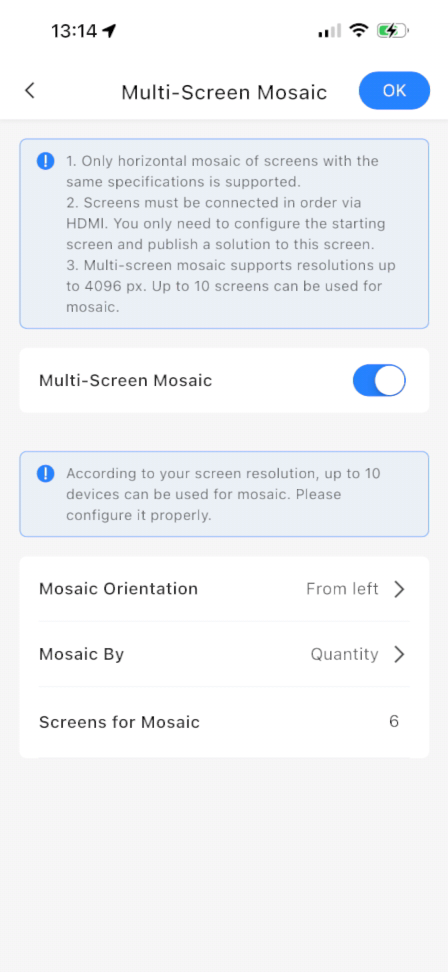
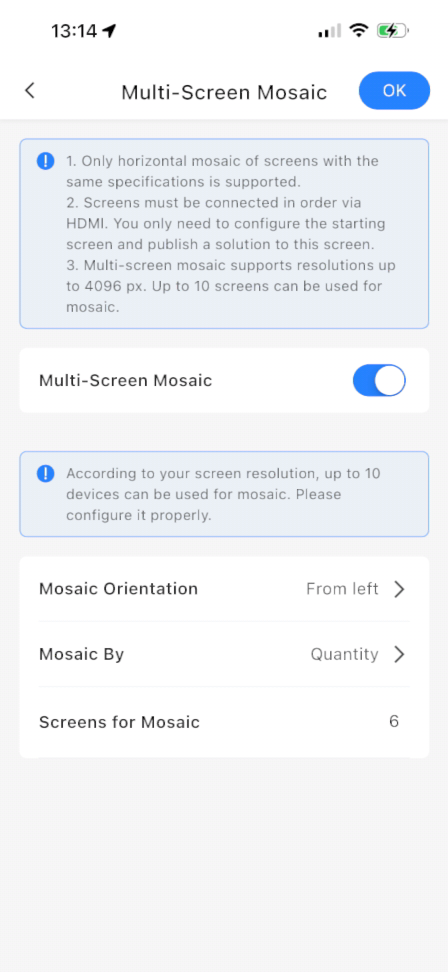
Toggle Multi-Screen Mosaic On And Then Configure As Needed
If you are just taking a single slice of a 1920 x 1080 image you need to make sure your Orientation is From Left. If you are using multiple posters as a Canvas you need to make sure that you have selected the orientation that matches the direction which you ran your HDMI Cables between the Posters.
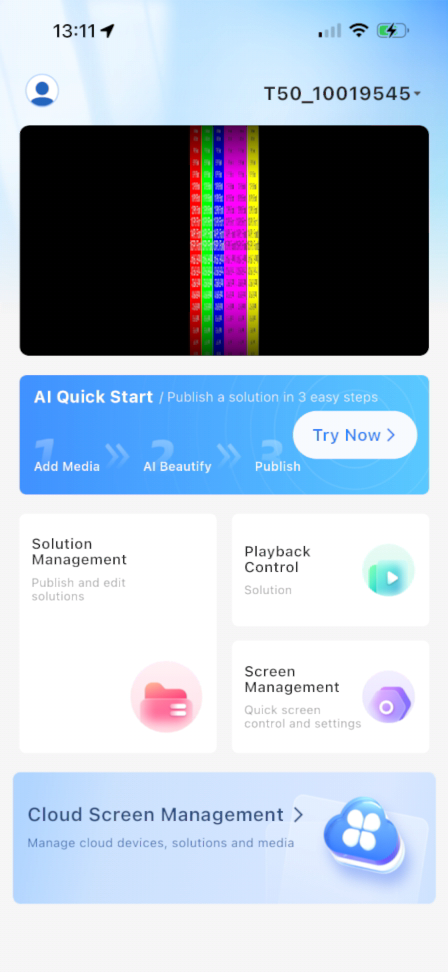
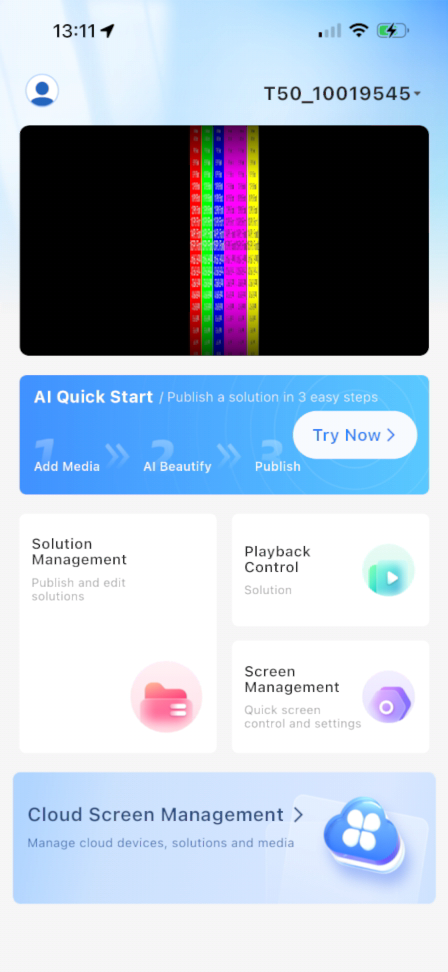
Hit Okay and Your Solution Should Look Correct