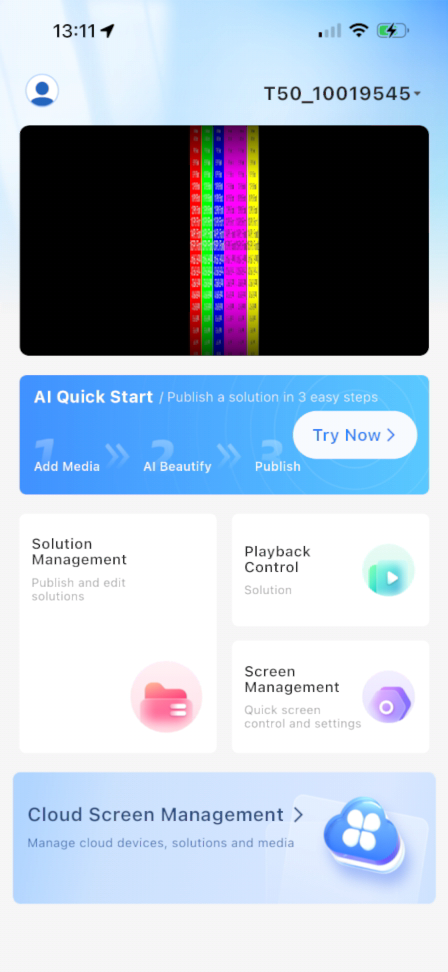
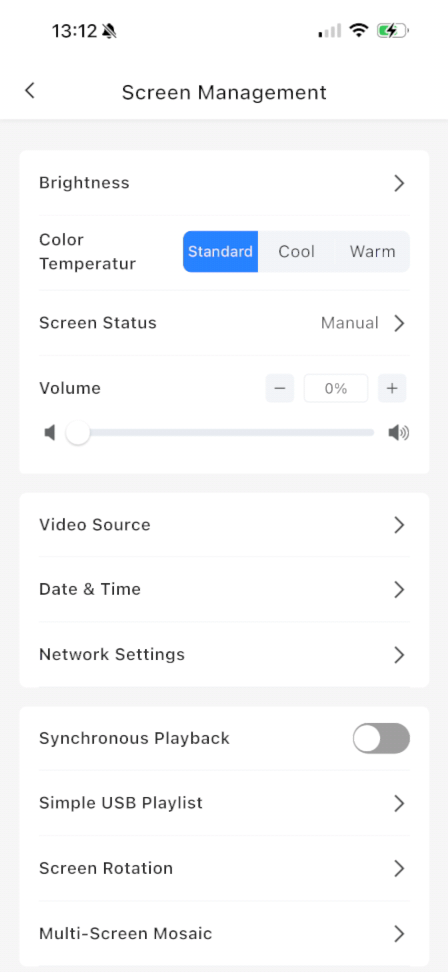
Connect to the Poster then go to Screen Management in the Lower Right
Next Select Multi-Screen Mosaic Near the Bottom of the Screen
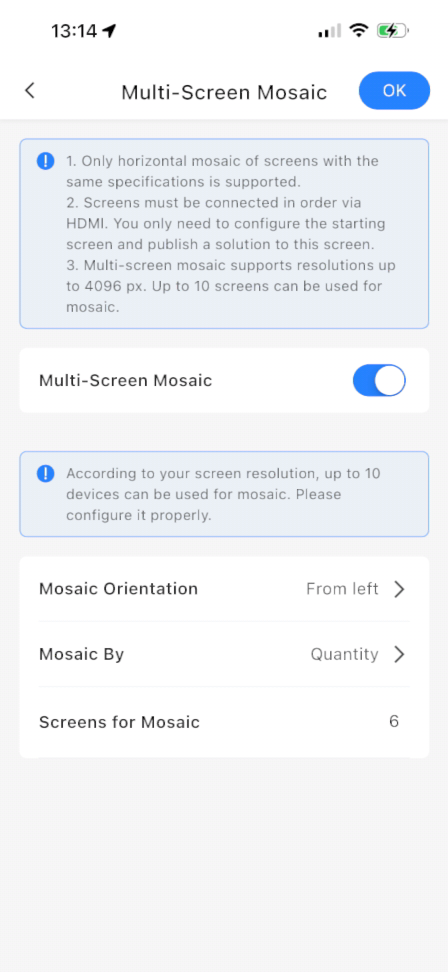
Toggle Multi-Screen Mosaic On And Then Configure As Needed
If you are just taking a single slice of a 1920 x 1080 image you need to make sure your Orientation is From Left. If you are using multiple posters as a Canvas you need to make sure that you have selected the orientation that matches the direction which you ran your HDMI Cables between the Posters.