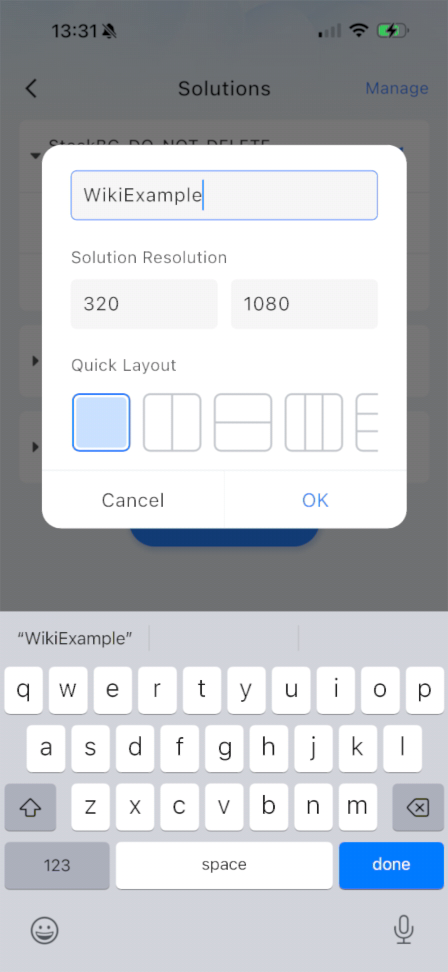
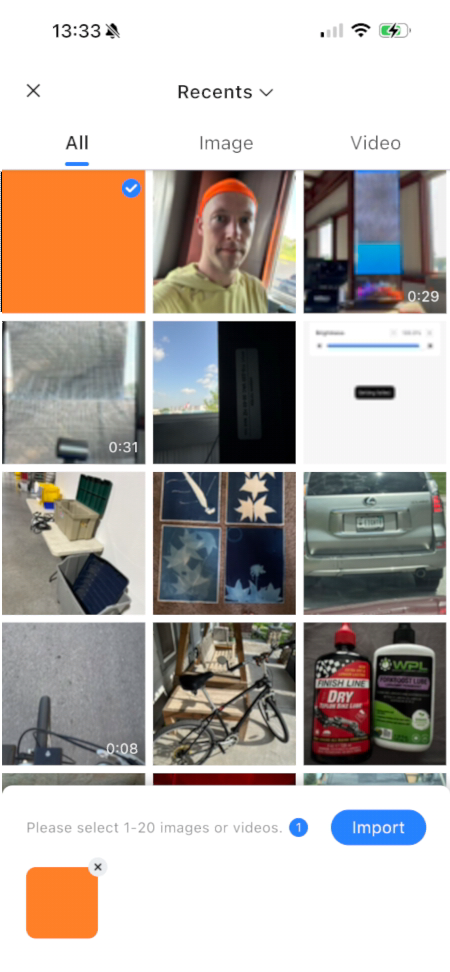
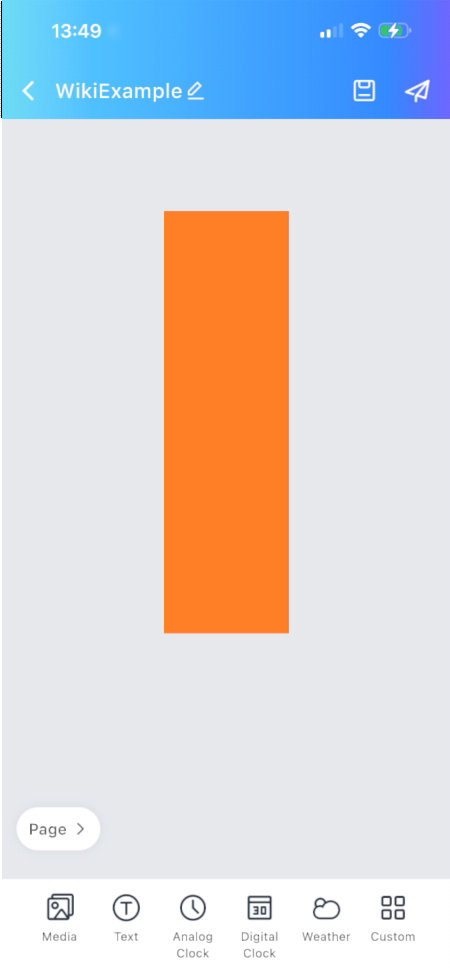
Name your Solution and set the Resolution to 320x1080
You can also set it to 640, 960, 1280, 1600, or 1920 if you are building a playlist to stretch across 2-6 posters, But I recommend building a solution of this size using Viplex Express instead as the interface is better suited to handle media of larger sizes and advanced configurations.