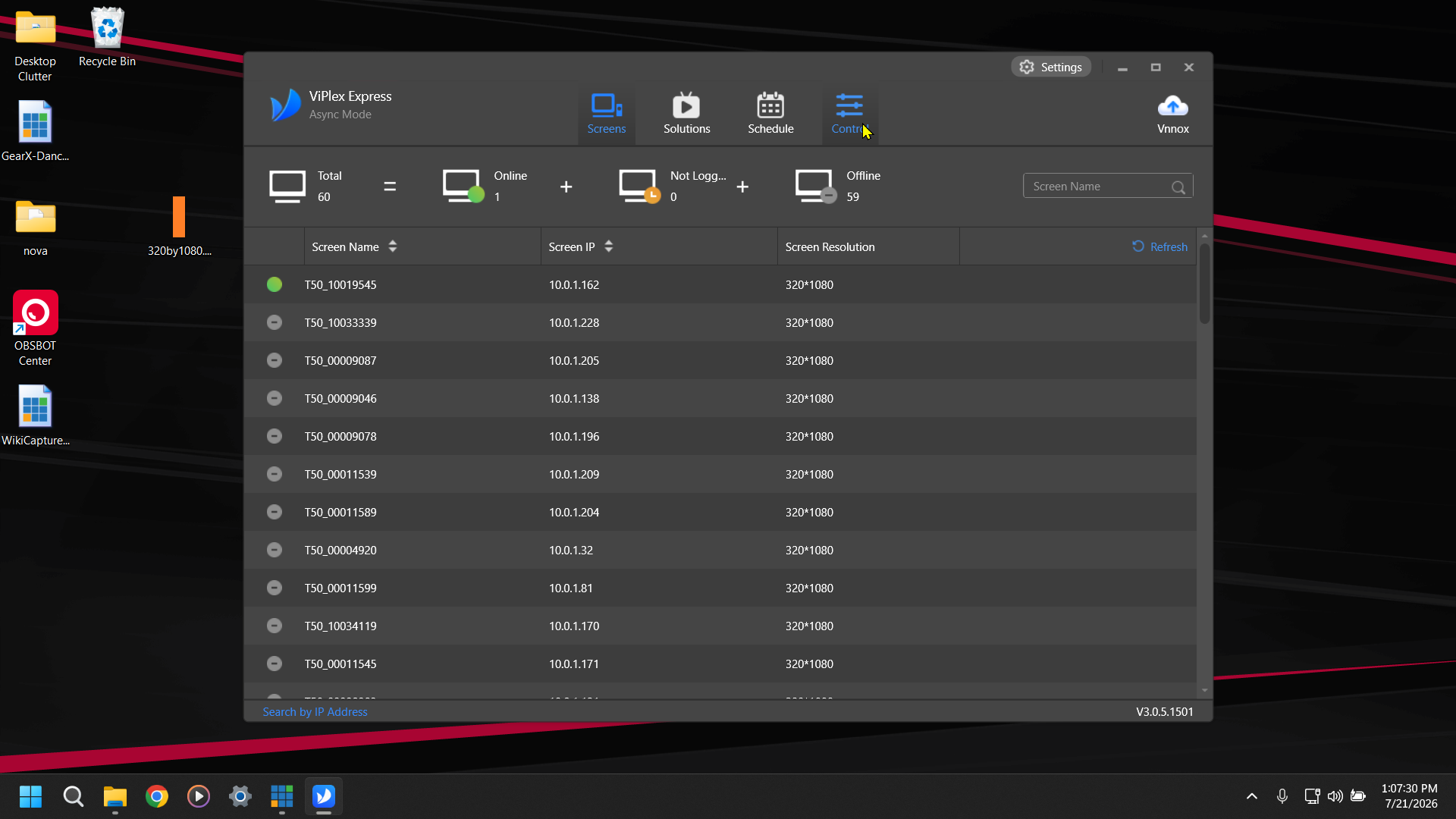
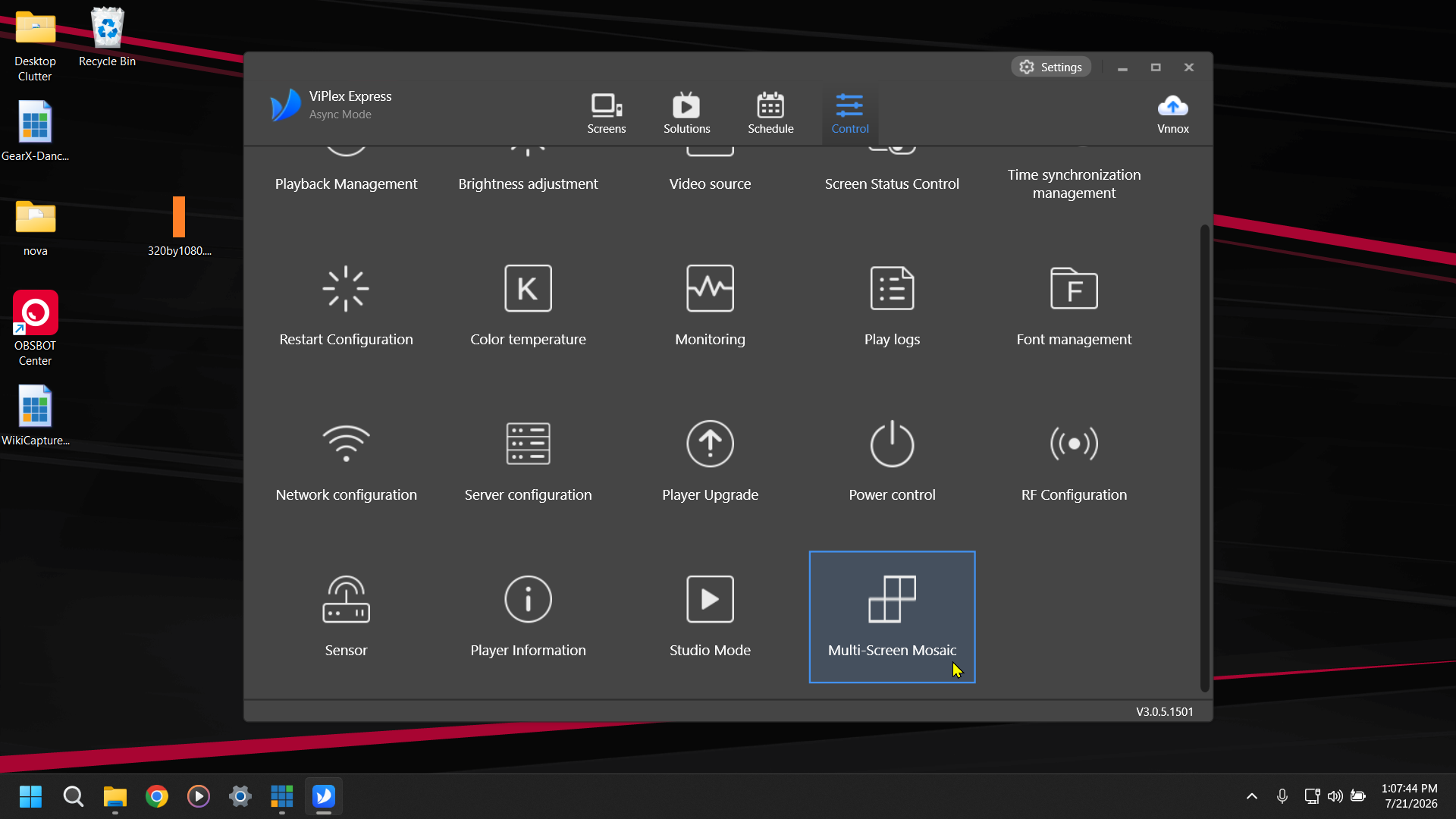
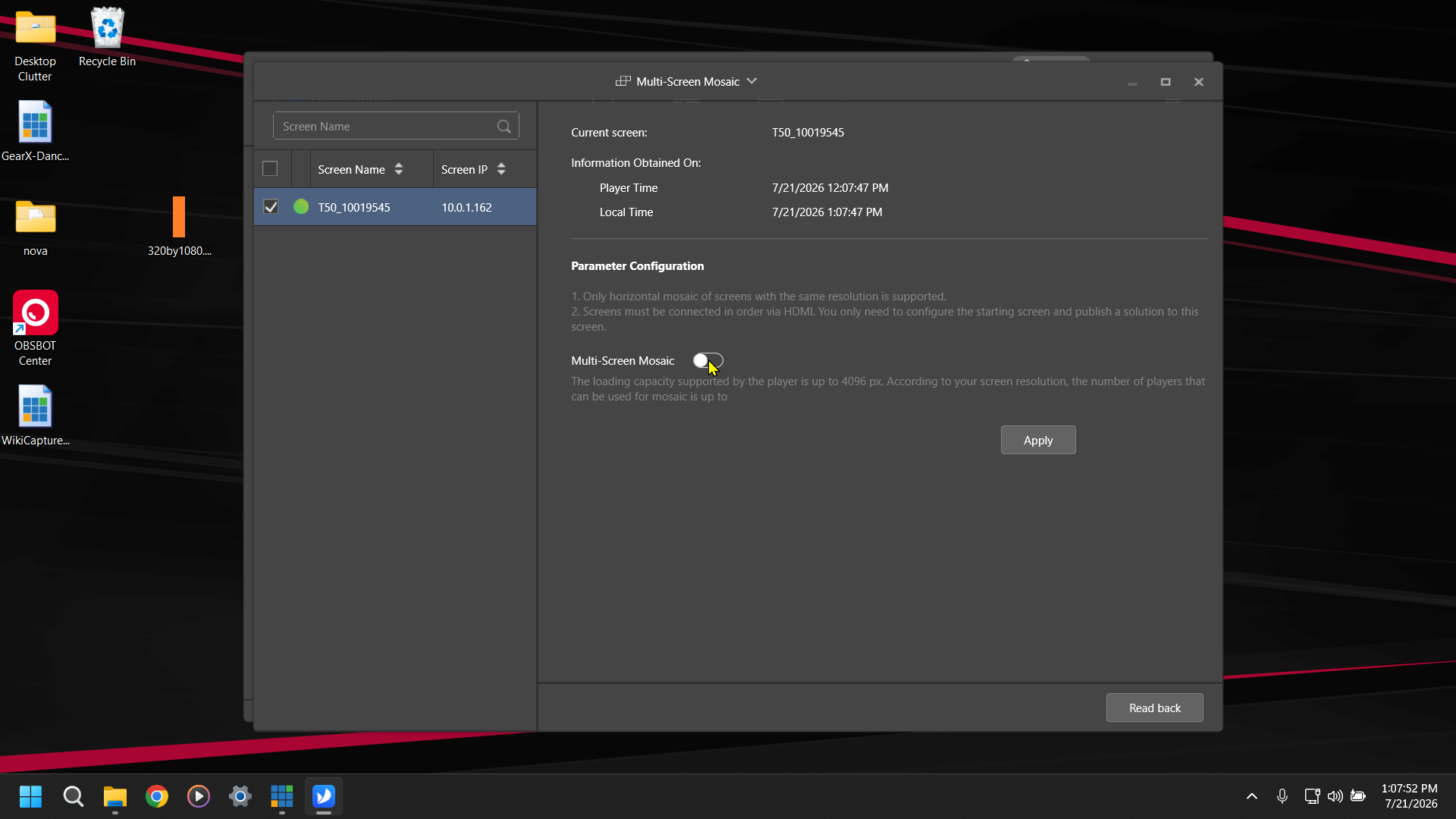
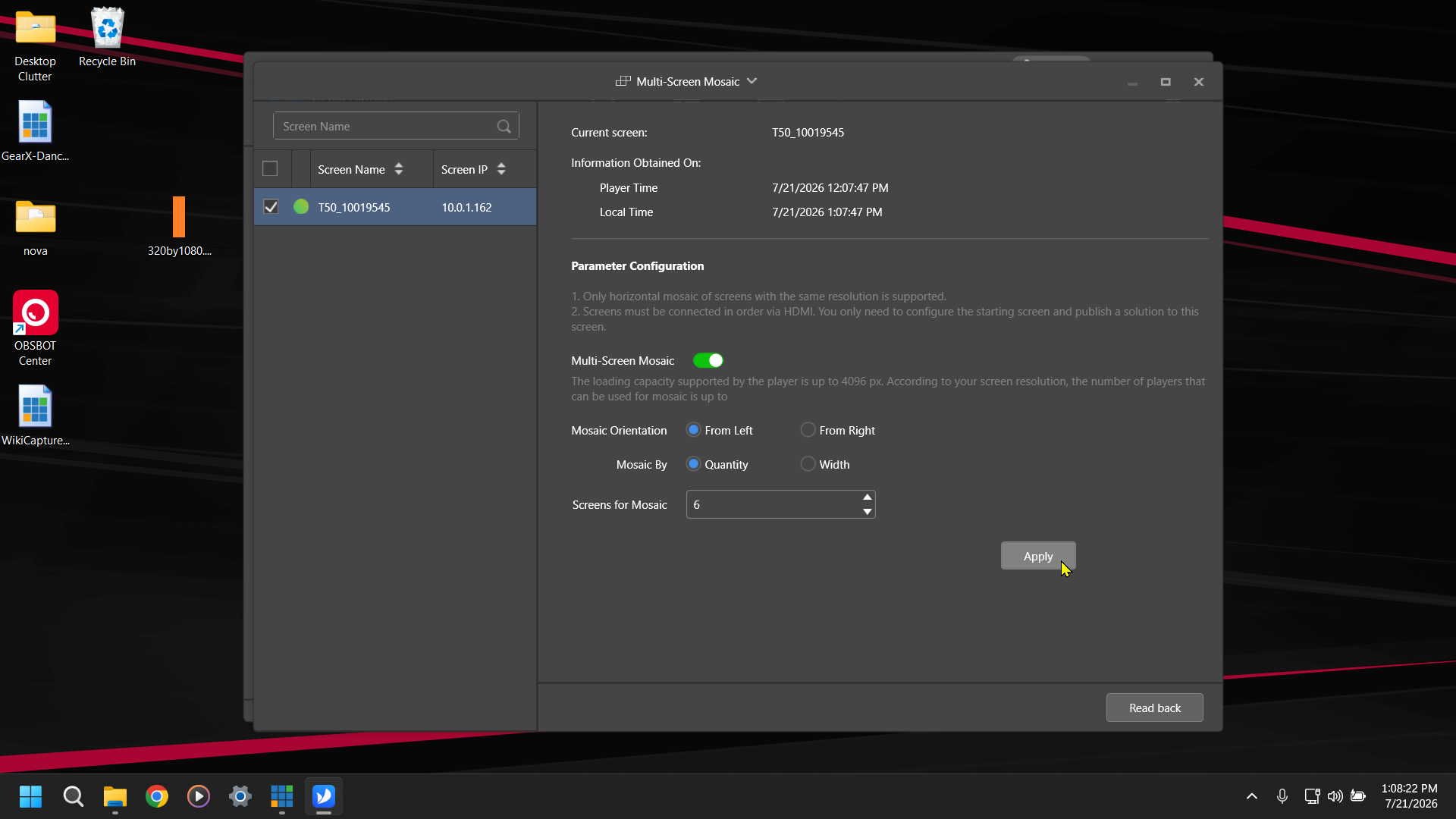
If you are just taking a single slice of a 1920 x 1080 image you need to make sure your Orientation is From Left. If you are using multiple posters as a Canvas you need to make sure that you have selected the orientation that matches the direction which you ran your HDMI Cables between the Posters.