Quick Start
This
Open canResolume, beit will load the last show or a chapterdemo orcomposition. pageClick dependingcomposition in the top left and select new composition. 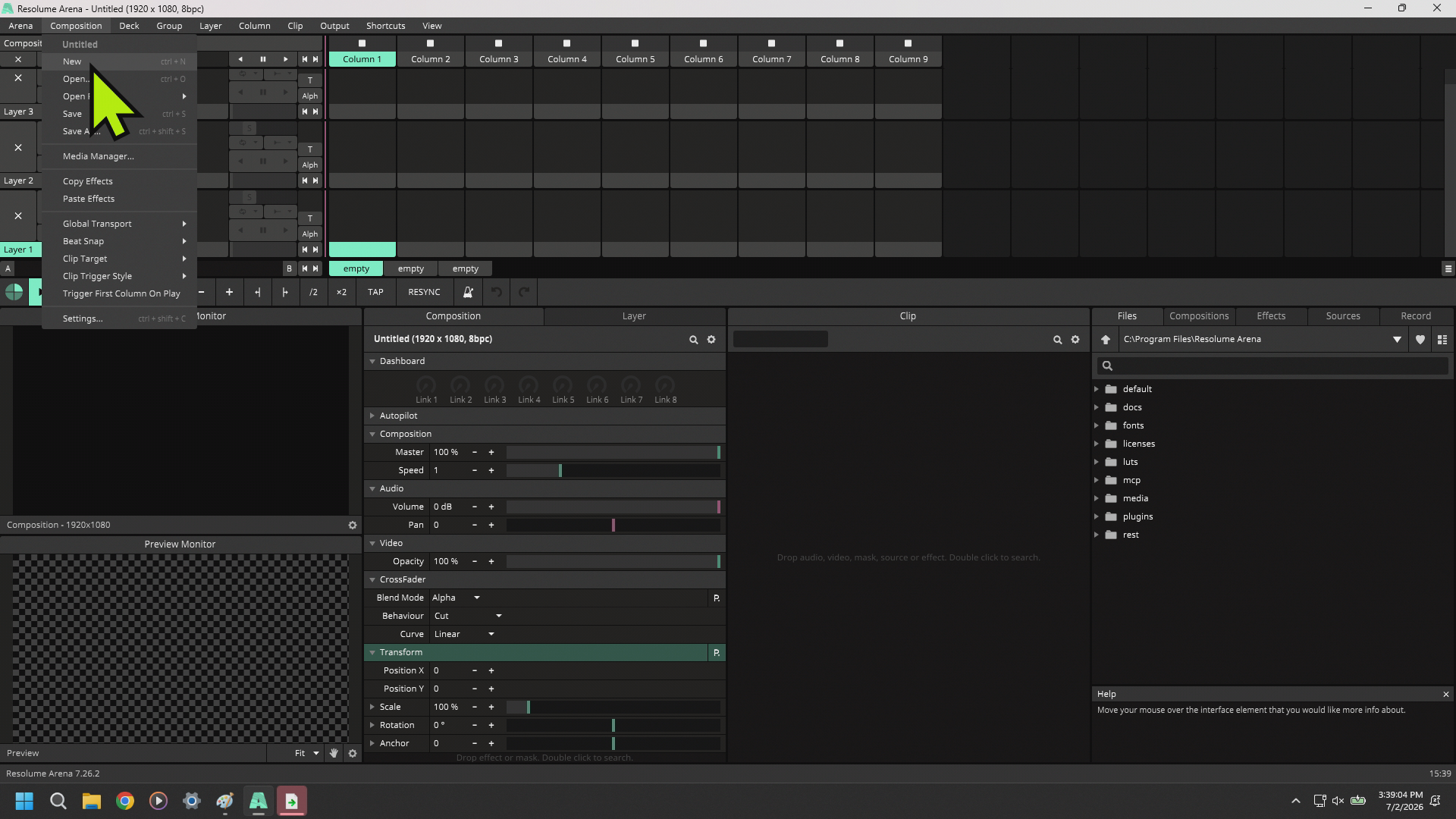
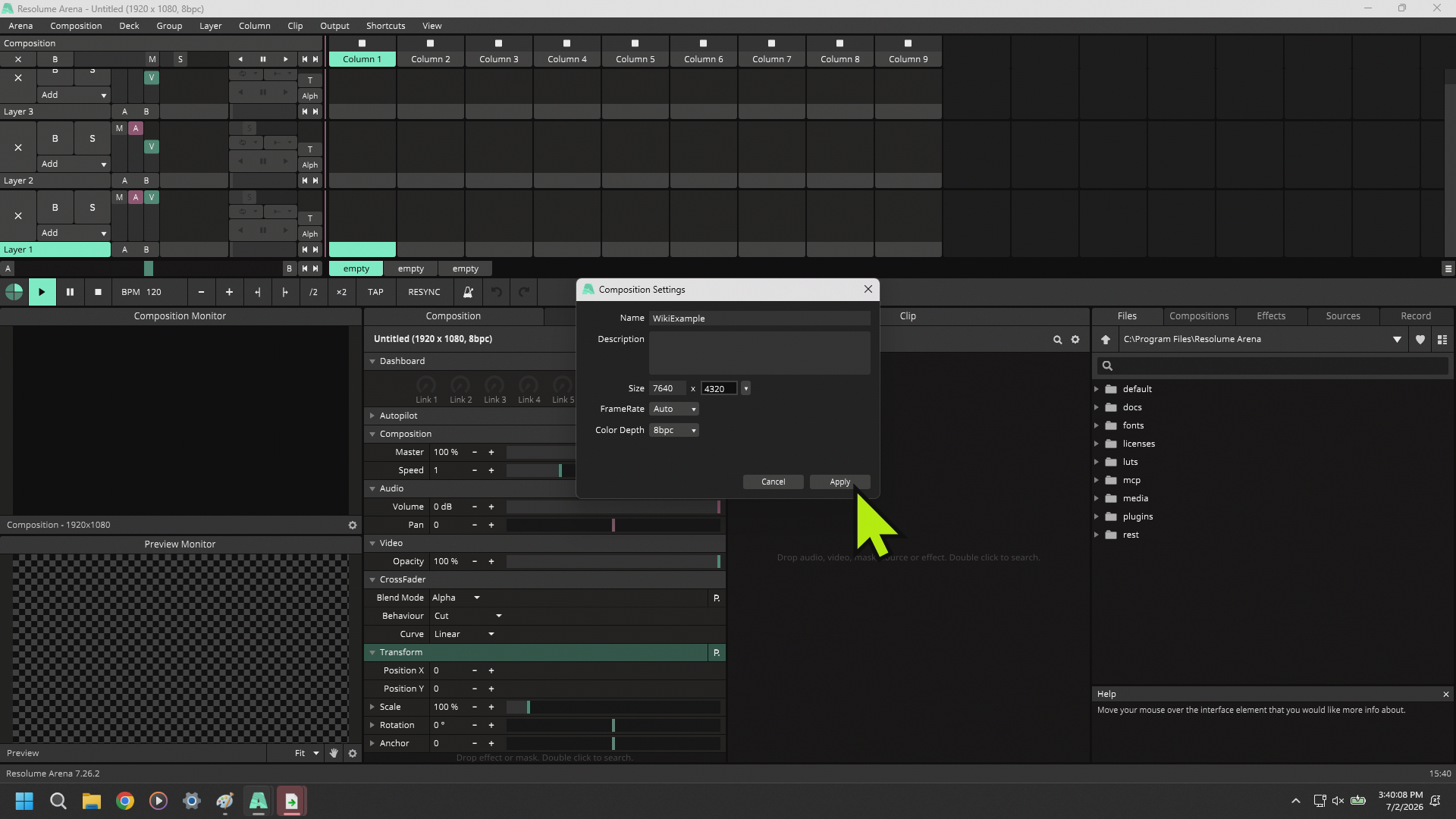
Click the gear on the composition tab in the middle of the screen and select Settings.
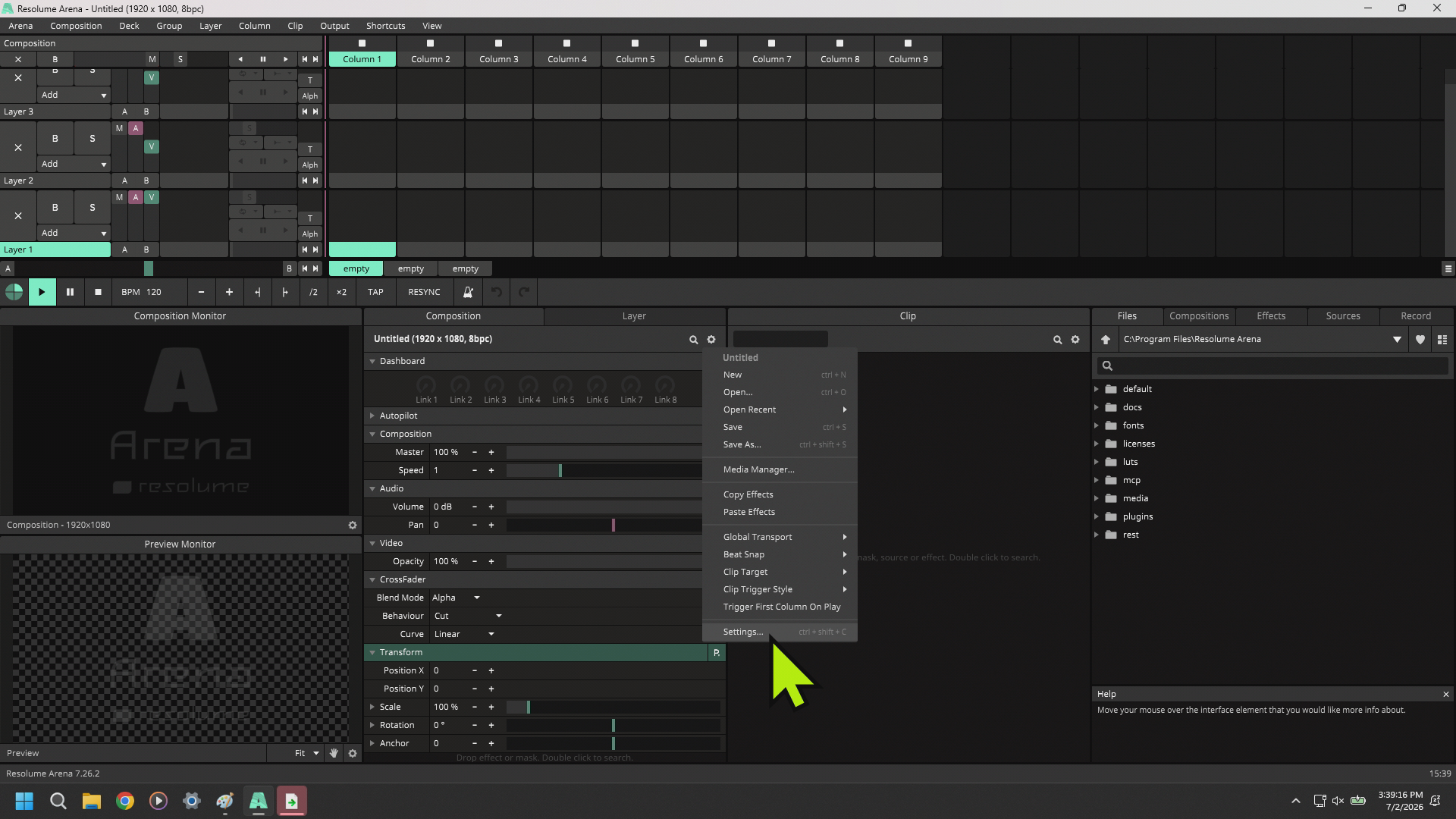
Name your organizationalcomposition needs.and change your canvas size to what you need to execute your show.