Markey's Equipment Knowledgebase
View All
Search
Shelves
Books
Log in
Info
Content
Books
Resolume Arena
Quick Start
Quick Start
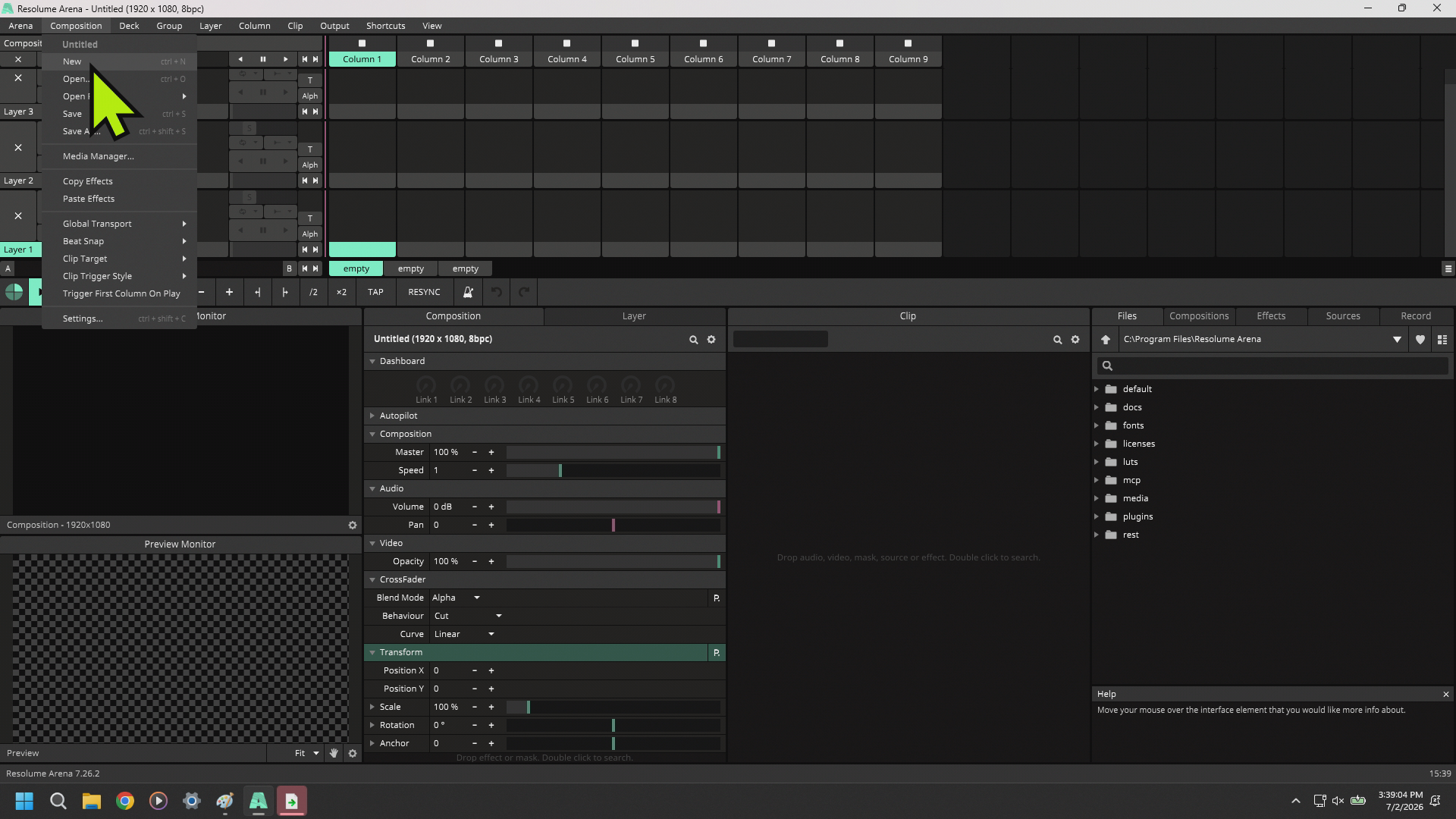
Open Resolume, it will load the last show or a demo composition. Click composition in the top left and select new composition.
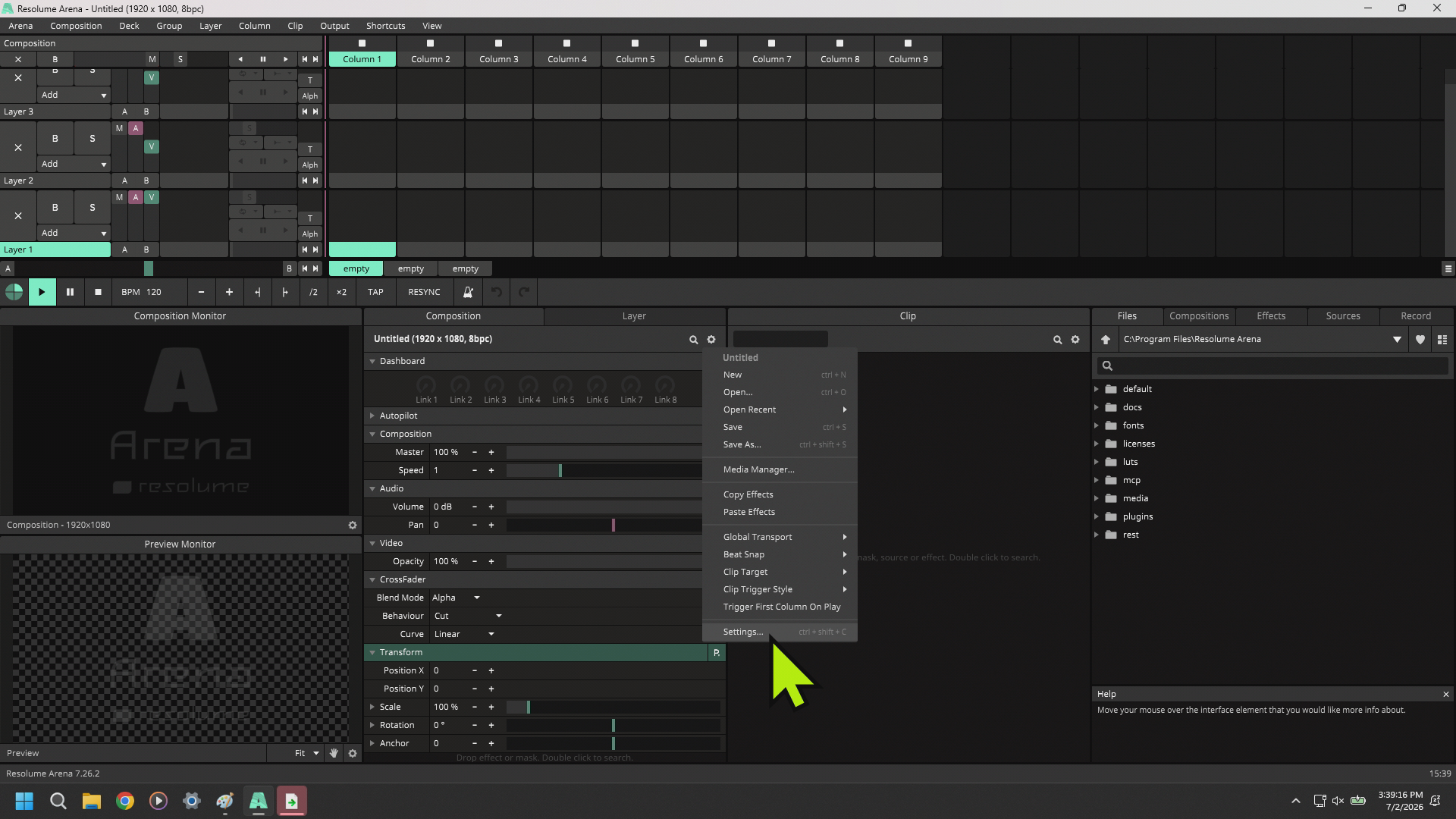
Click the gear on the composition tab in the middle of the screen and select Settings.
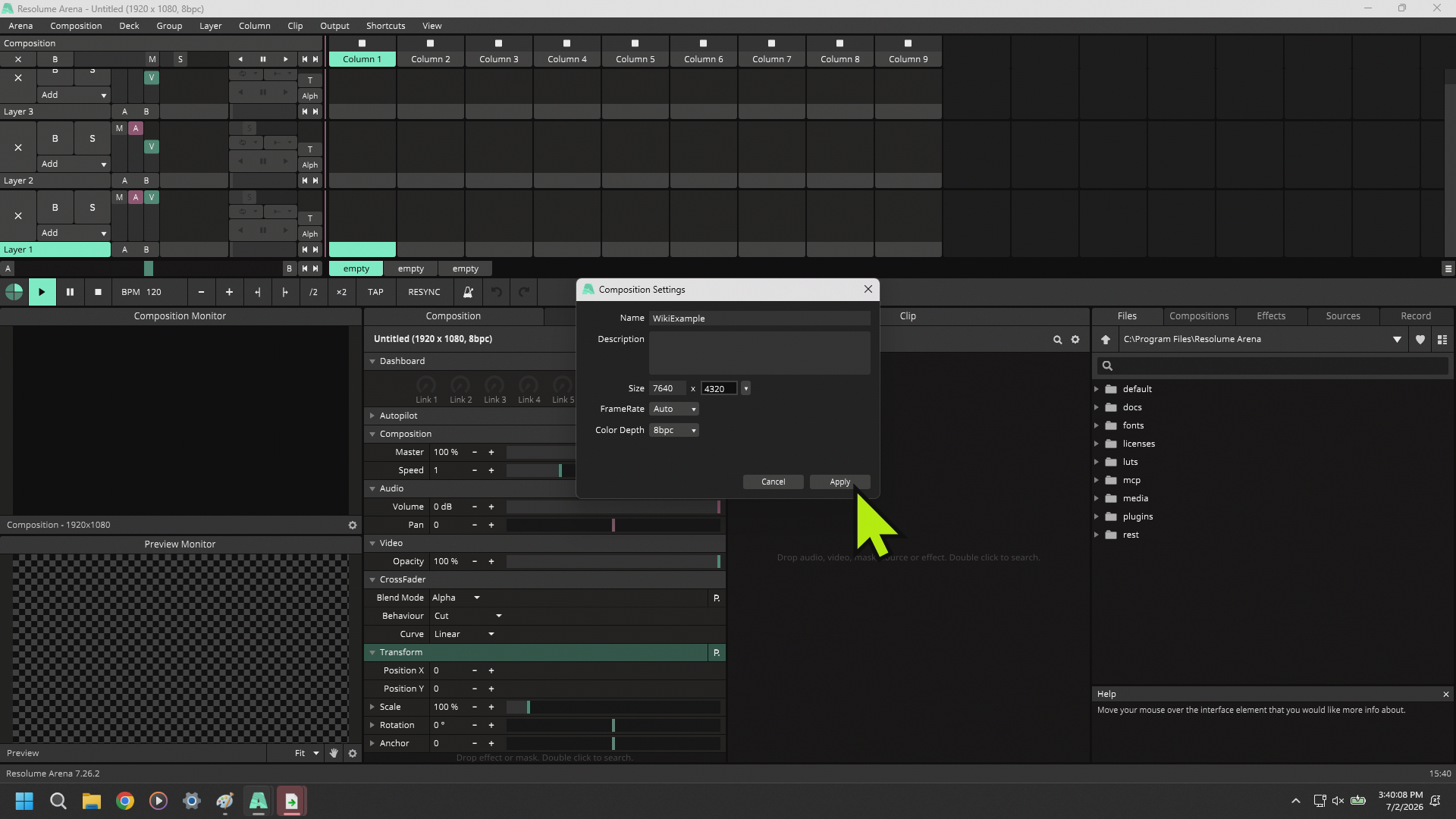
Name your composition and change your canvas size to what you need to execute your show.
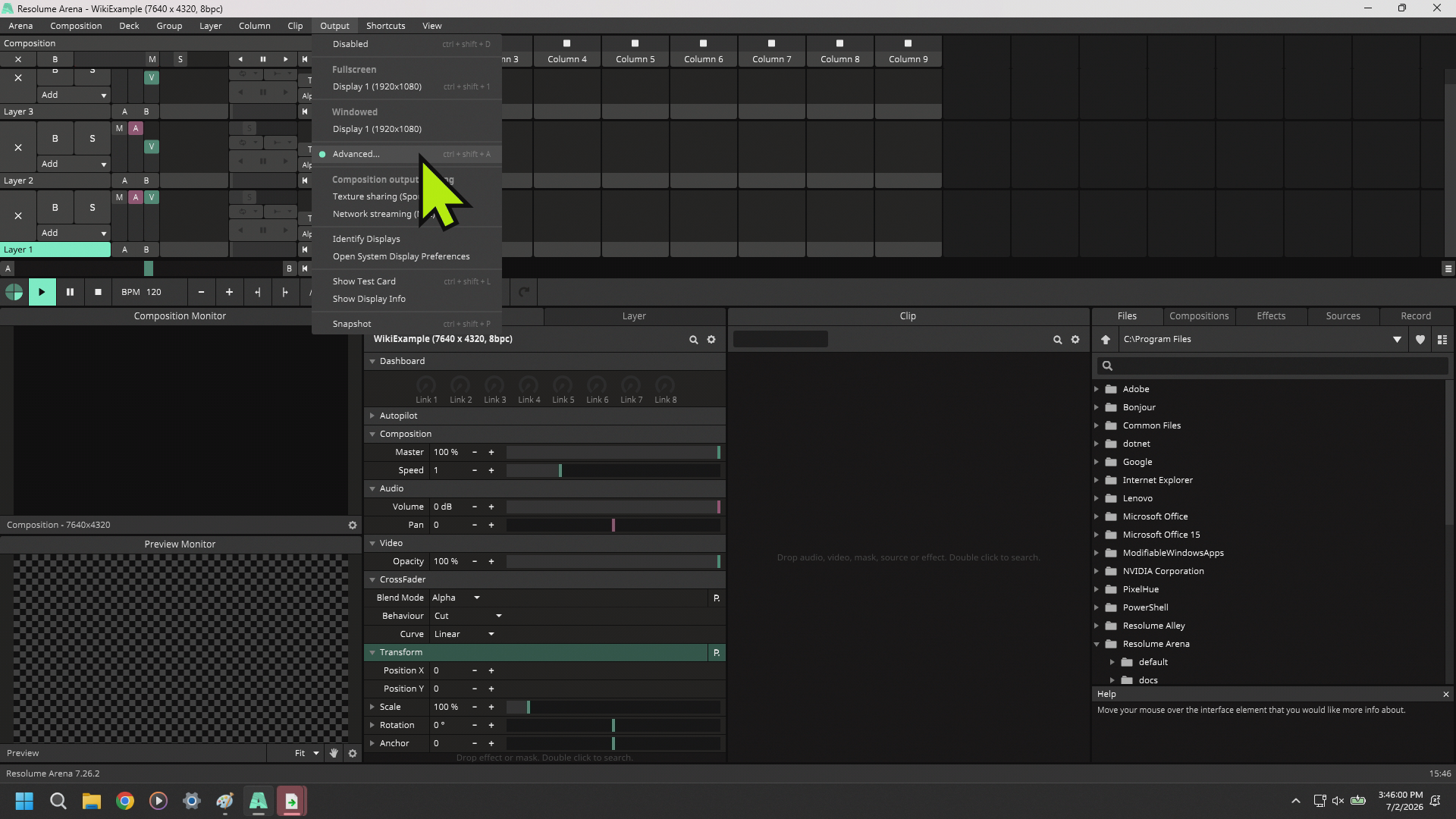
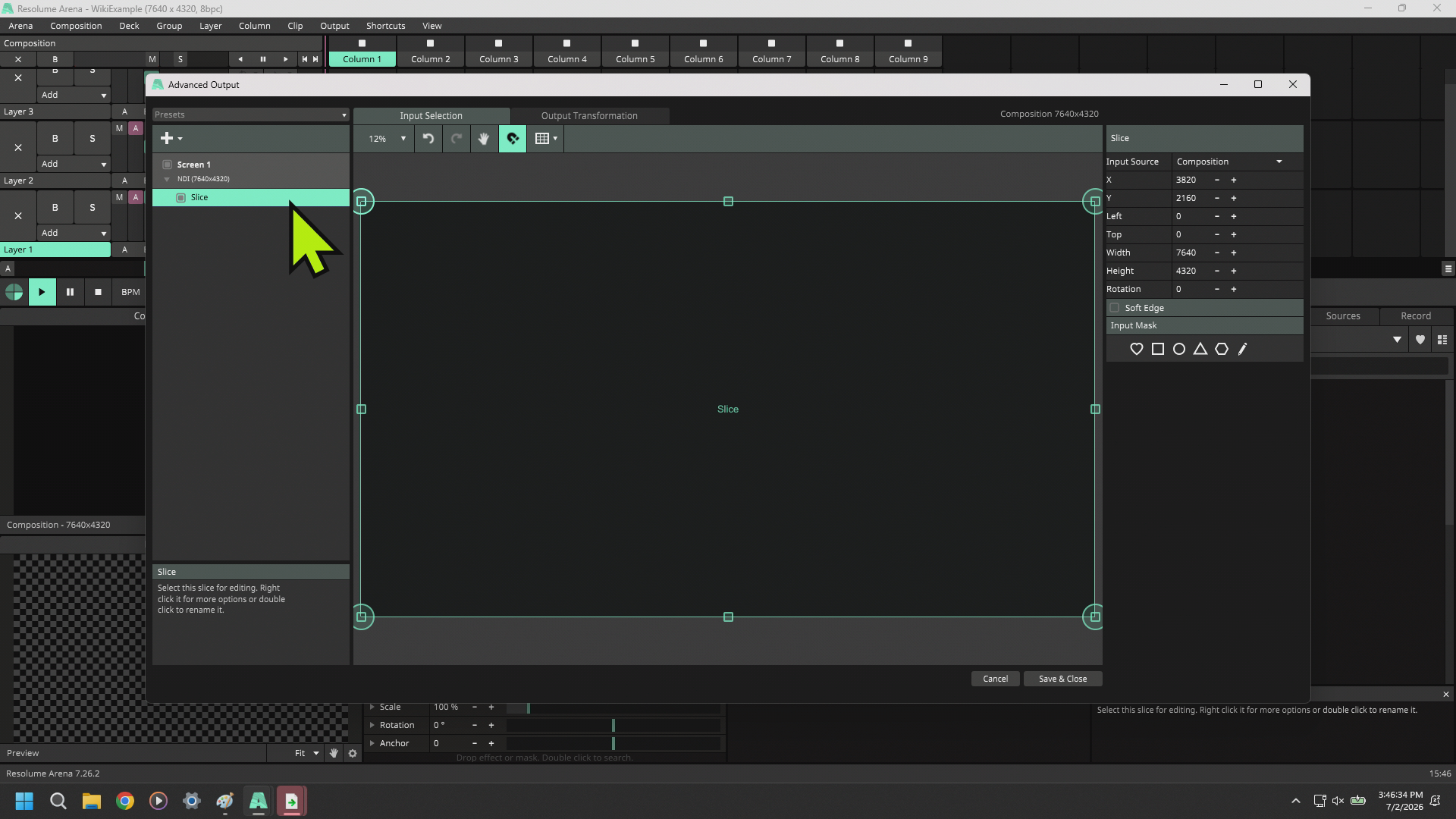
Click Output at the top and select Advanced from the drop down
Configure your Screens, Slices, Output Devices, and Input Sources as necessitated by the show
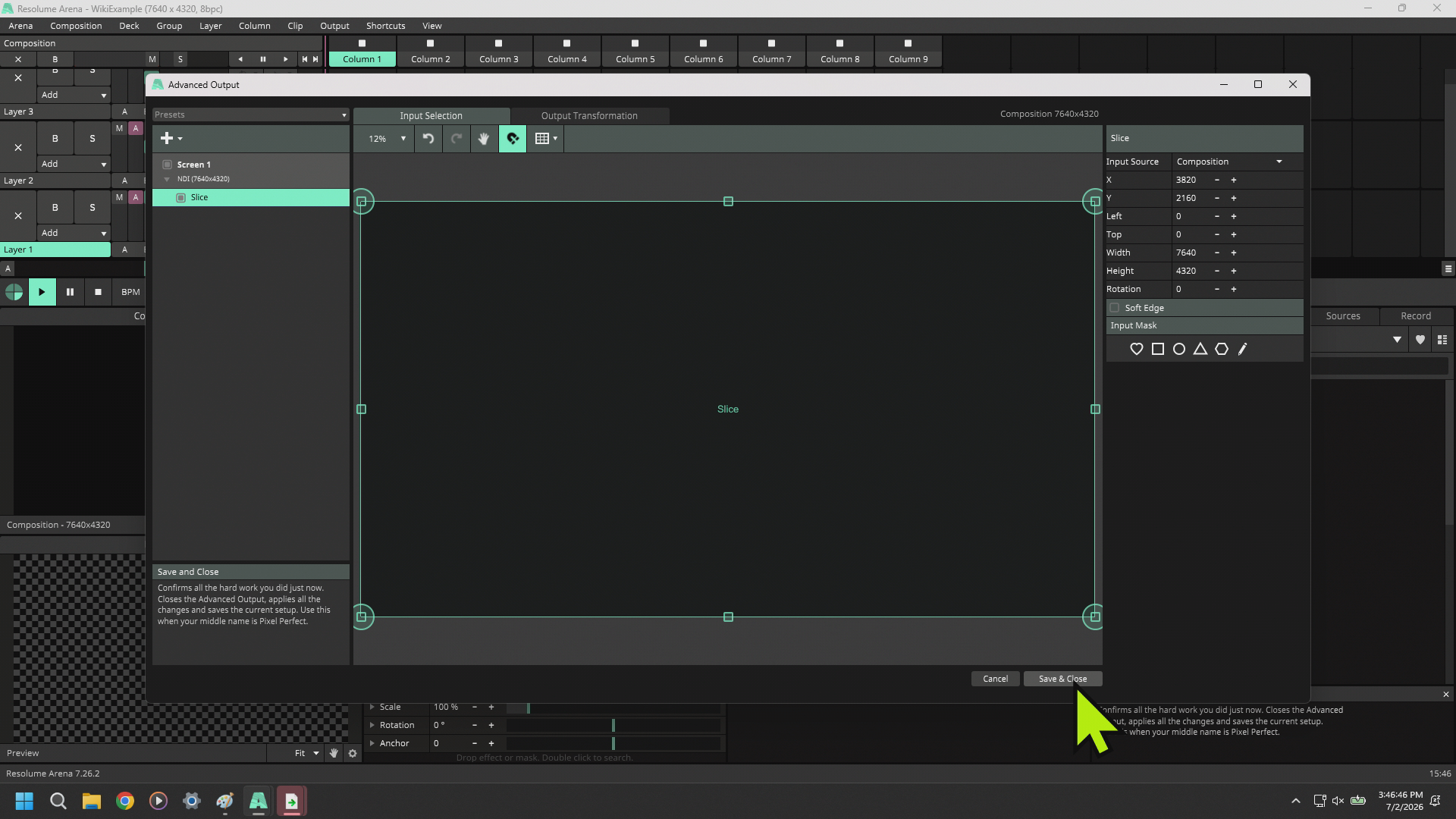
Hit Save & Close
Enter section select mode
Next
Troubleshooting
Back to top