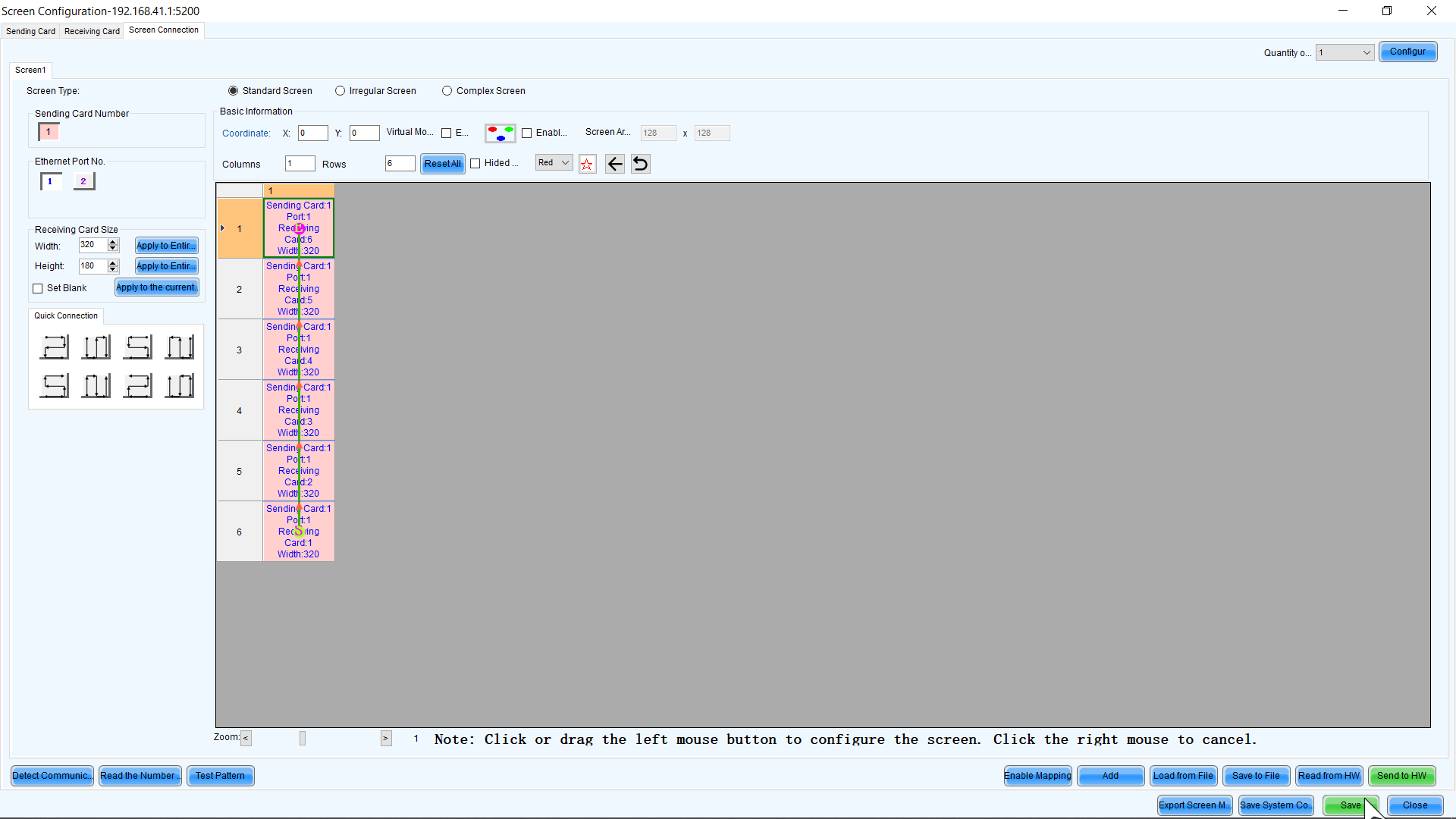
Image Repeating or Not Filling Screen// Recovering From Factory Reset
Issue Resembles:
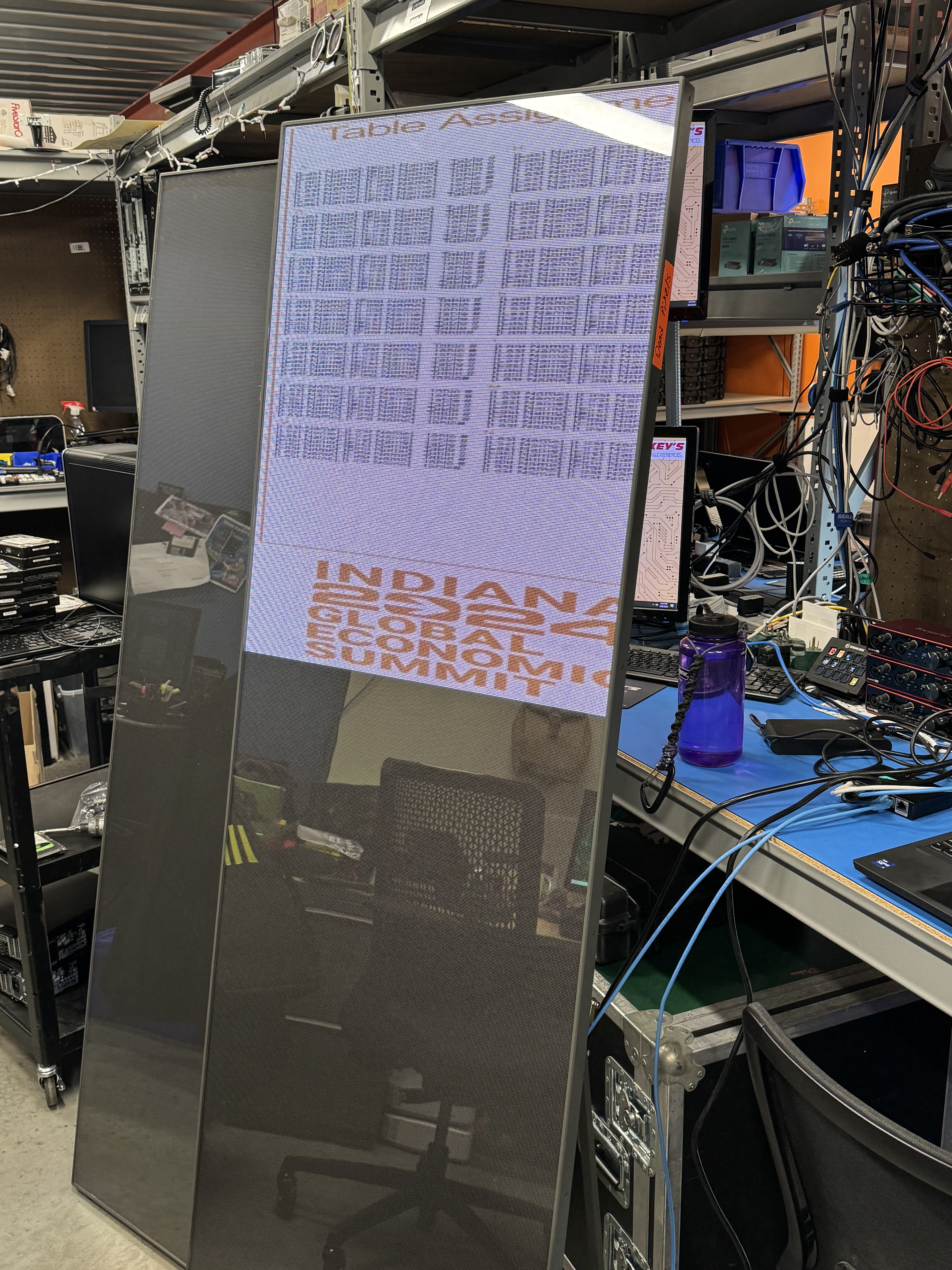
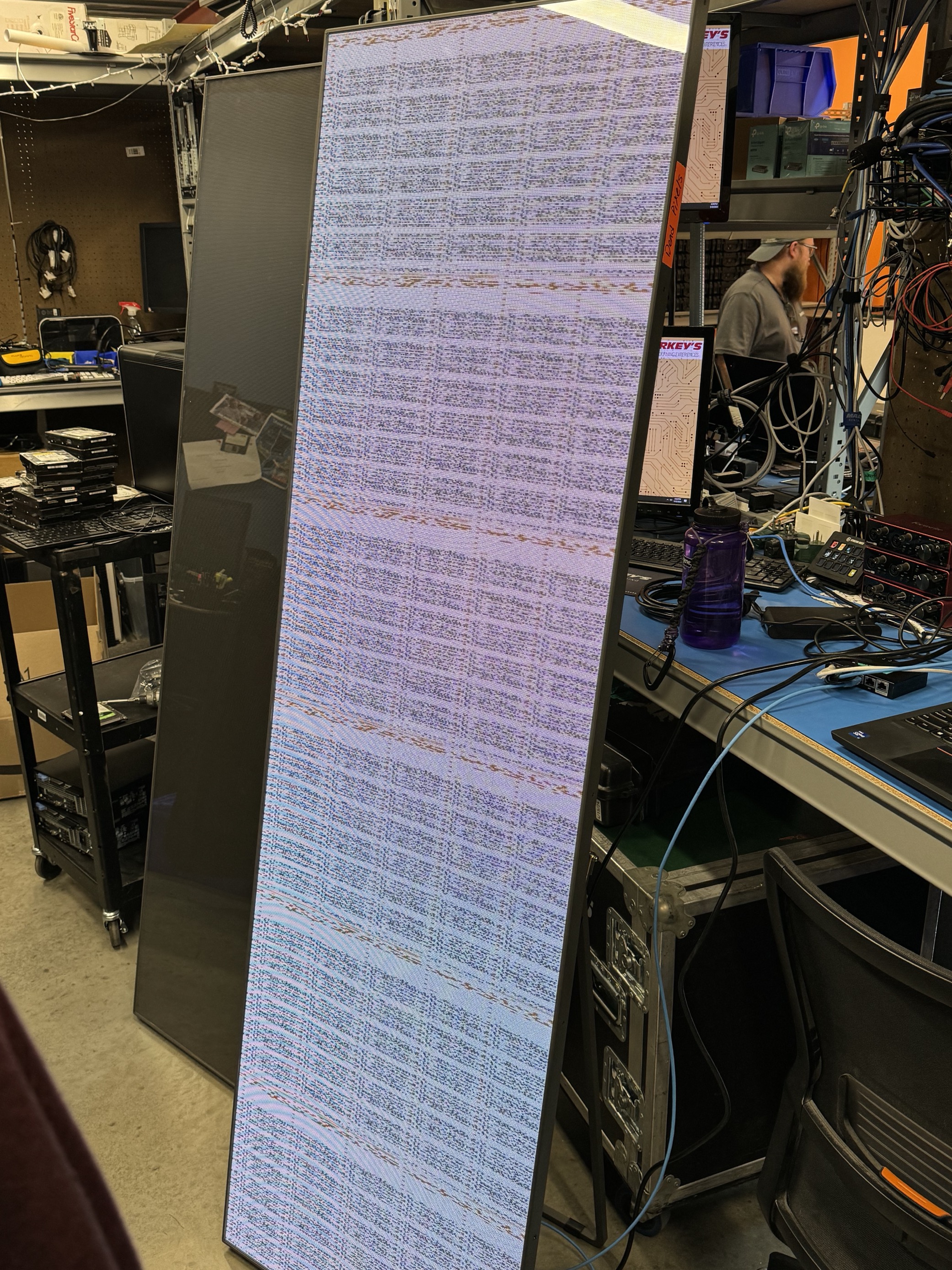
Requires:
A wifi capable PC with Novastar LCT
1. Power on Poster & install Novastar
2. Connect to the Poster's Access Point & Launch Novastar
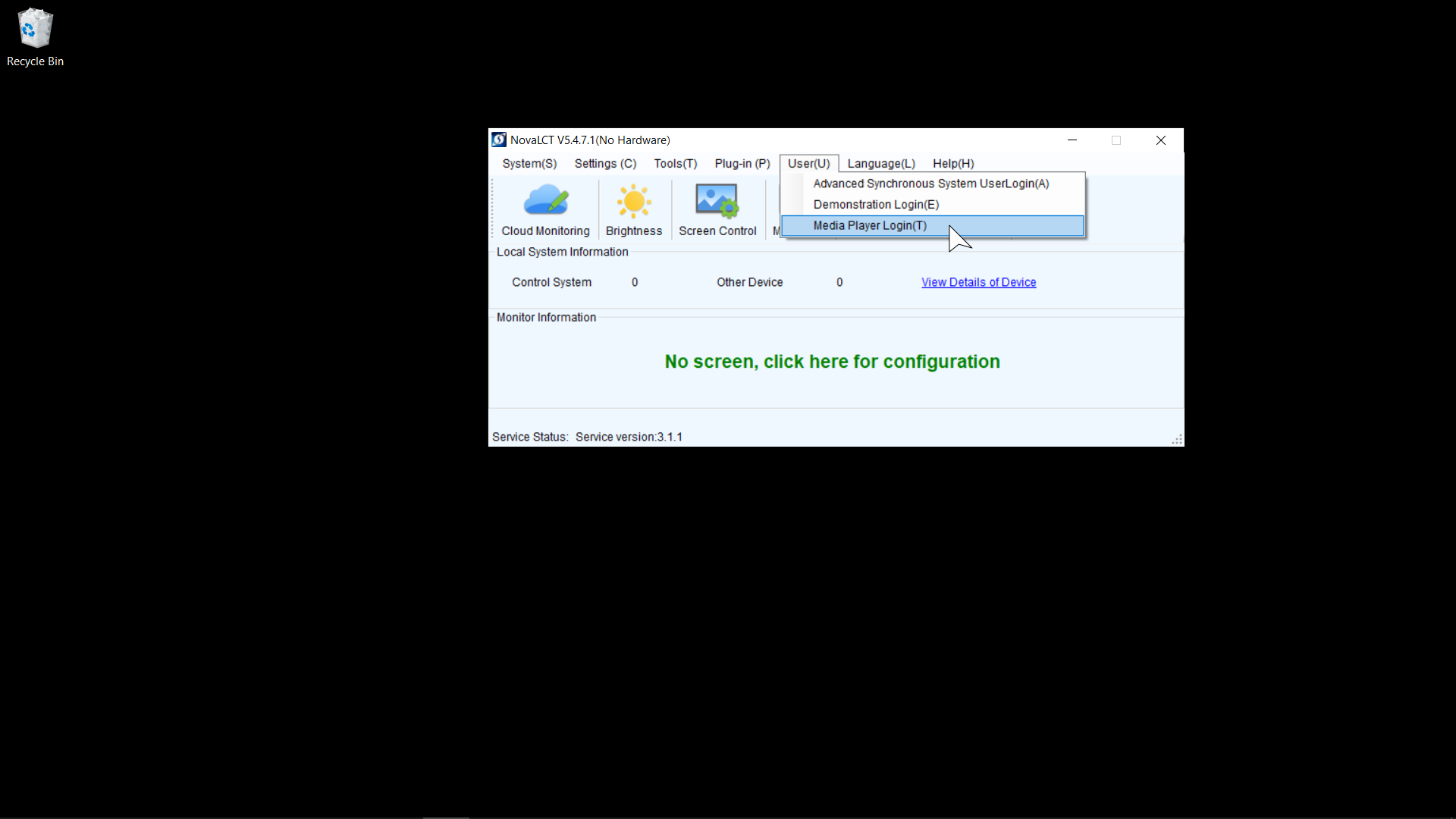
3. Select Media Player Login from the User Dropdown in Novastar
4. Select the Poster and Click Connect System
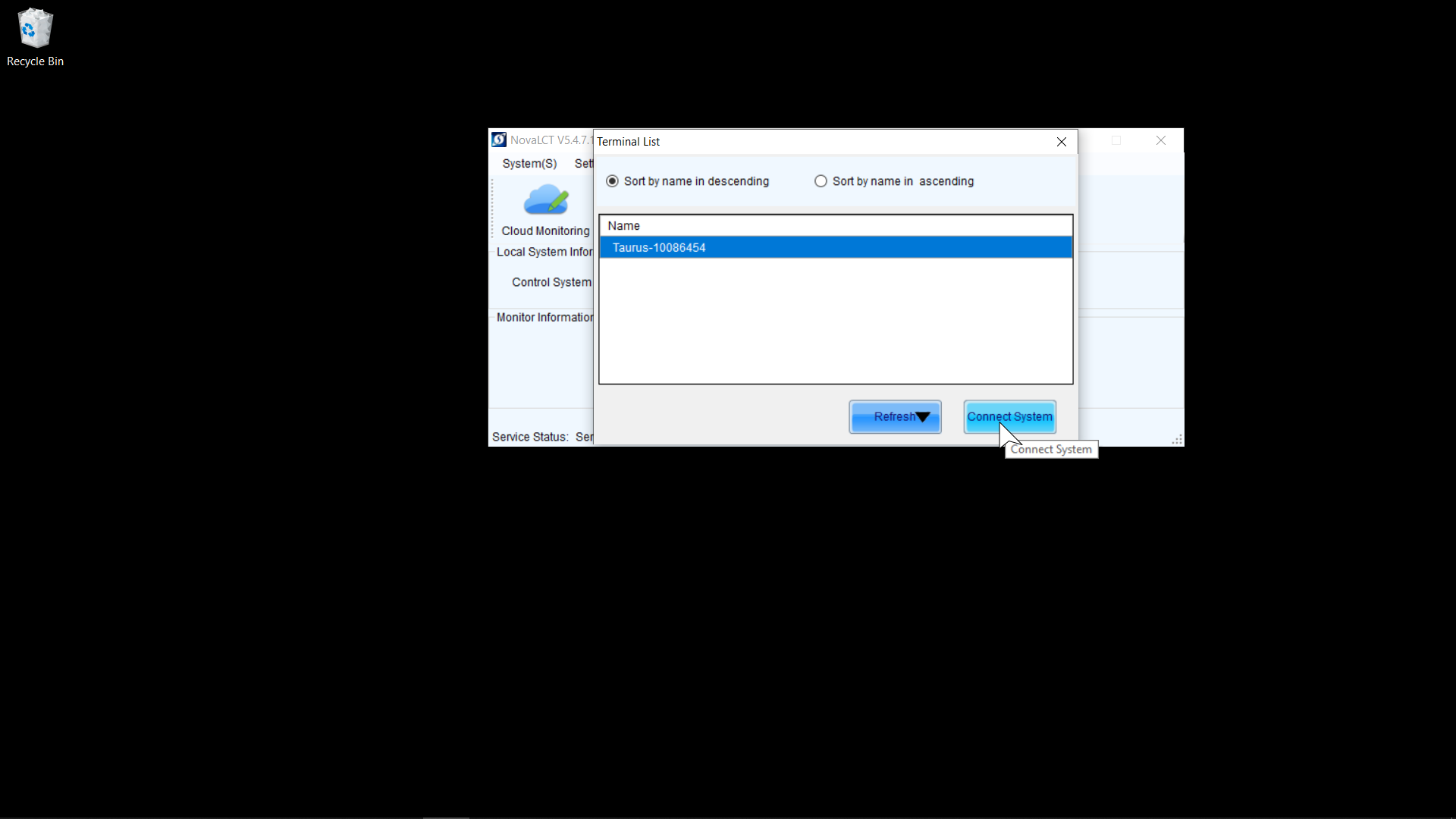
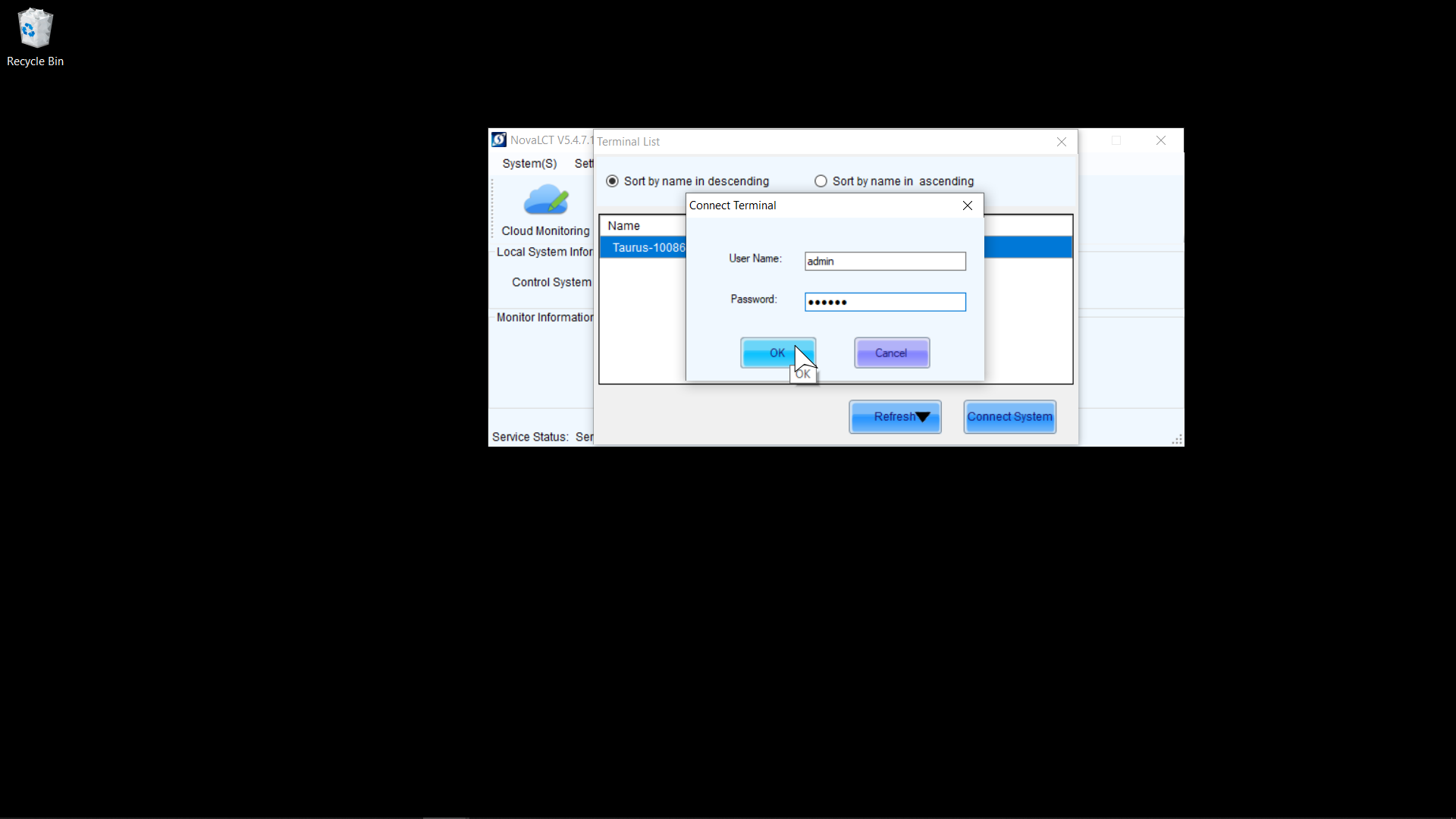
5. Enter Login Credentias and Click Ok
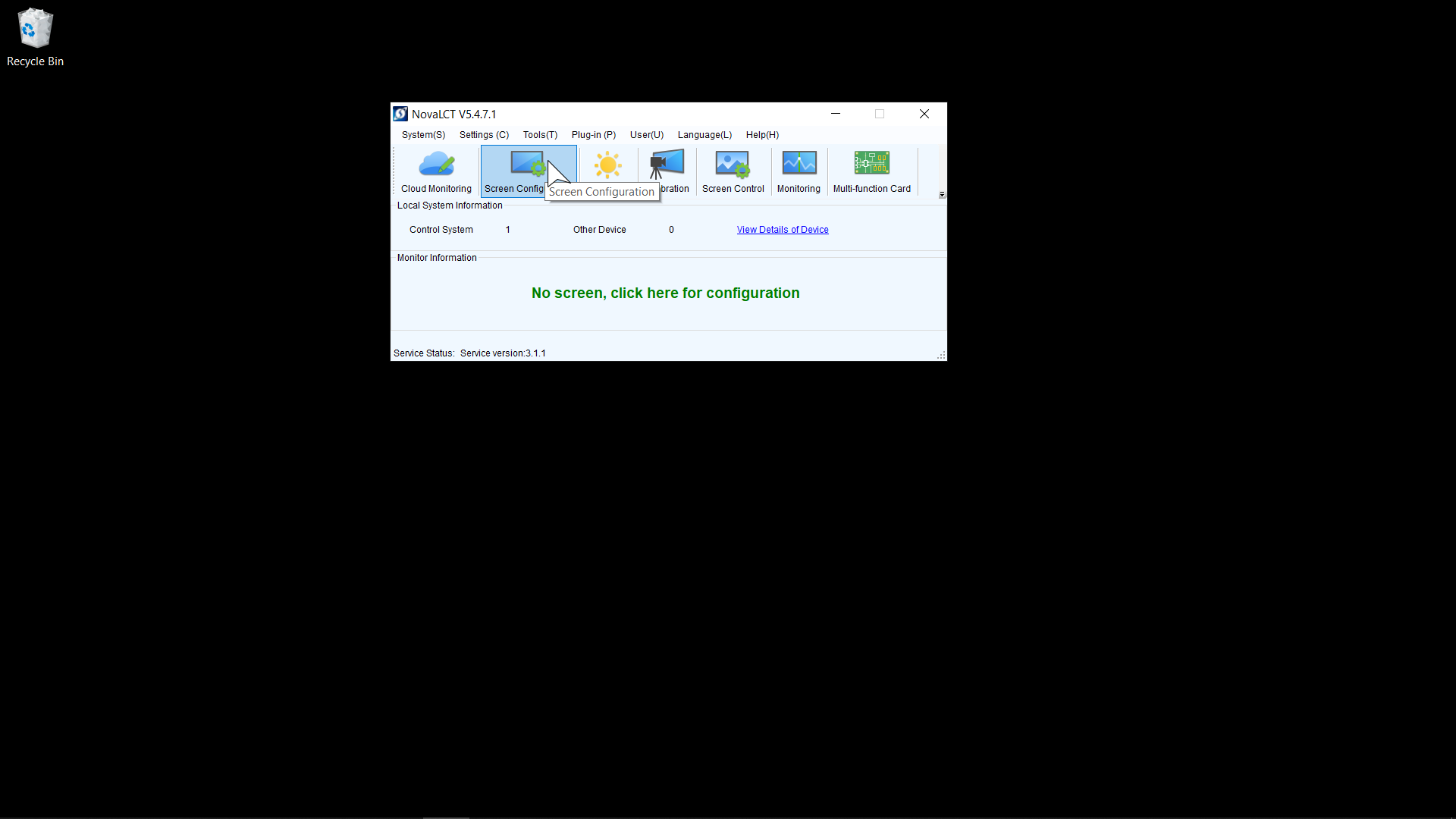
6. Click Screen Configuration
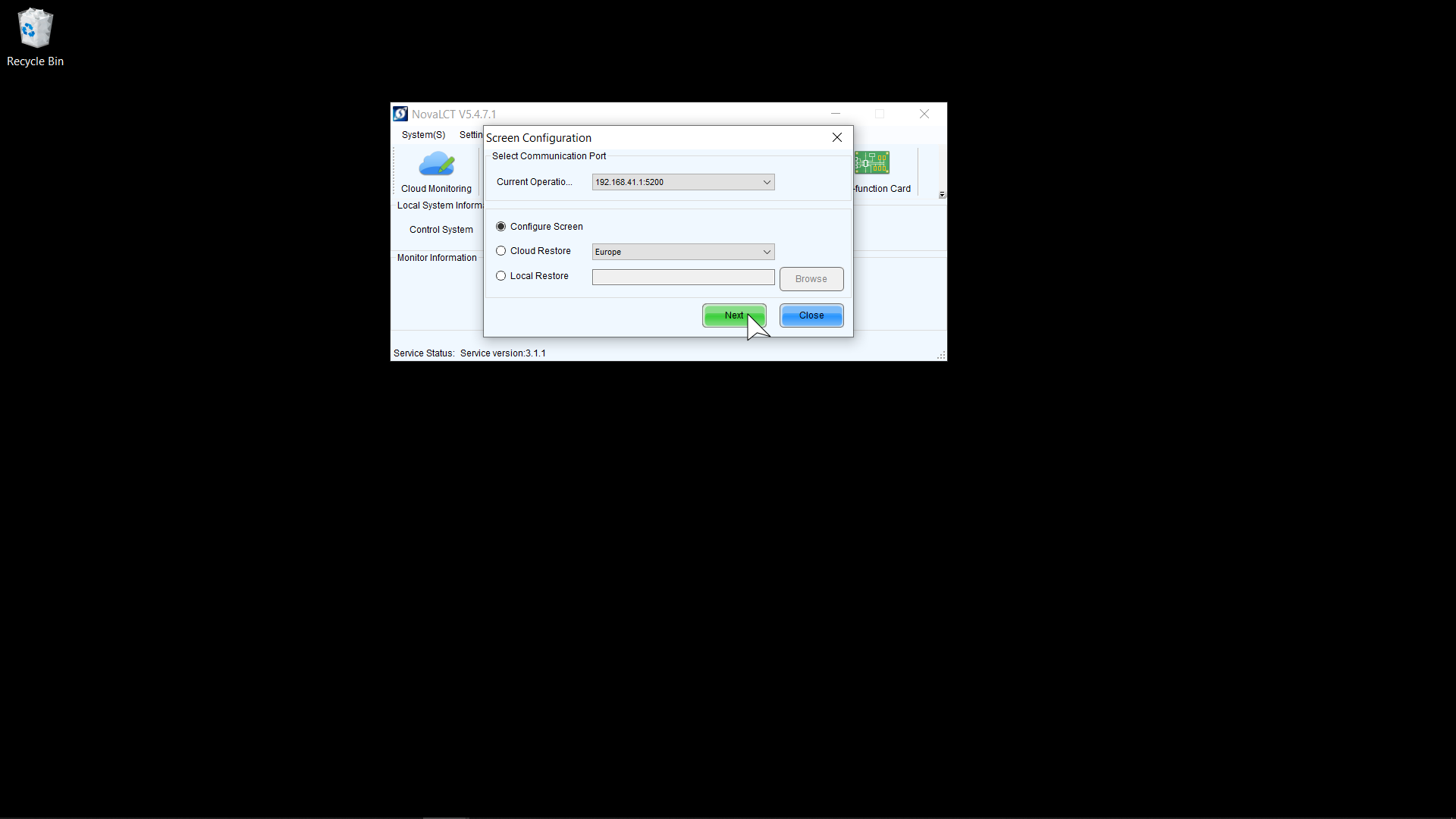
7. Click Next
8. Click Screen Connection
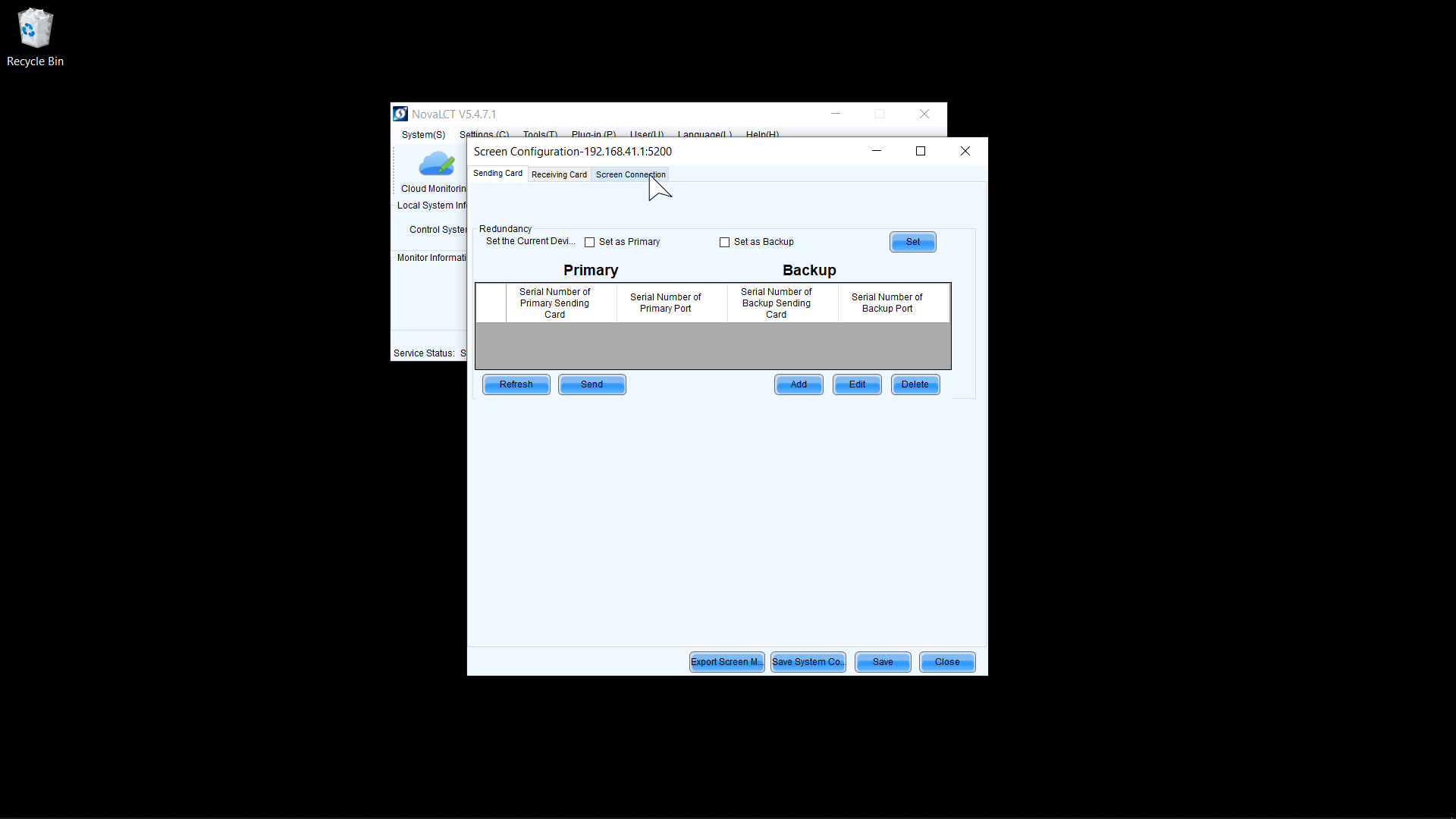
9. Set Rows to 6
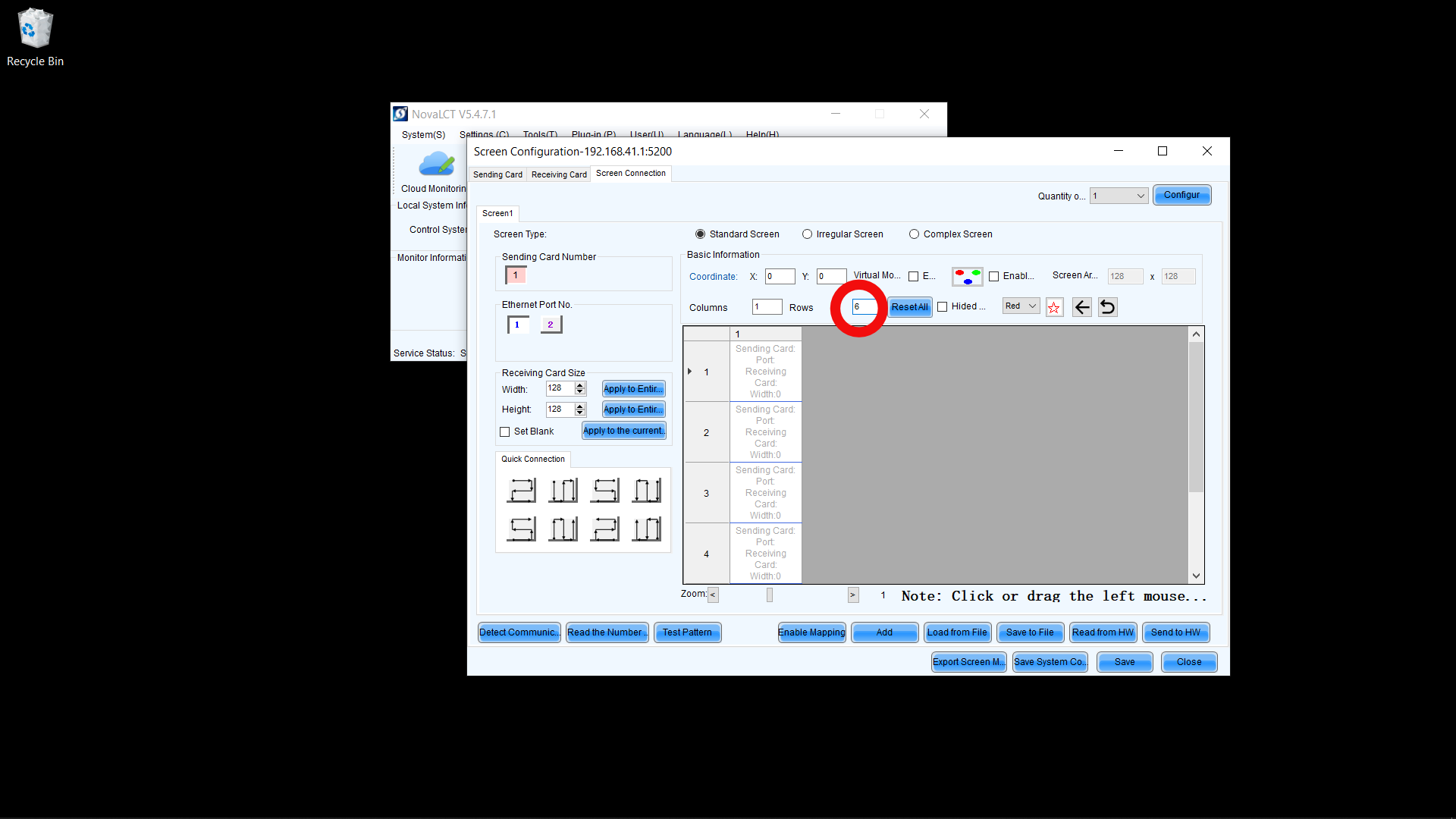
10. Patch from 6(Bottom) to 1(Top)
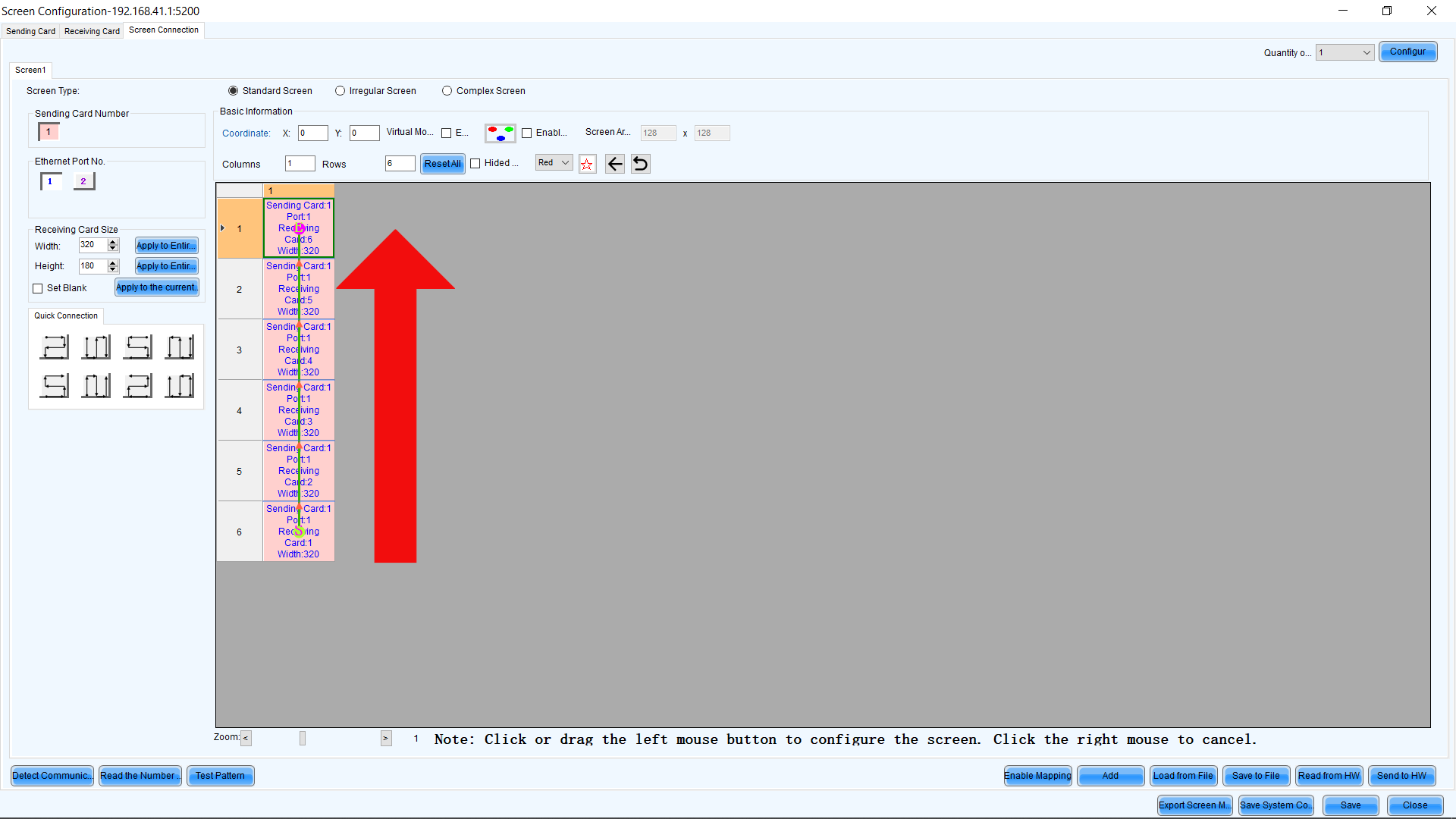
11. Send to HW
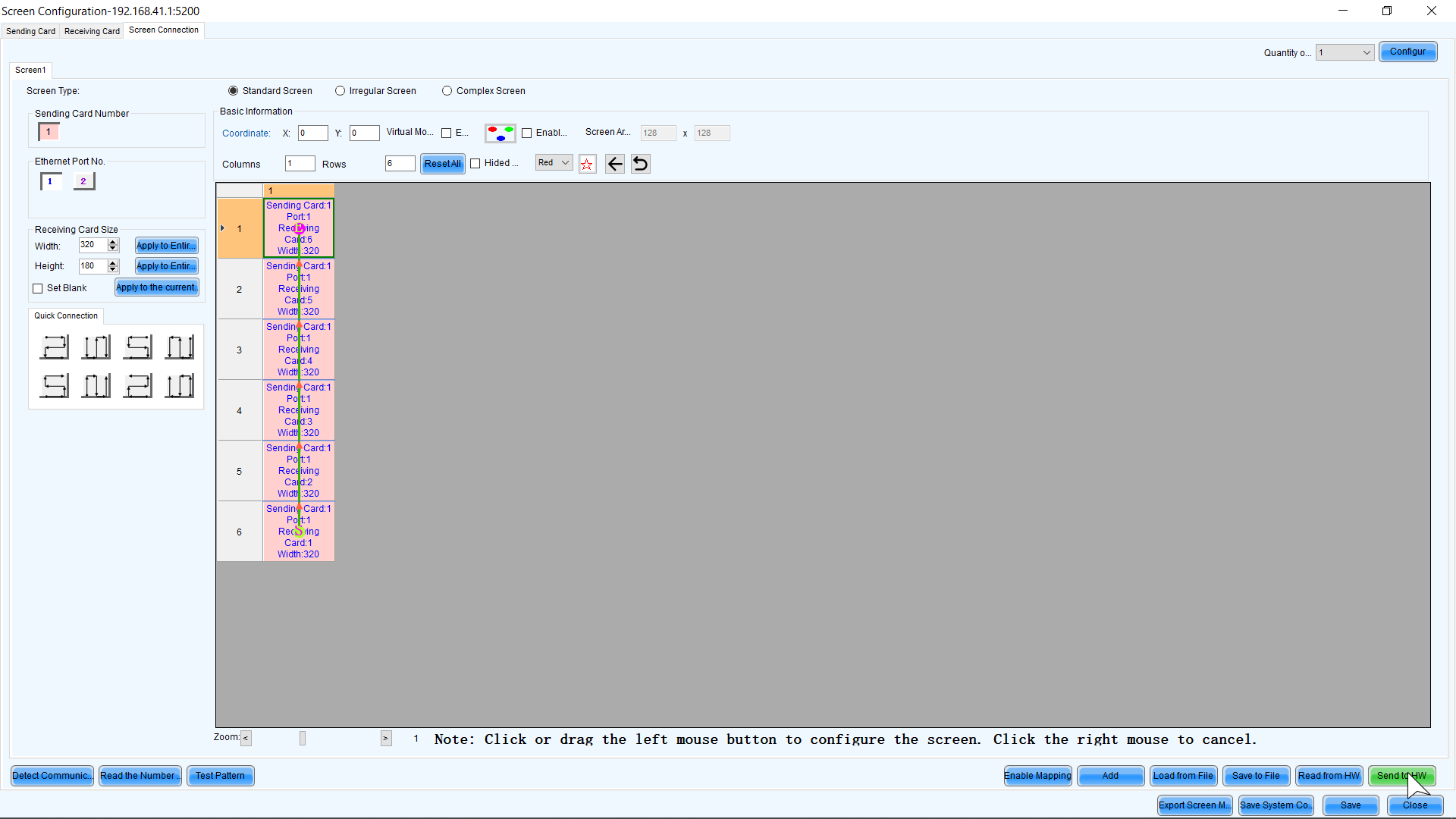
12. Save