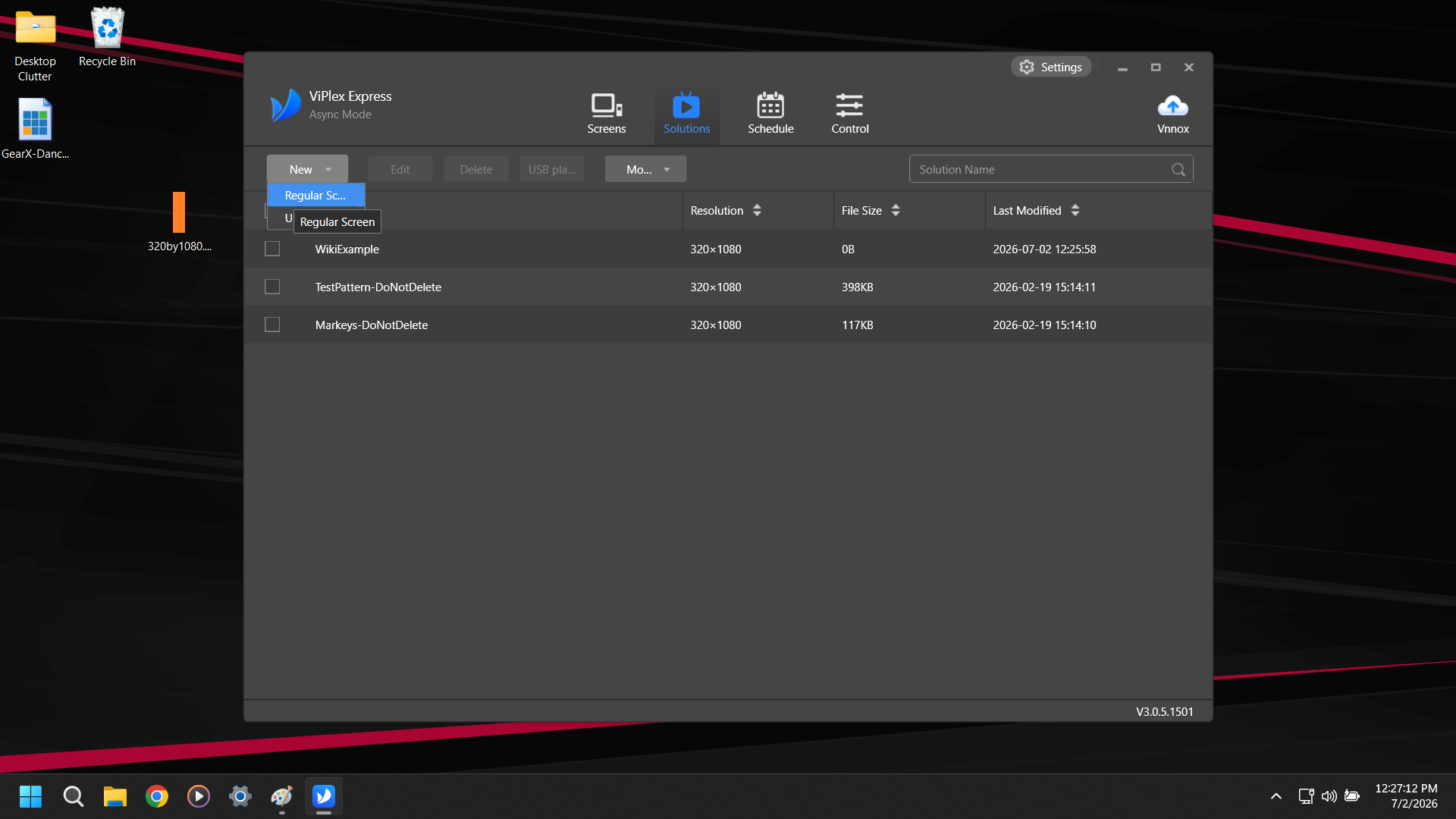
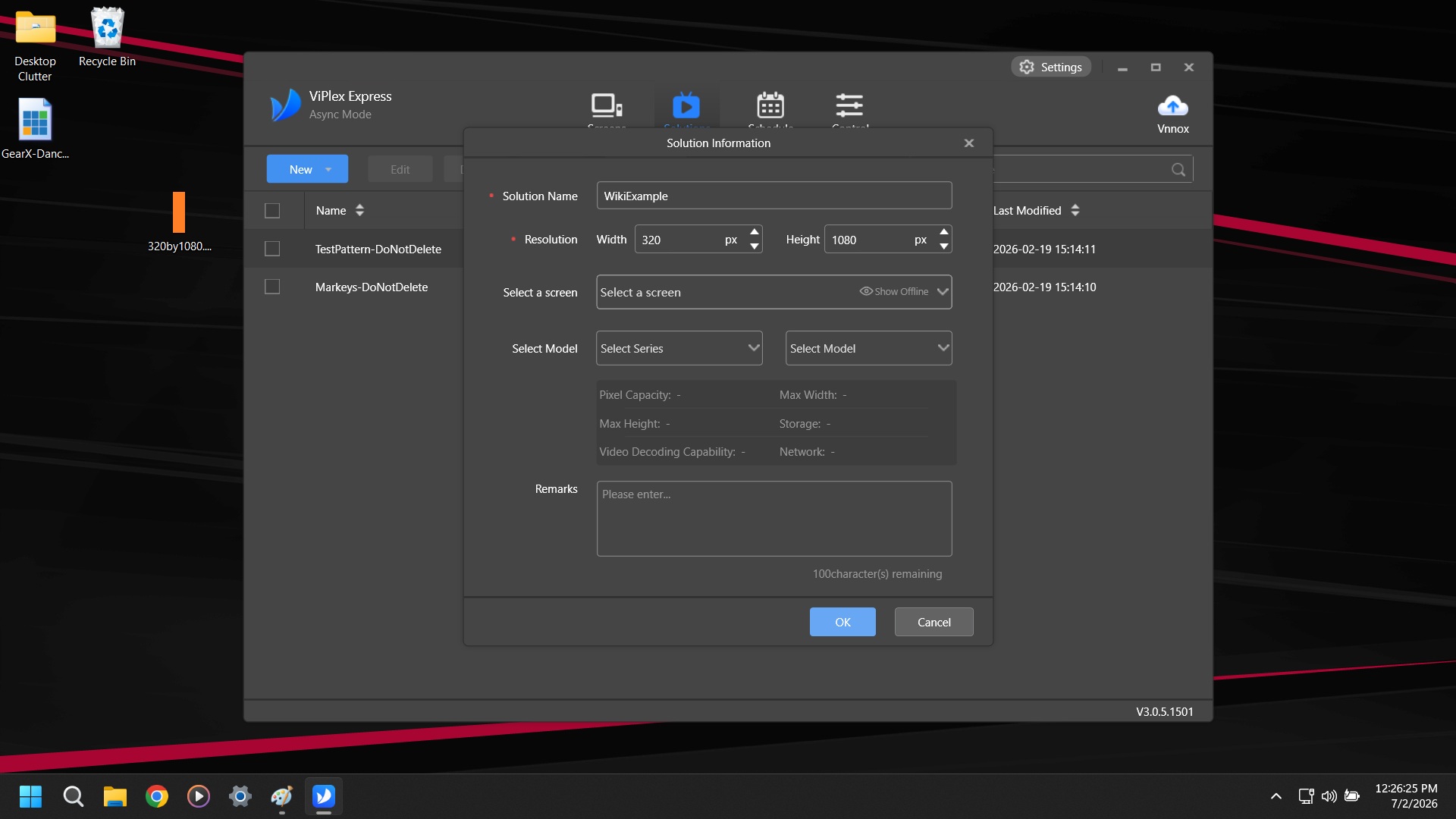
Name your Solution and change the Resolution to 320x1080. The other settings can be ignored. Hit OK.
You can also set it to 640, 960, 1280, 1600, or 1920 if you are building a playlist to stretch across 2-6 posters.
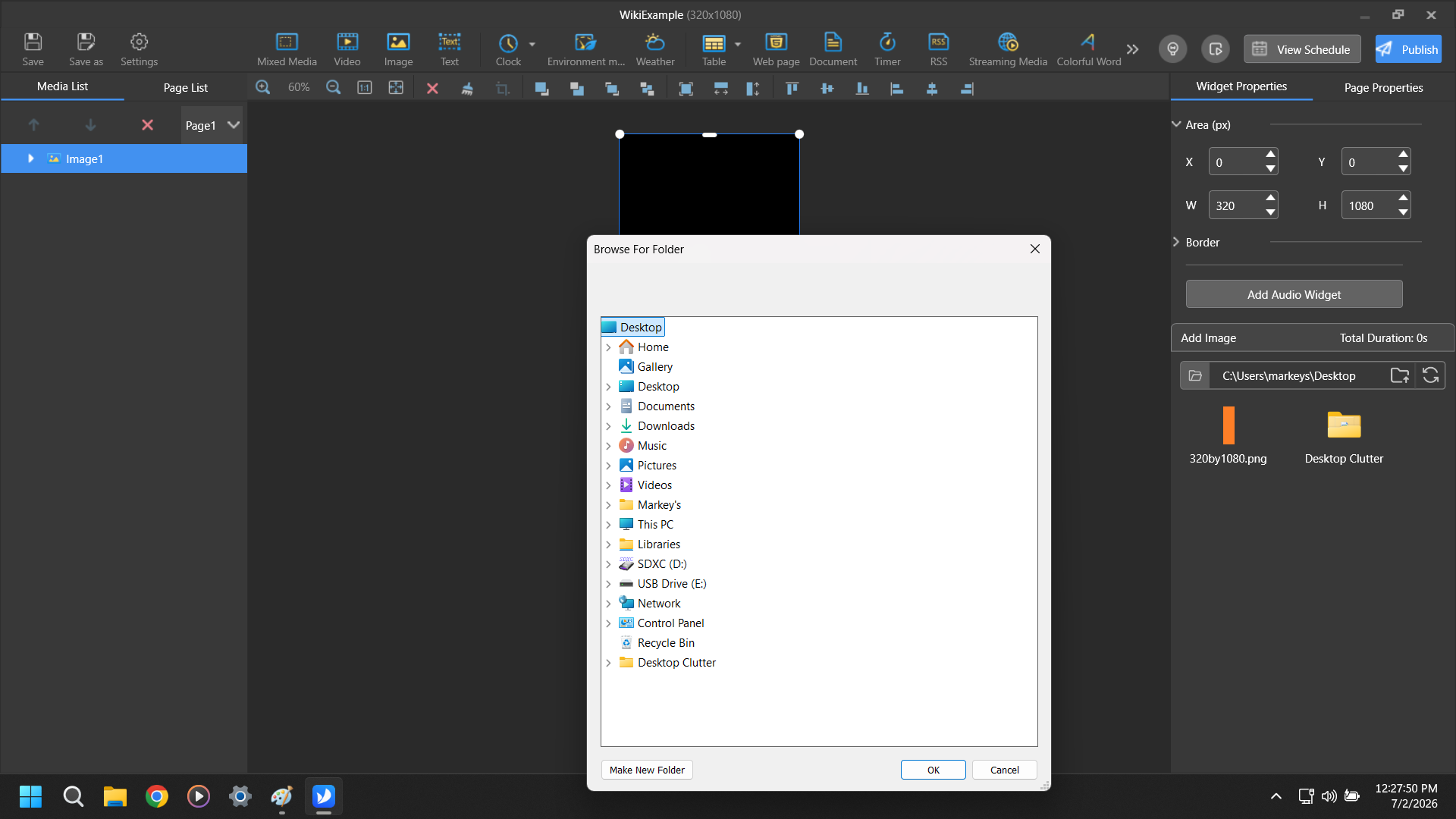
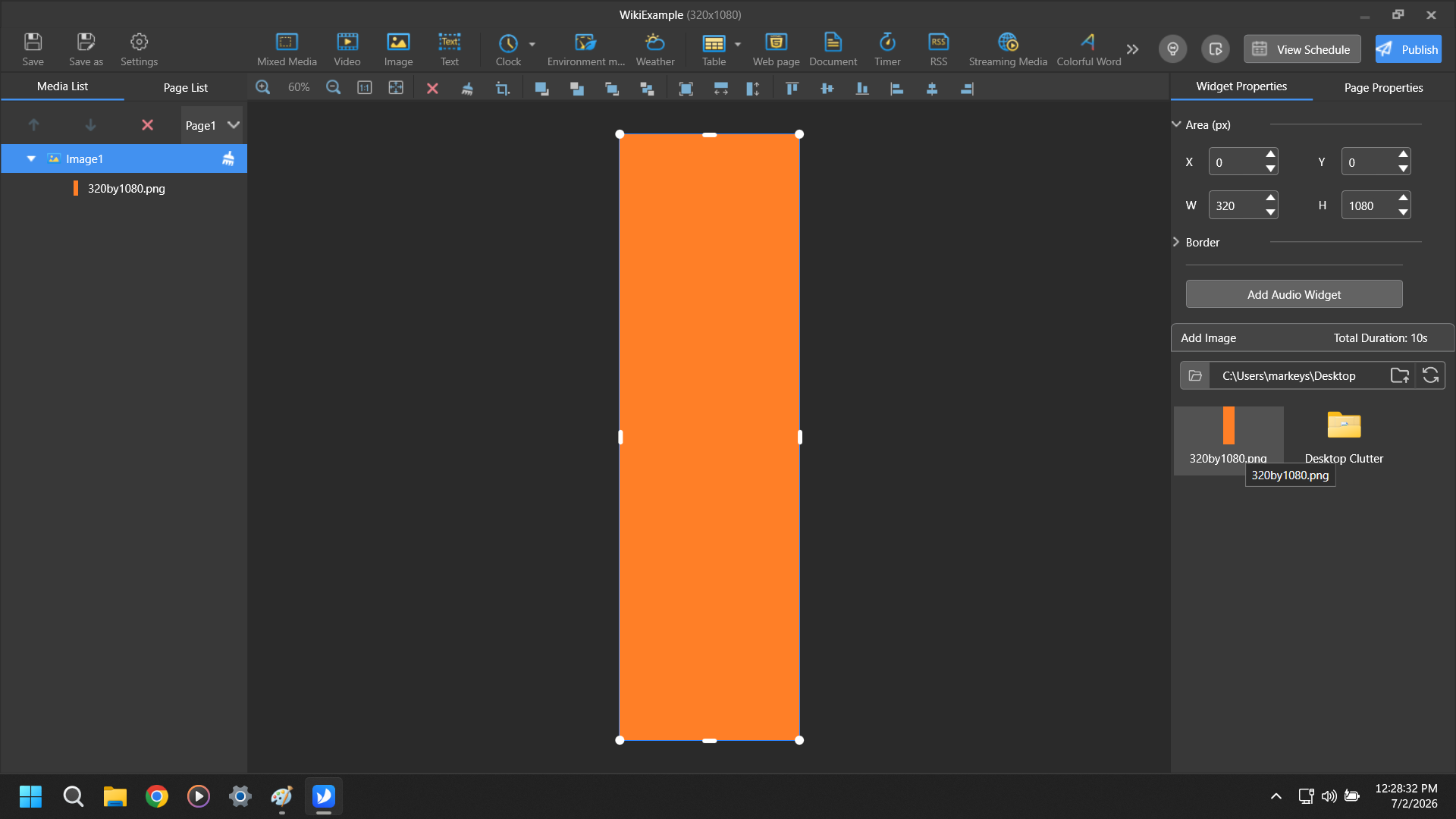
Select the Media Type you want to Ad from the options across the top and then select the Folder where the Media is located if this is your first time using the app.
Select the specific media you wish to add from the Media bin in the lower right. Make sure to hit Save.