Skip to main content
Markey's Equipment Knowledgebase
View All
Search
Shelves
Books
Log in
Info
Content
Viplex Express 3:Creat...
Page Revisions
Revision #1675
Viplex Express 3:Creating A Solution
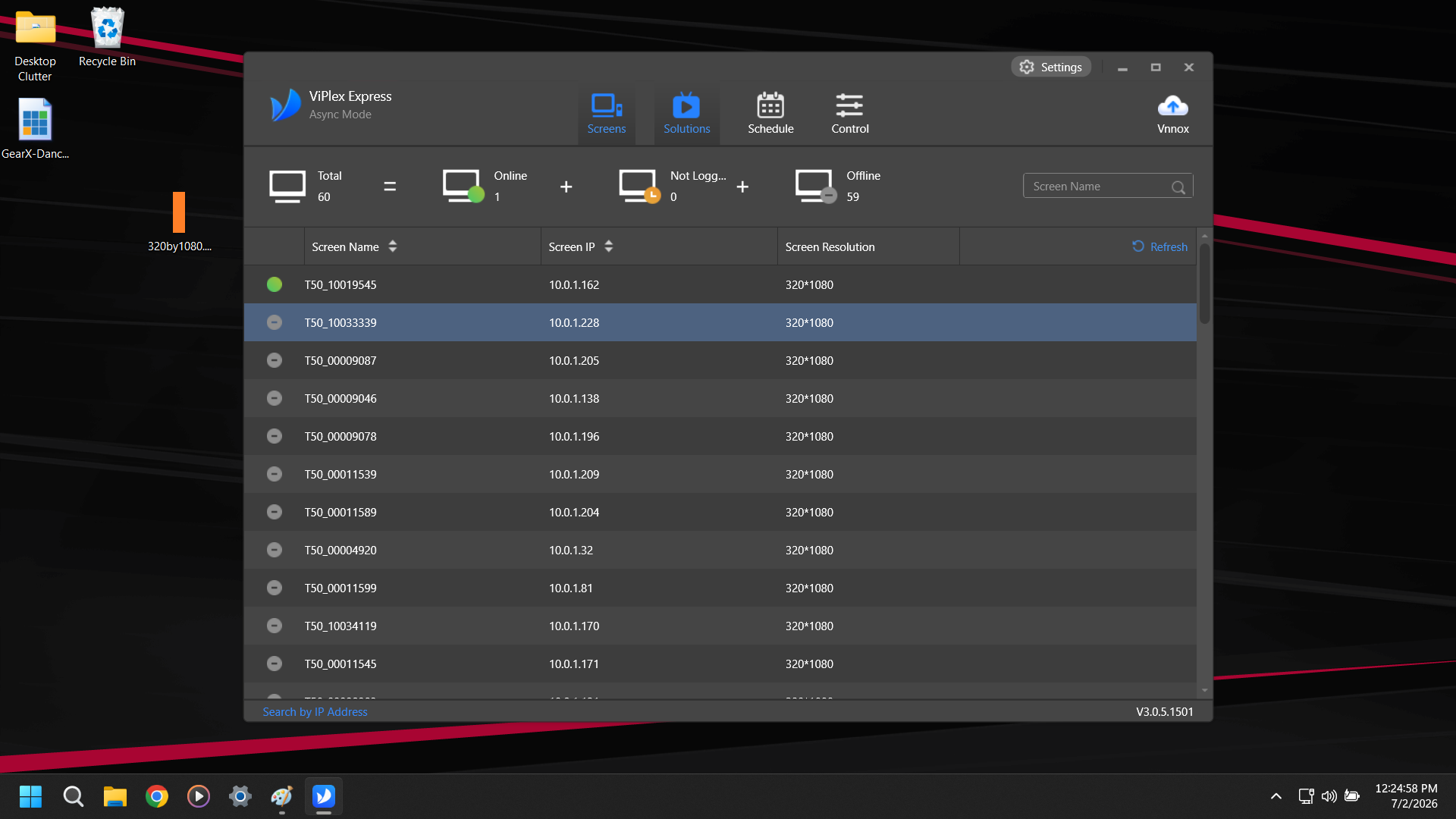
Navigate to the Solutions Tab
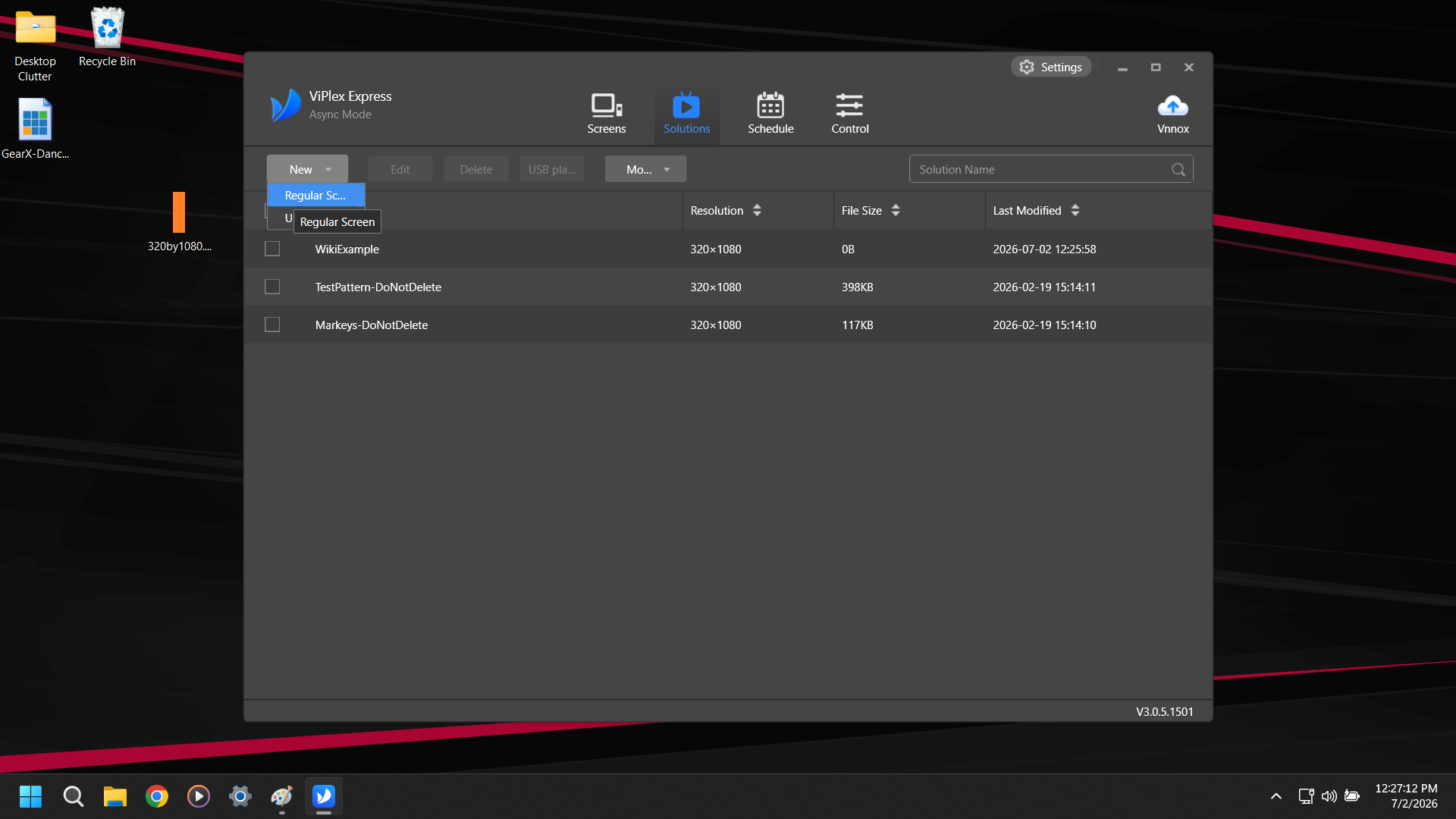
Click New and select Regular Screen
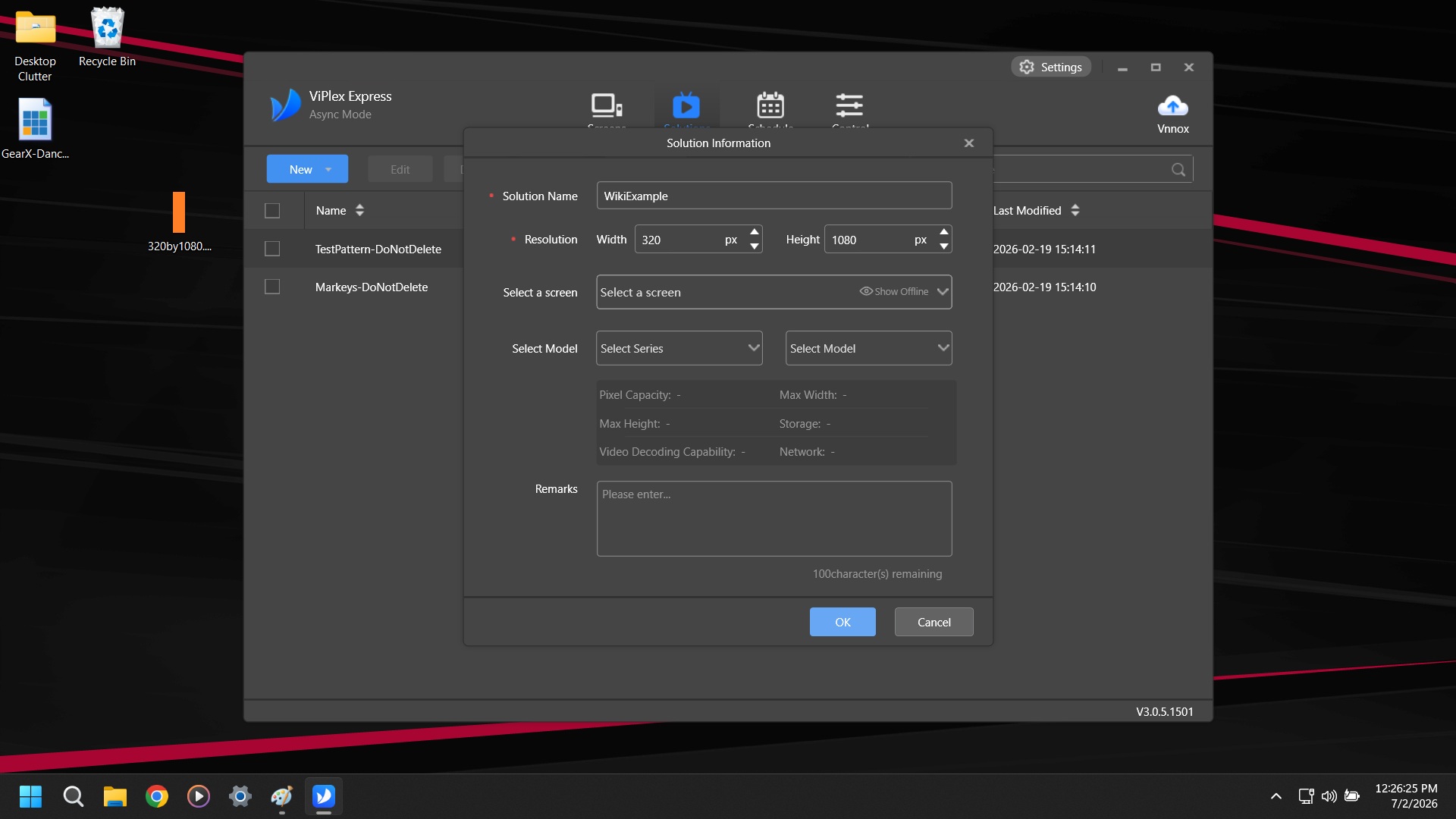
Name your Solution and change the Resolution to 320x1080. The other settings can be ignored.
Back to top