Skip to main content
Quick Start v3.0 & v4.0(Windows)
Please note that the images in this guide are for of the Transtech LED Posters, Labeling and Label location will vary slightly for our Theatrixx LED Posters.
Requires
- A wifi capable computer running Windows or DHCP backed hardline network
- ViPlex Express v3 or v4
1. Turn on the Poster
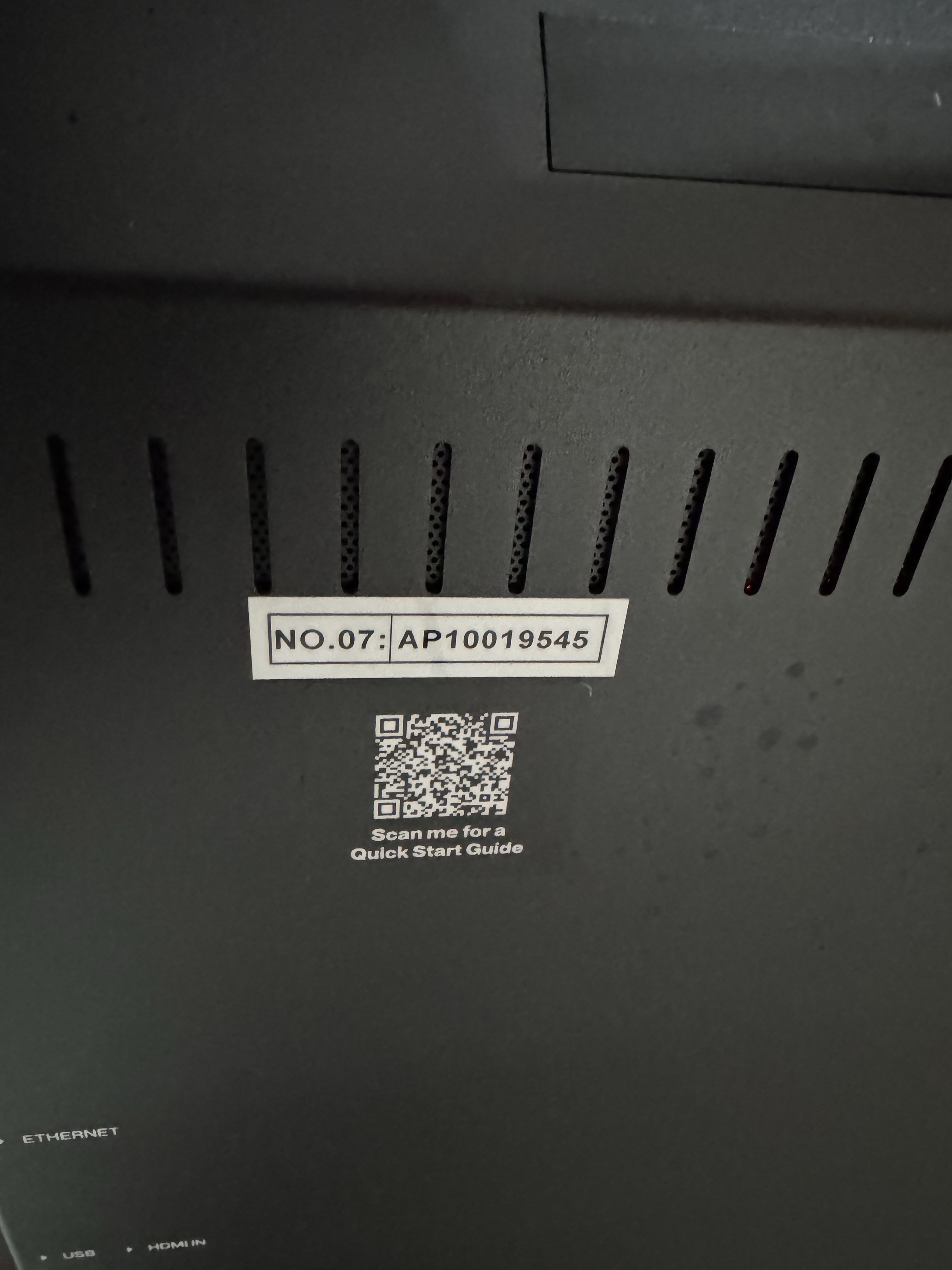
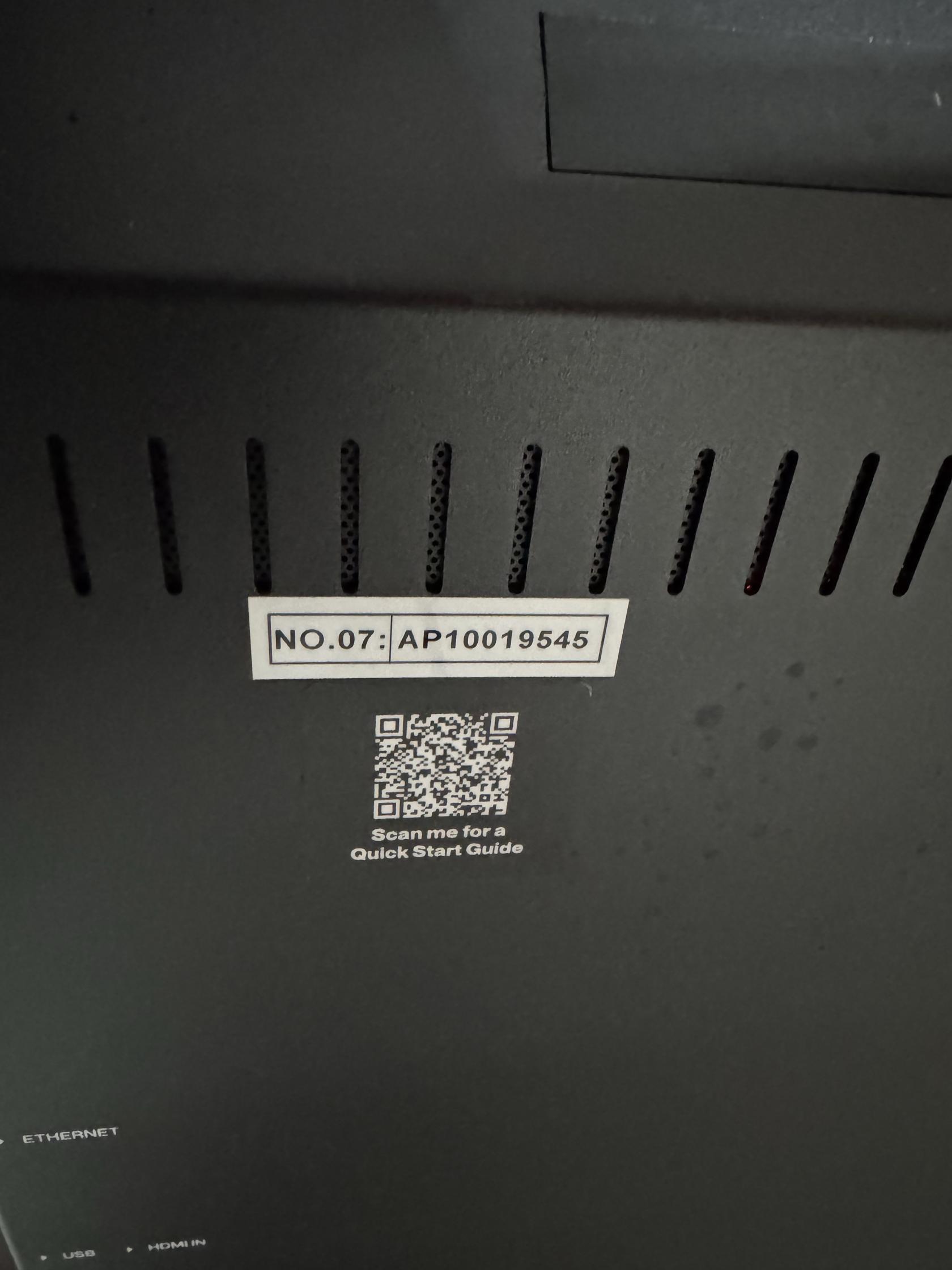
2.Find the Poster's Name on the Back of the Poster
- It will be a Number preceded by the letters AP
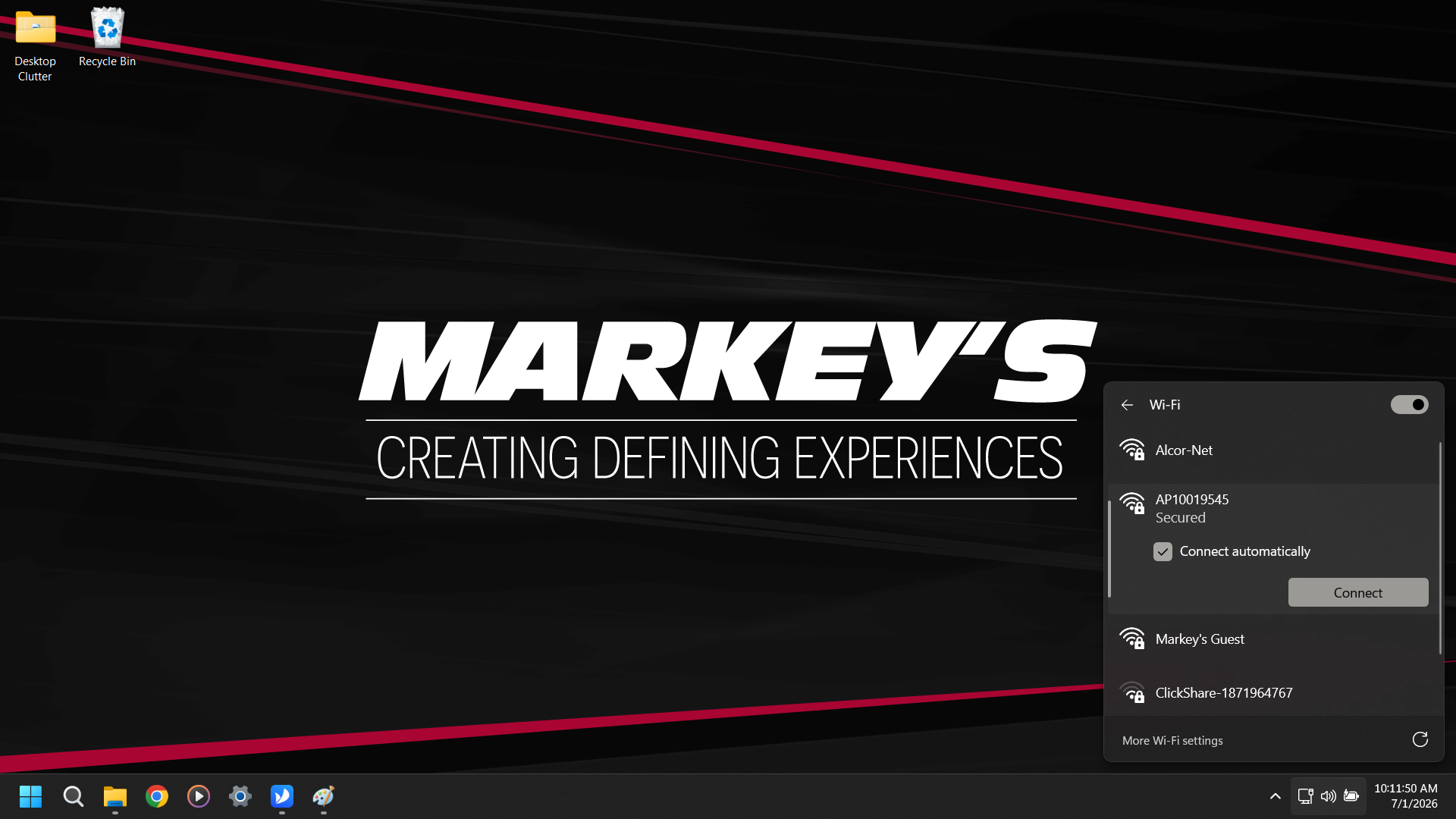
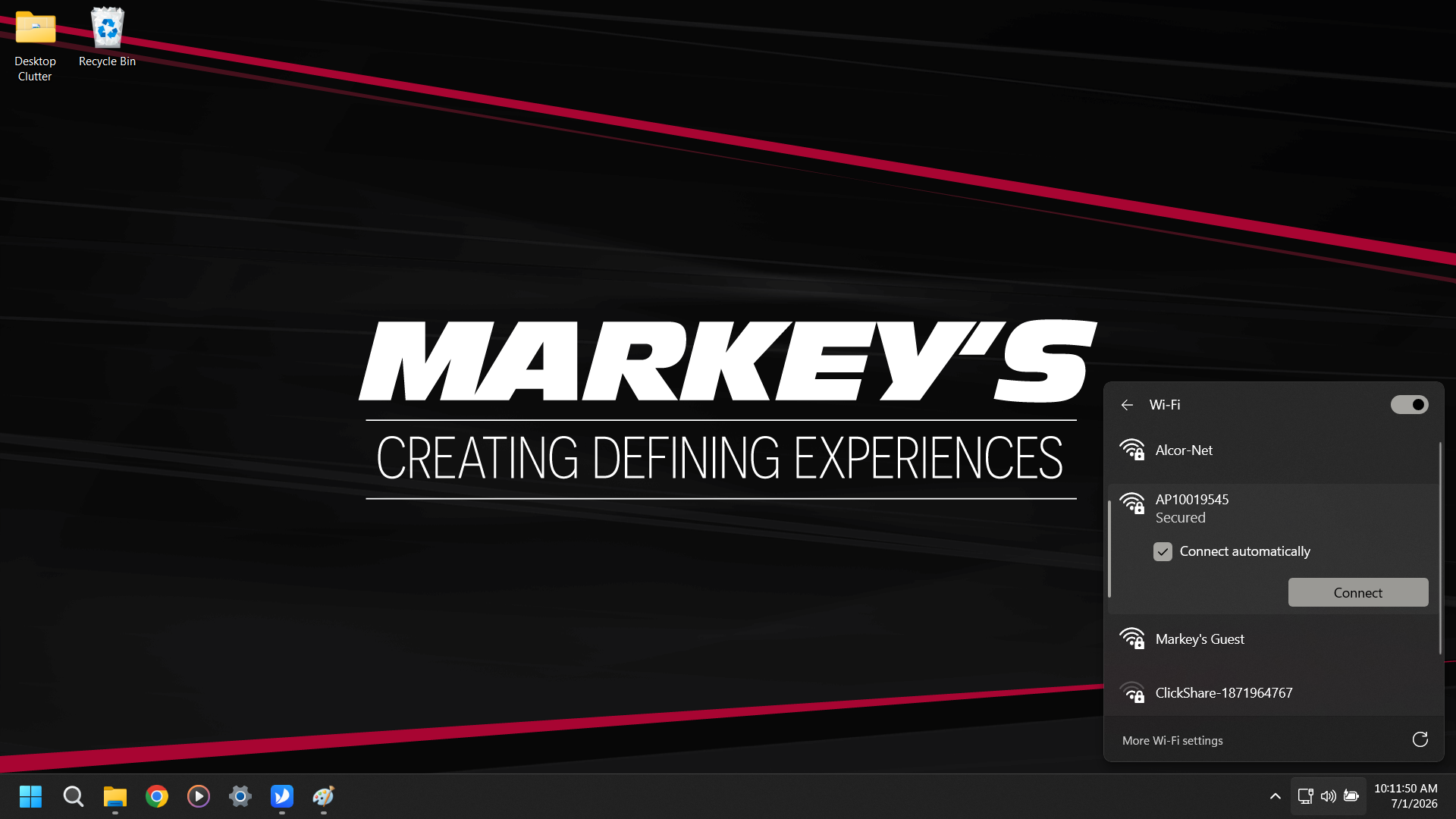
3. Find the Poster's Access Point in WiFi
- For Transtech Posters the Password is 12345678
- For Theatrixx Posters the Password is SN2008@+
- Skip this step if on a hardline network
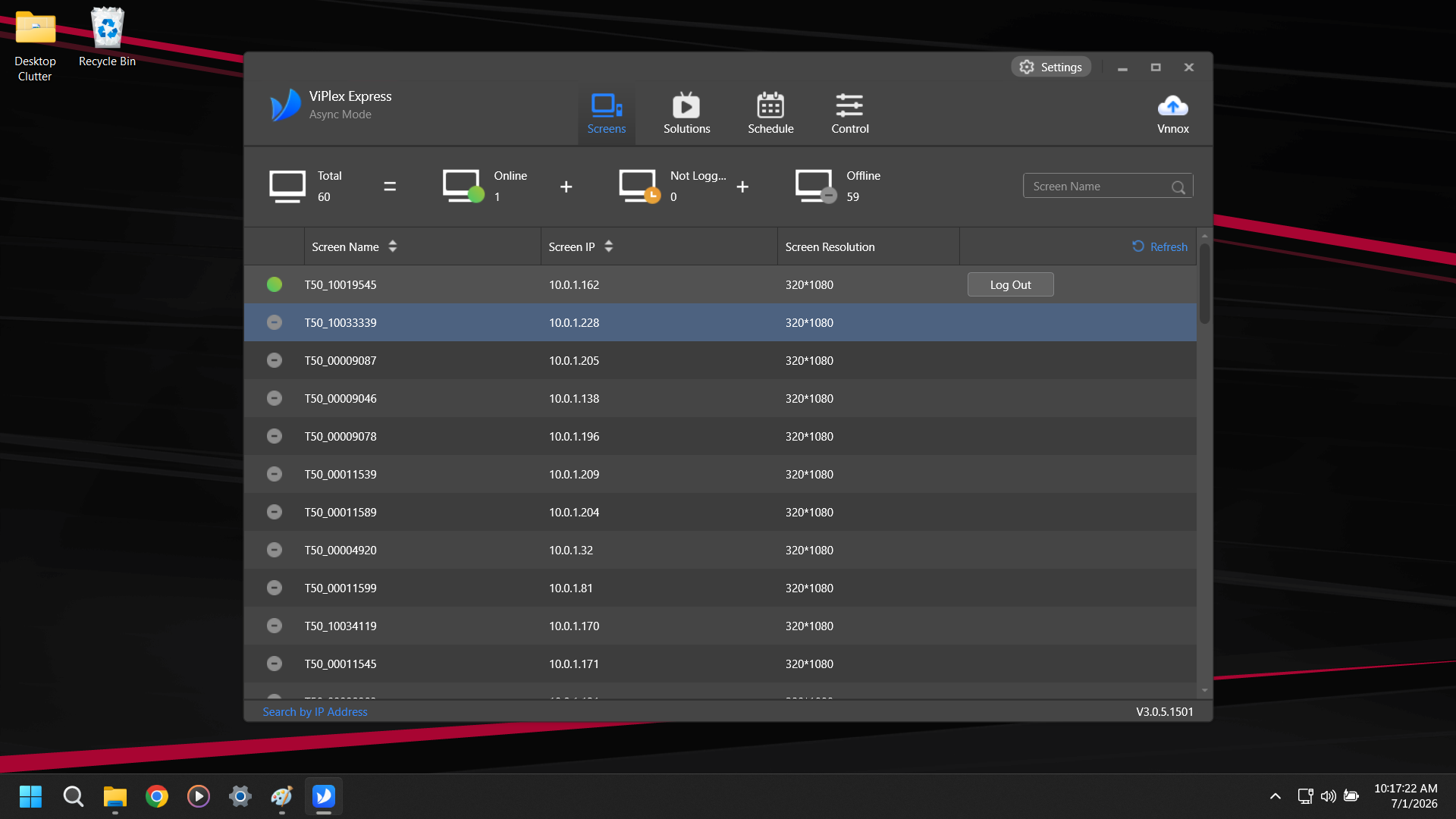
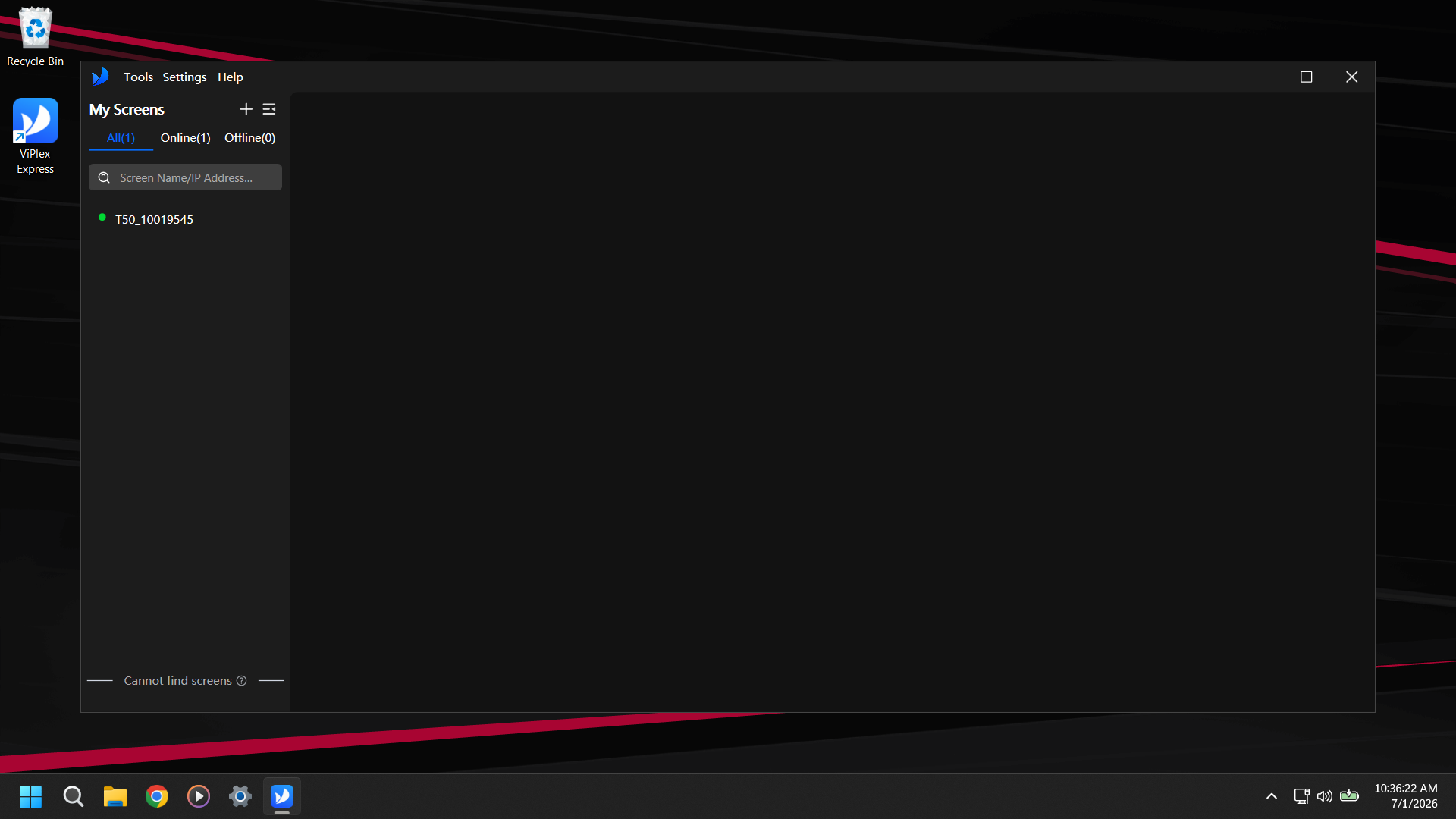
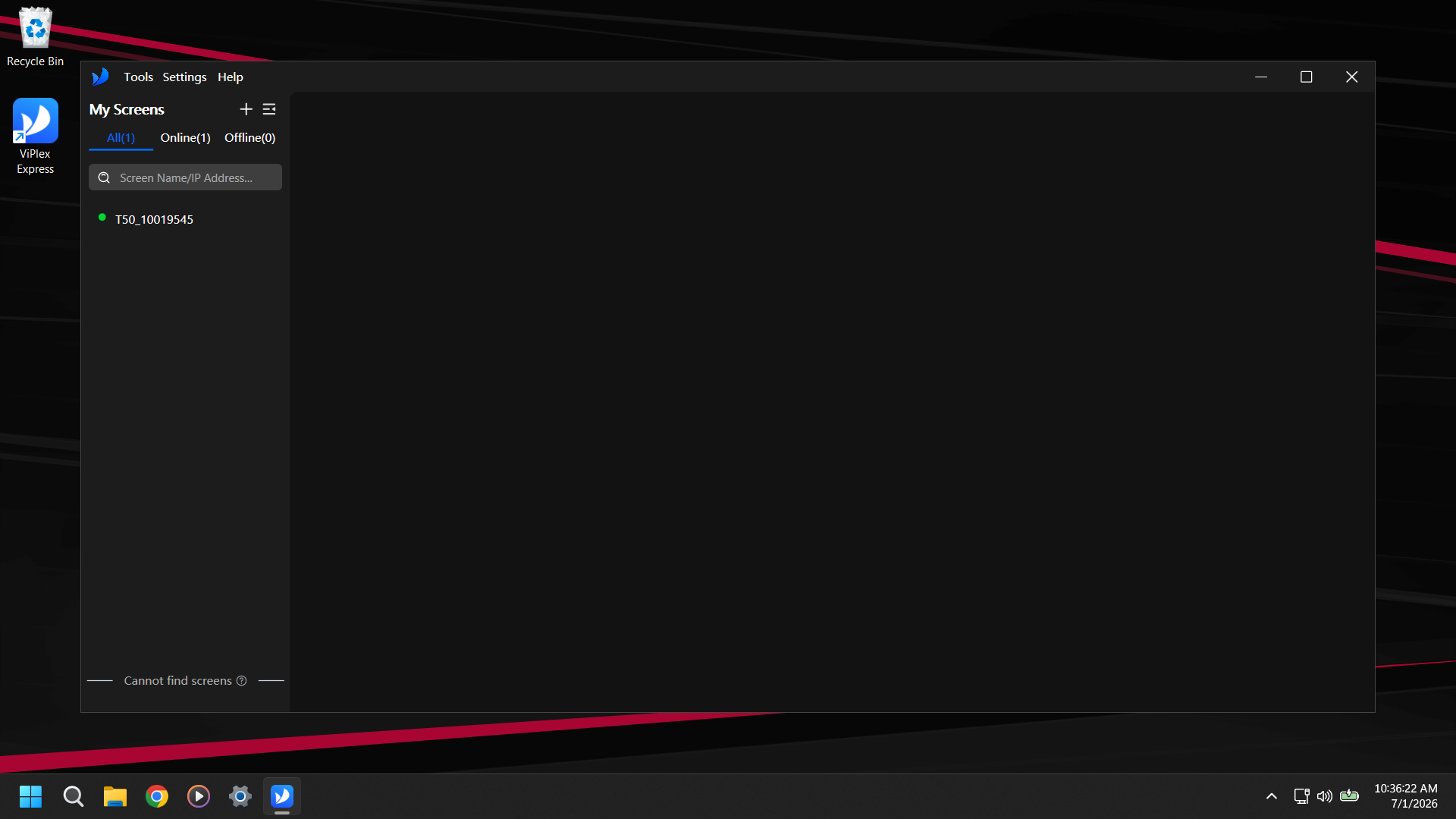
4. Open ViPlex Express
- It should open to a screen showing that you are Connected.