
OBSBOT Smart Remote Controller Pairing
Remote Pairing
Power on the OBSBOT Tail Air.
Press the Tail Air's power button 3 times.(The status indicator will flash light blue)
On the remote hold the Human Tracking button and then the number 1, 2, or 3 that you would like to assign that camera to.(Not the Button with the P, these are presets)
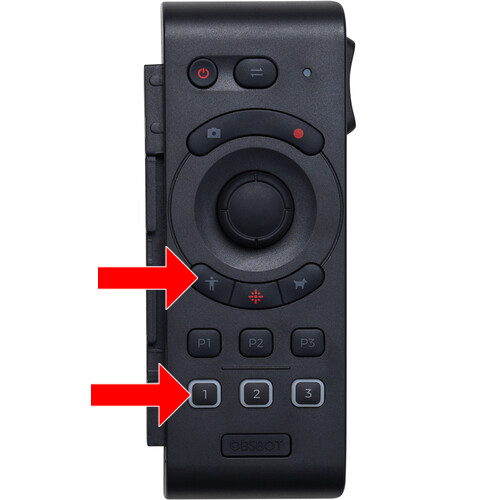
Preset Programming
To store or update a preset hold the P1, P2, or P3 button on the remote that you would like to store or update.
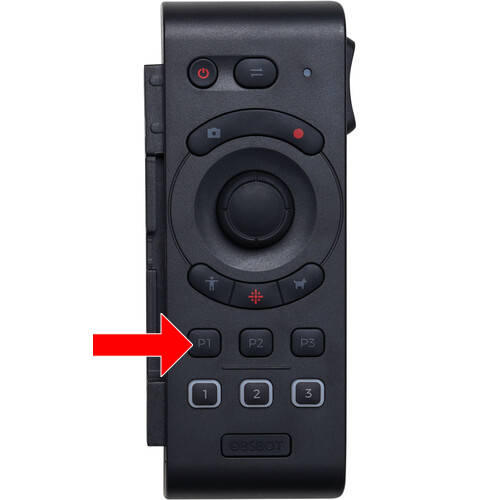
To recall the preset simply press that same button.