Quick Start
Connect an ethernet cable from your processor to your laptop running COEX VMP.
This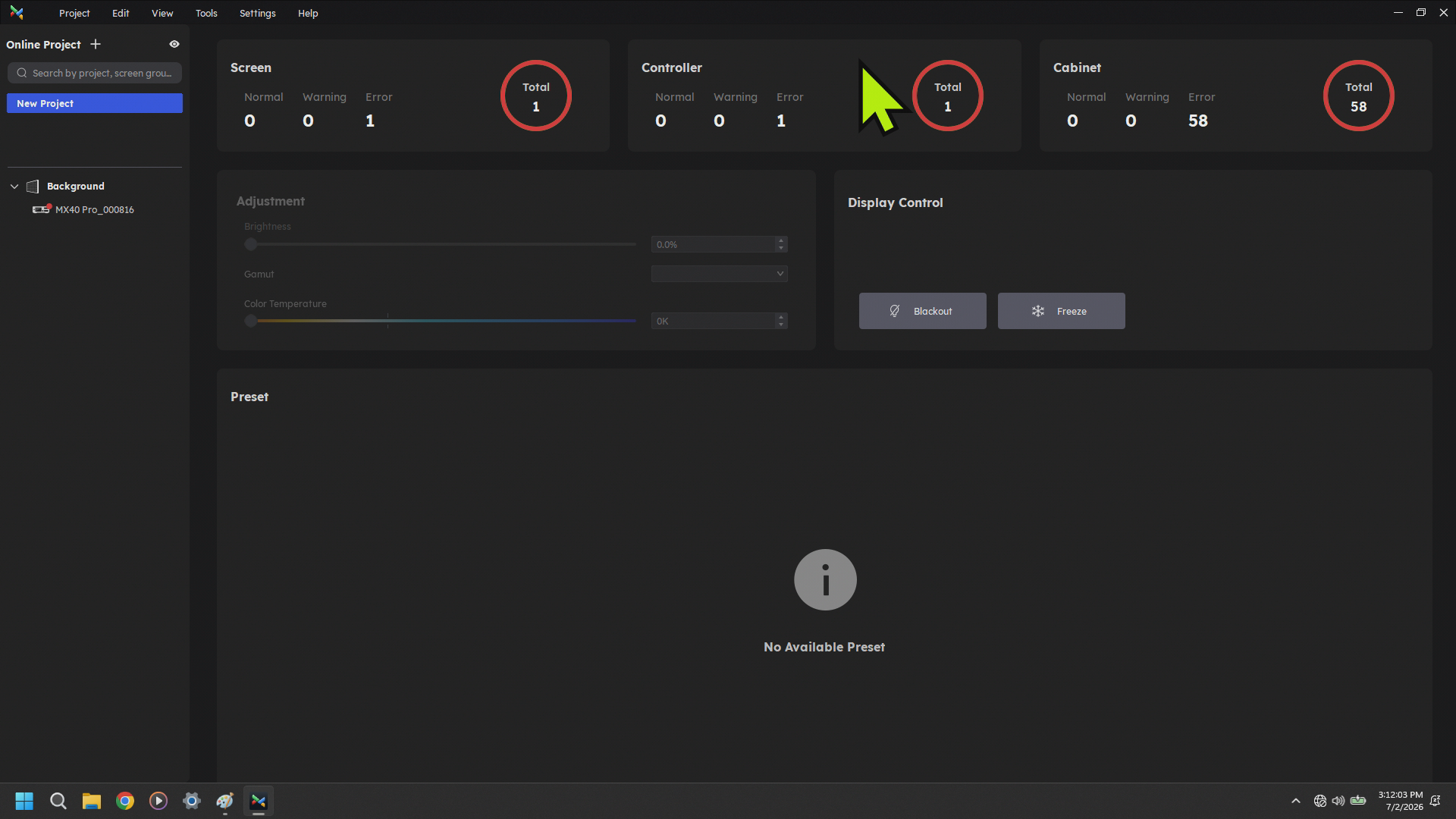
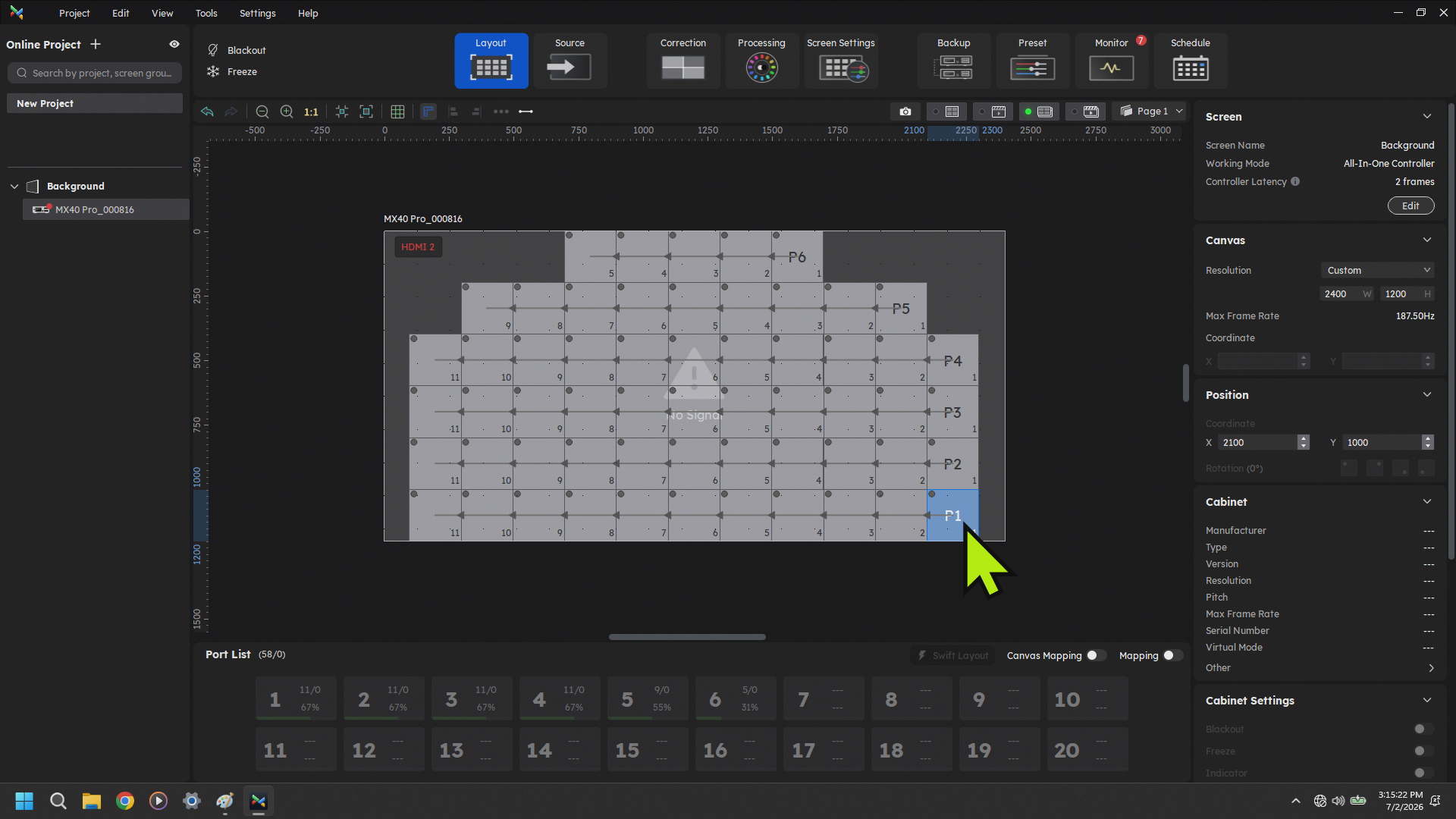
It should auto populate on the side. Select that processor. When you do you will likely see the last show configuration that was used on that processor.
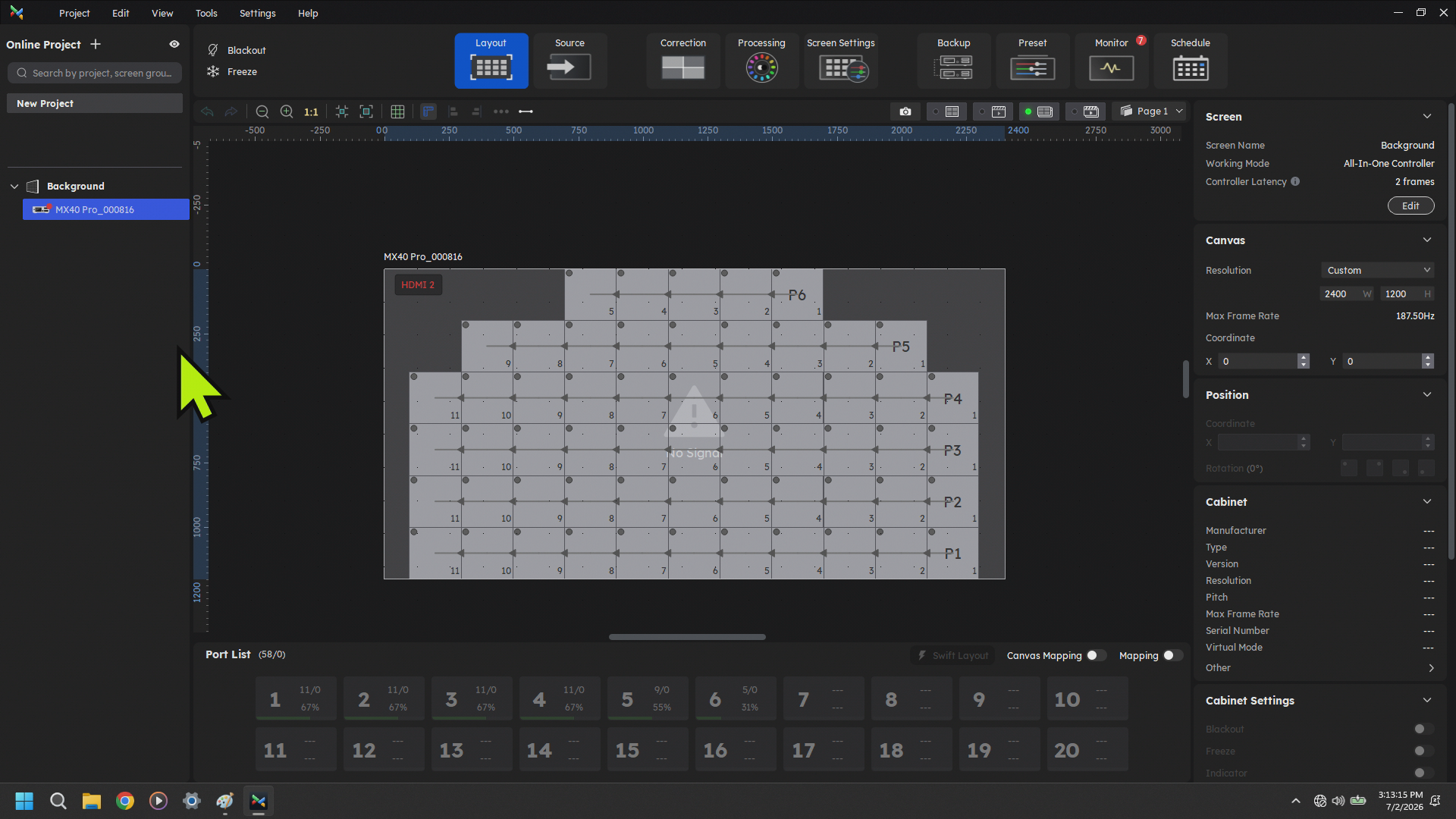
Across the bottom you will see Panel counts as you connect panels to the ethernet ports of the processors and it will tell you what % of total capacity the port is at.
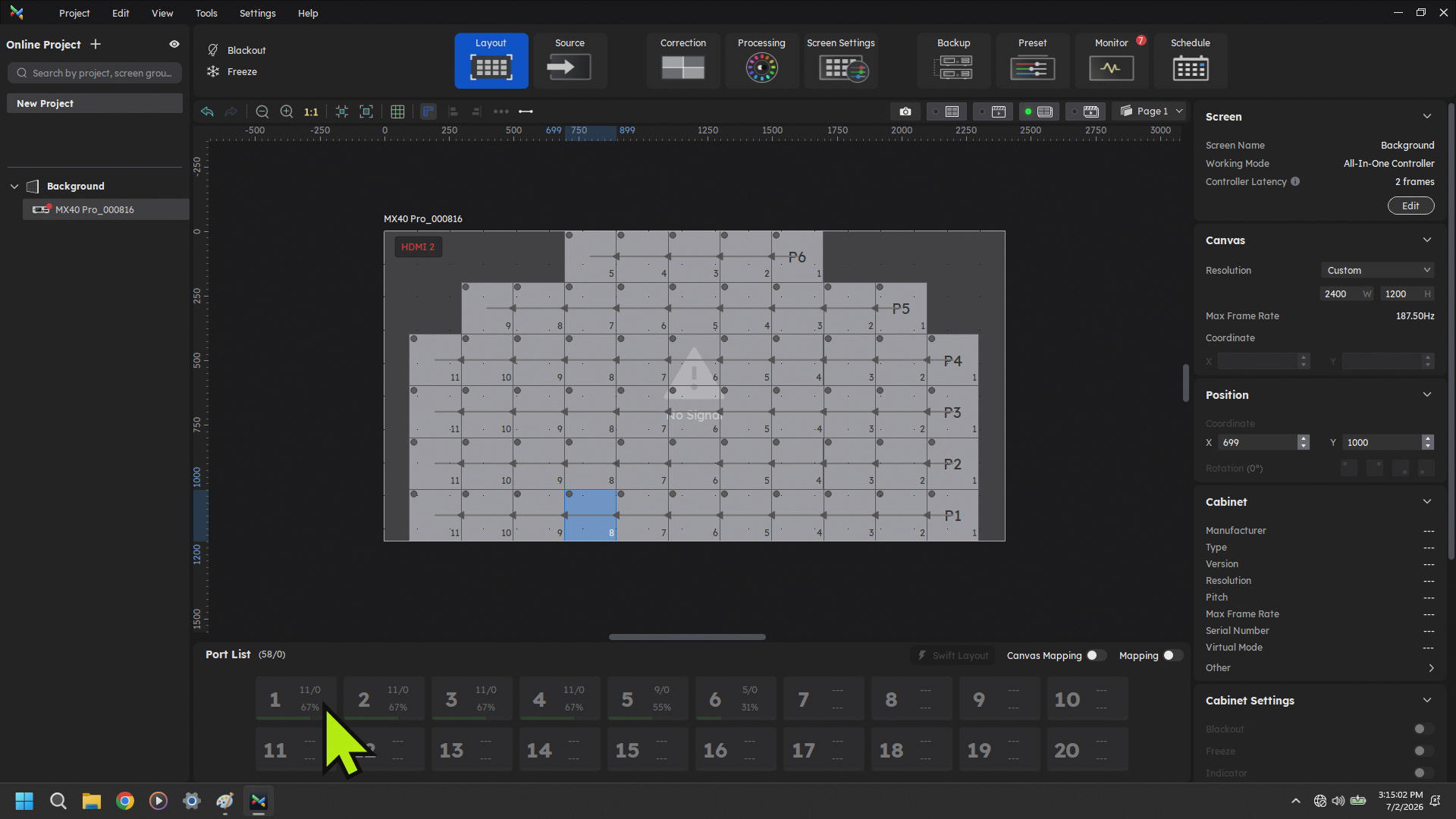
To patch your runs you click a port and then click and drag across the mapping screen above. If it does not map the same way that you did there are different varieties of flow you can beselect aat chapterthe orside pageof dependingthe onwindow.
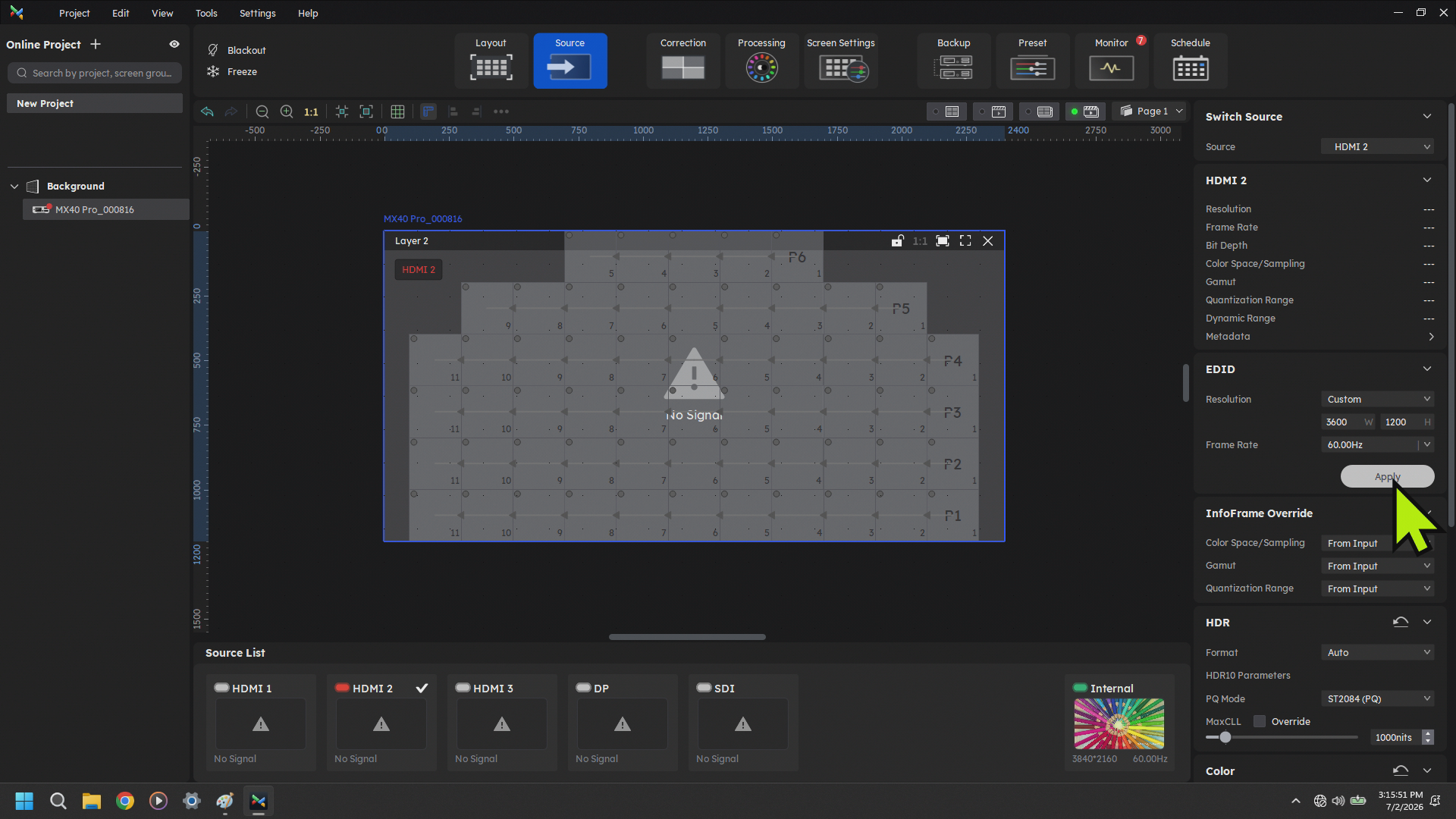
On the source tab you select what source you want feeding the wall and can set the resolution of your organizationalscreen.