
Replacing a toner cartridge while re-using drum unit
The Brother HL-L3295CDW and MFC-L3780CDW printers use modular toner cartridges with detachable drum units that can be re-used when replacing toner. Replacement toner cartridges sent with printers to events do not include the drum units, so technicians replacing toner on-site will need to know how to detach the drum unit from the old toner cartridge and attach it to the new one.
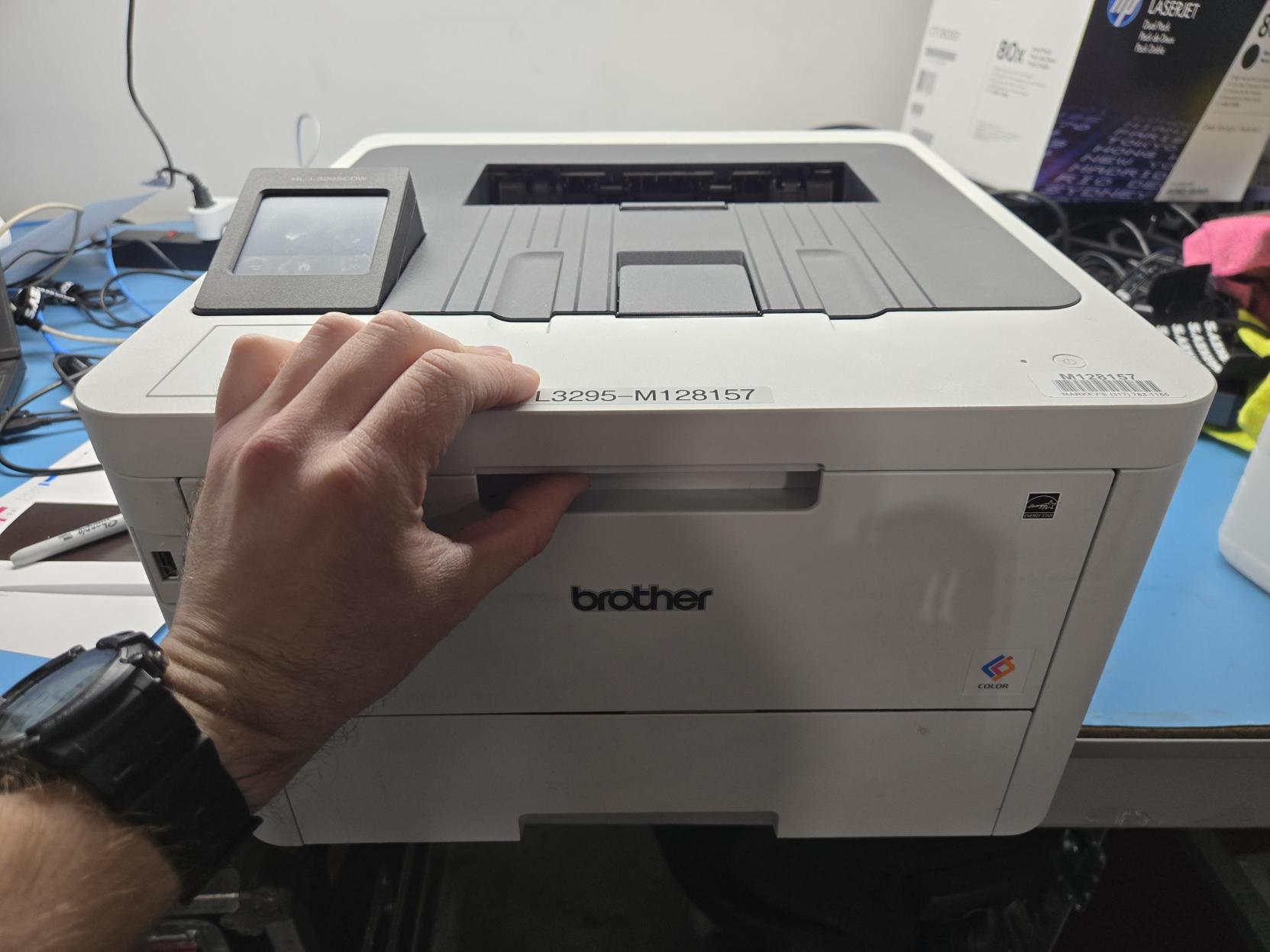
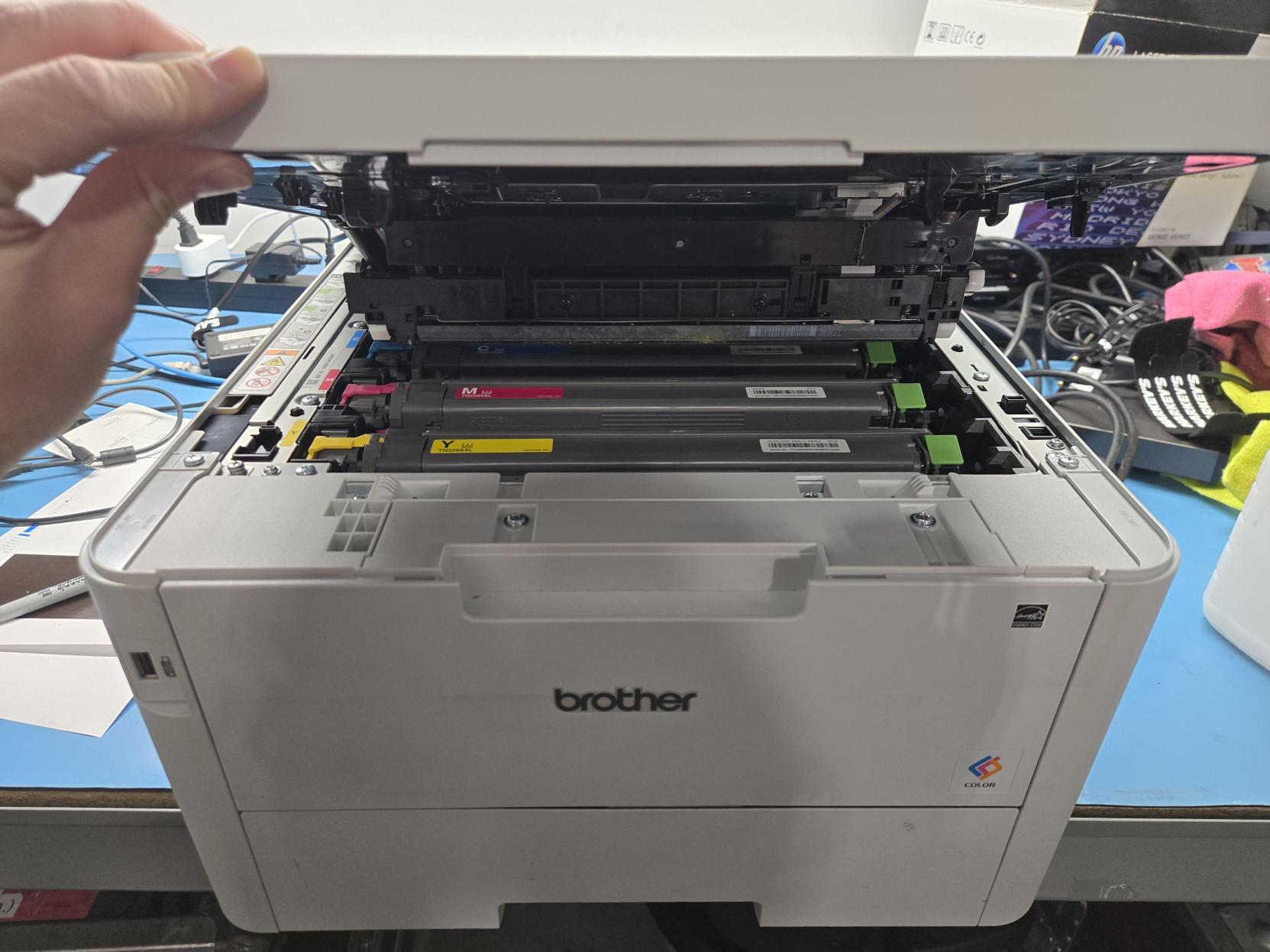
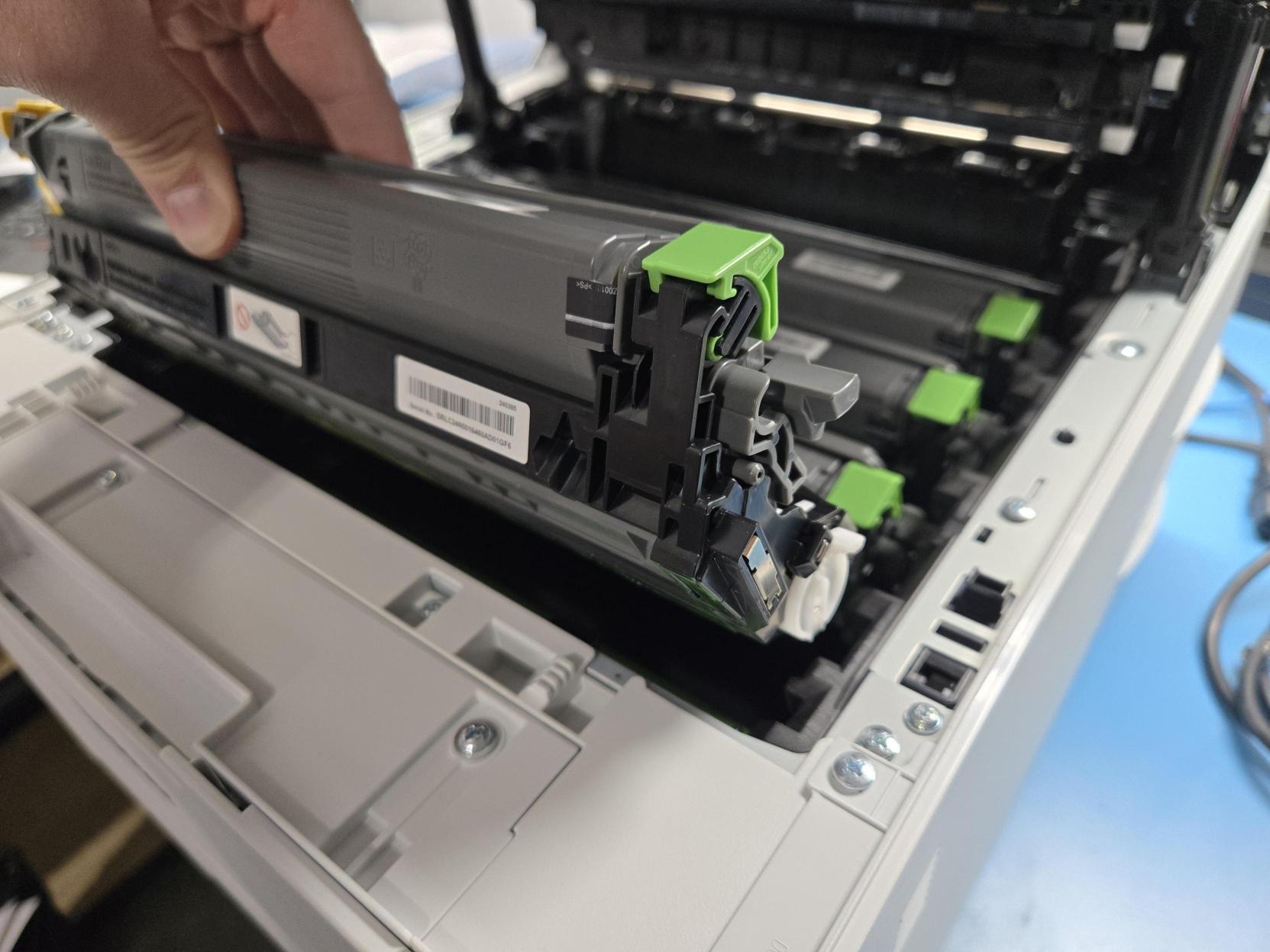
- Open the printer's toner cartridge bay using the handle at the front of the printer.
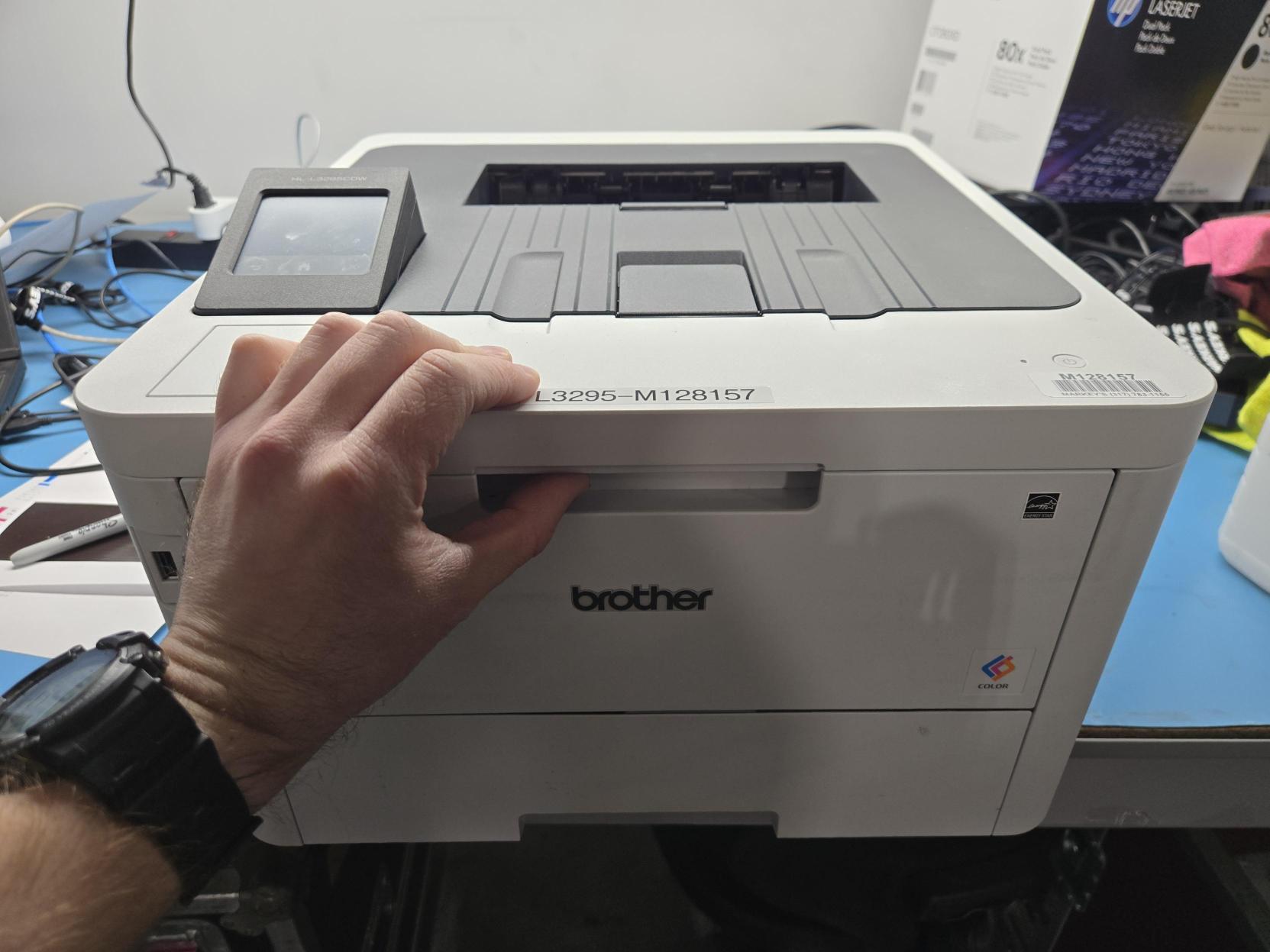
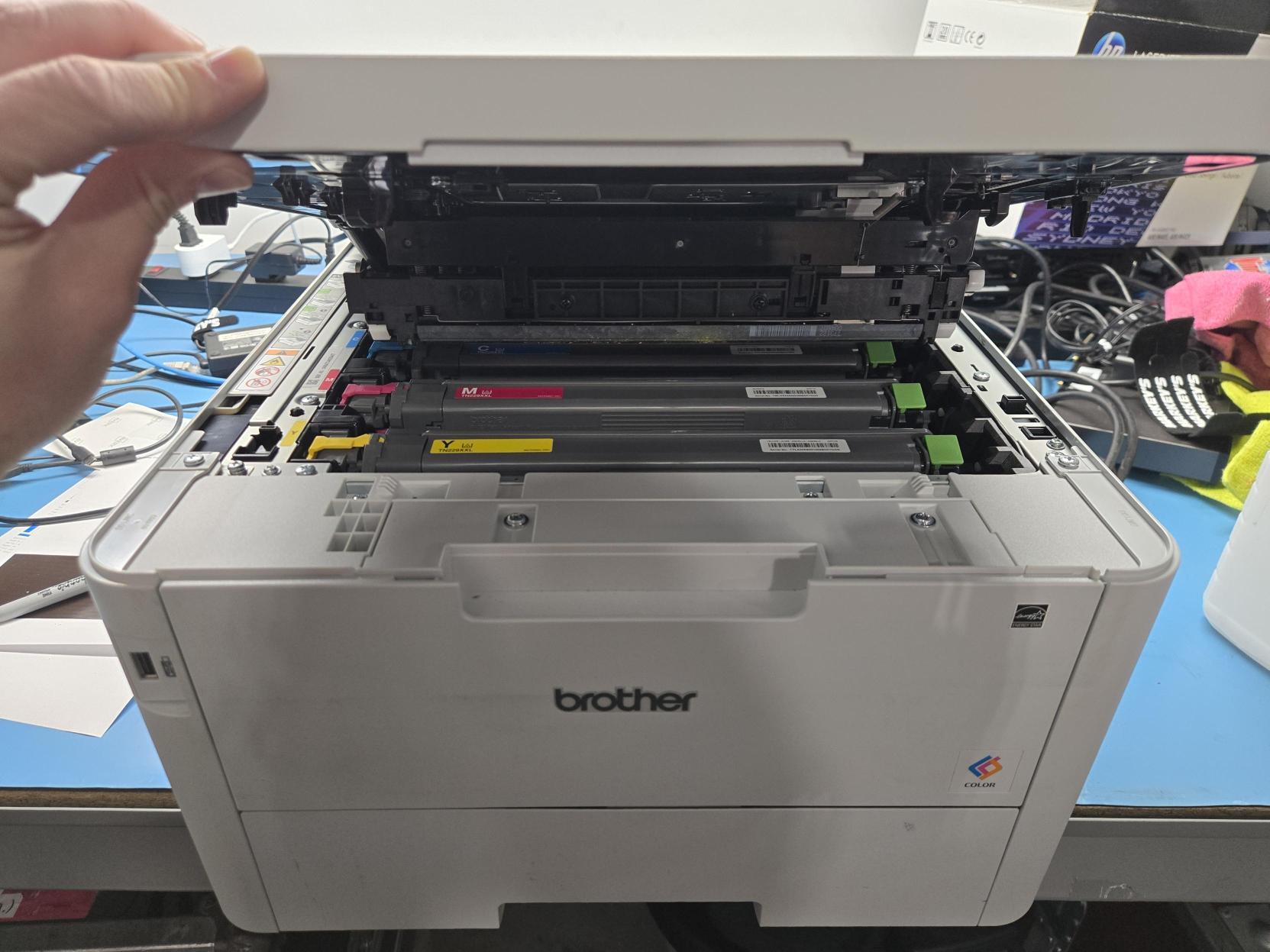
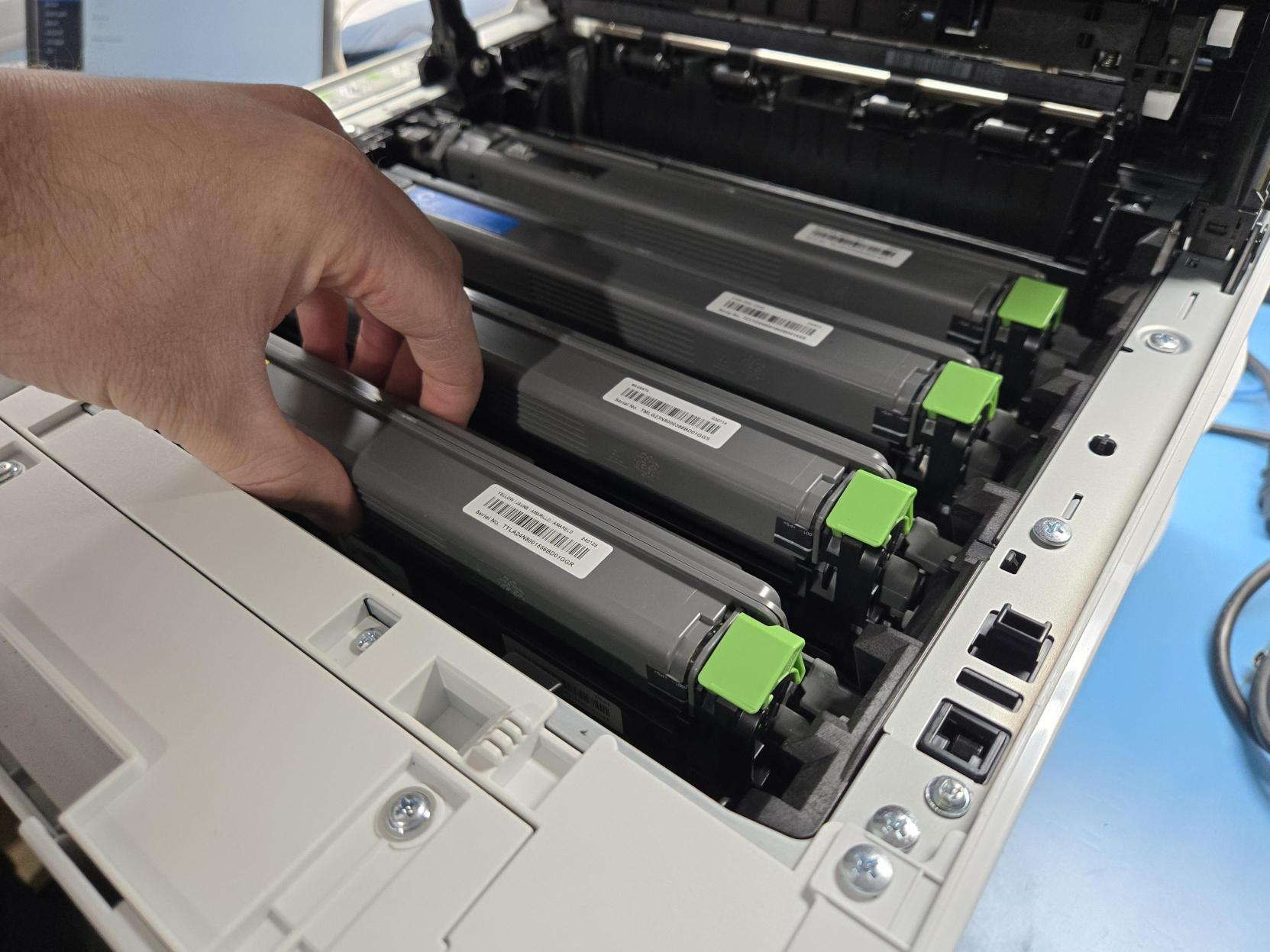
- Remove the empty toner cartridge by lifting it up and out.
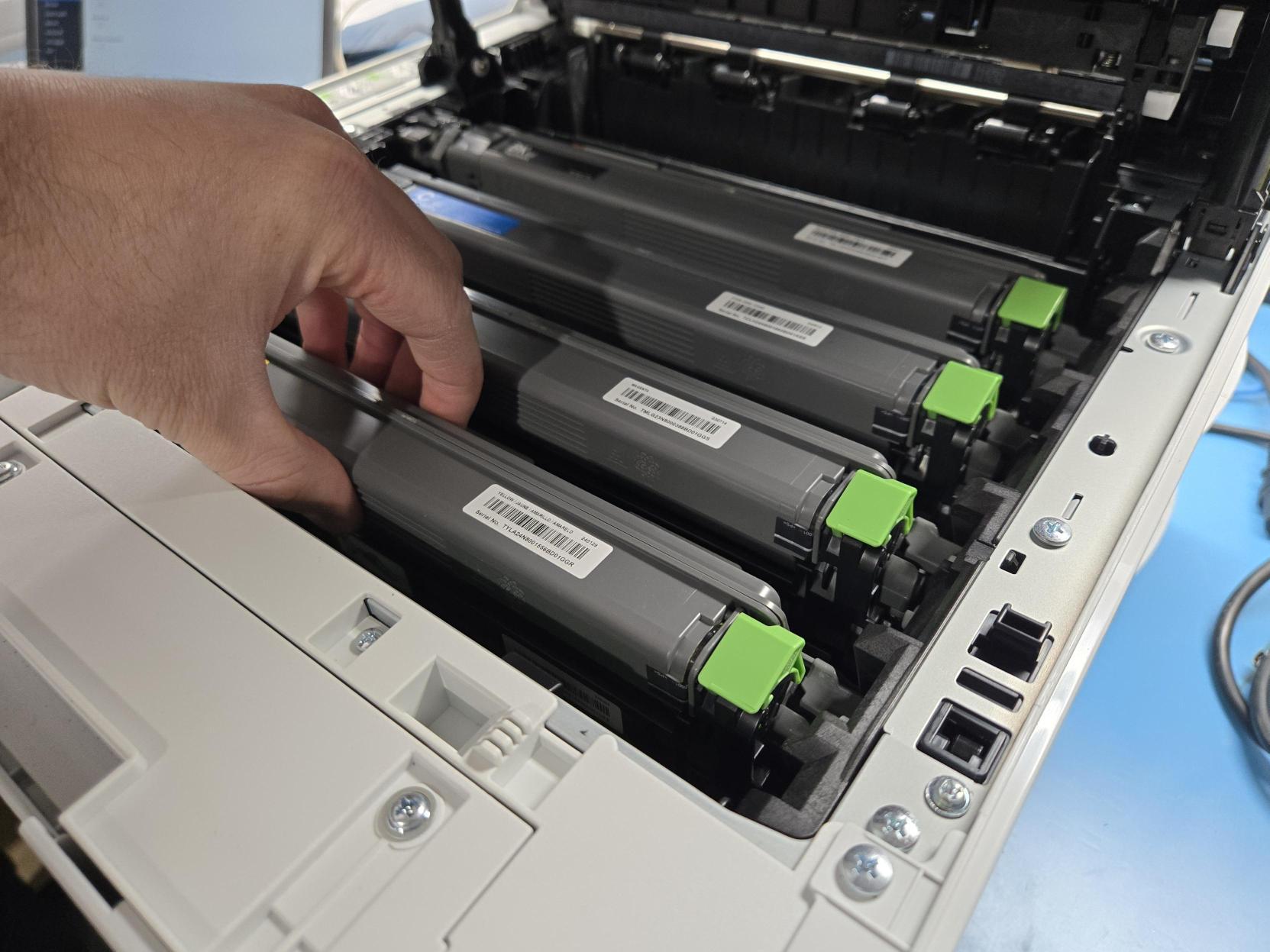
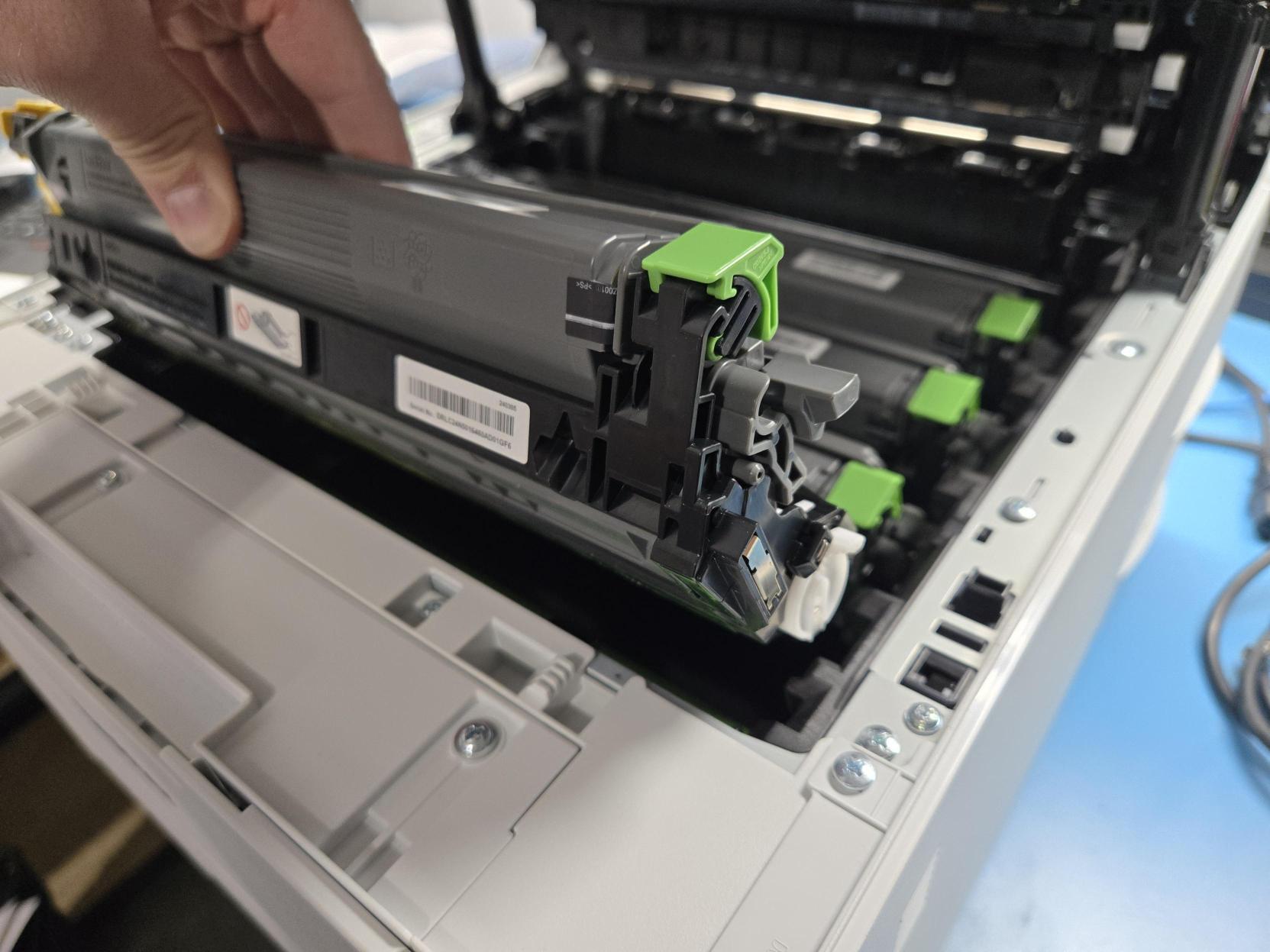
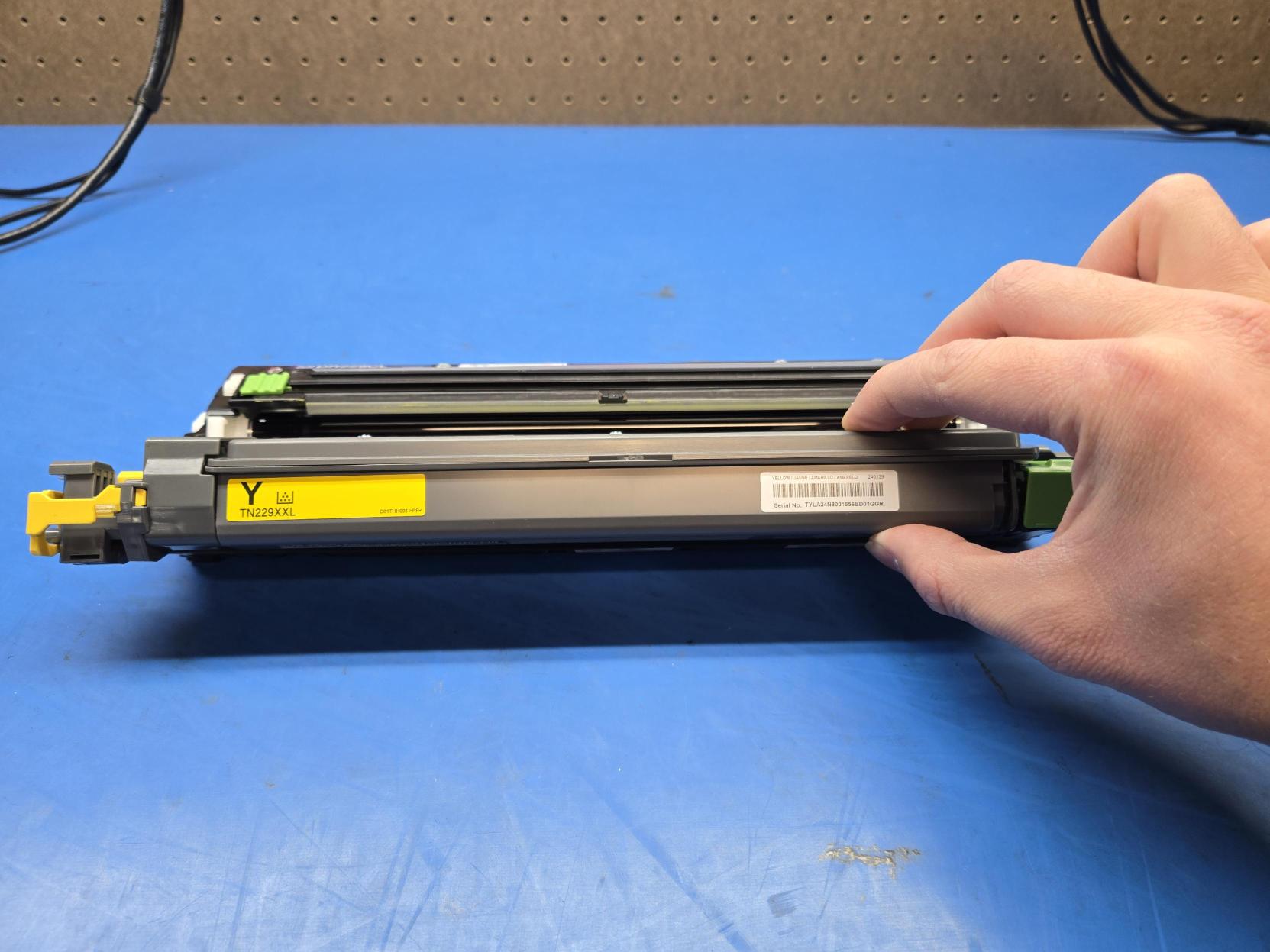
- Place the old cartridge on a flat surface with the color label facing towards you.
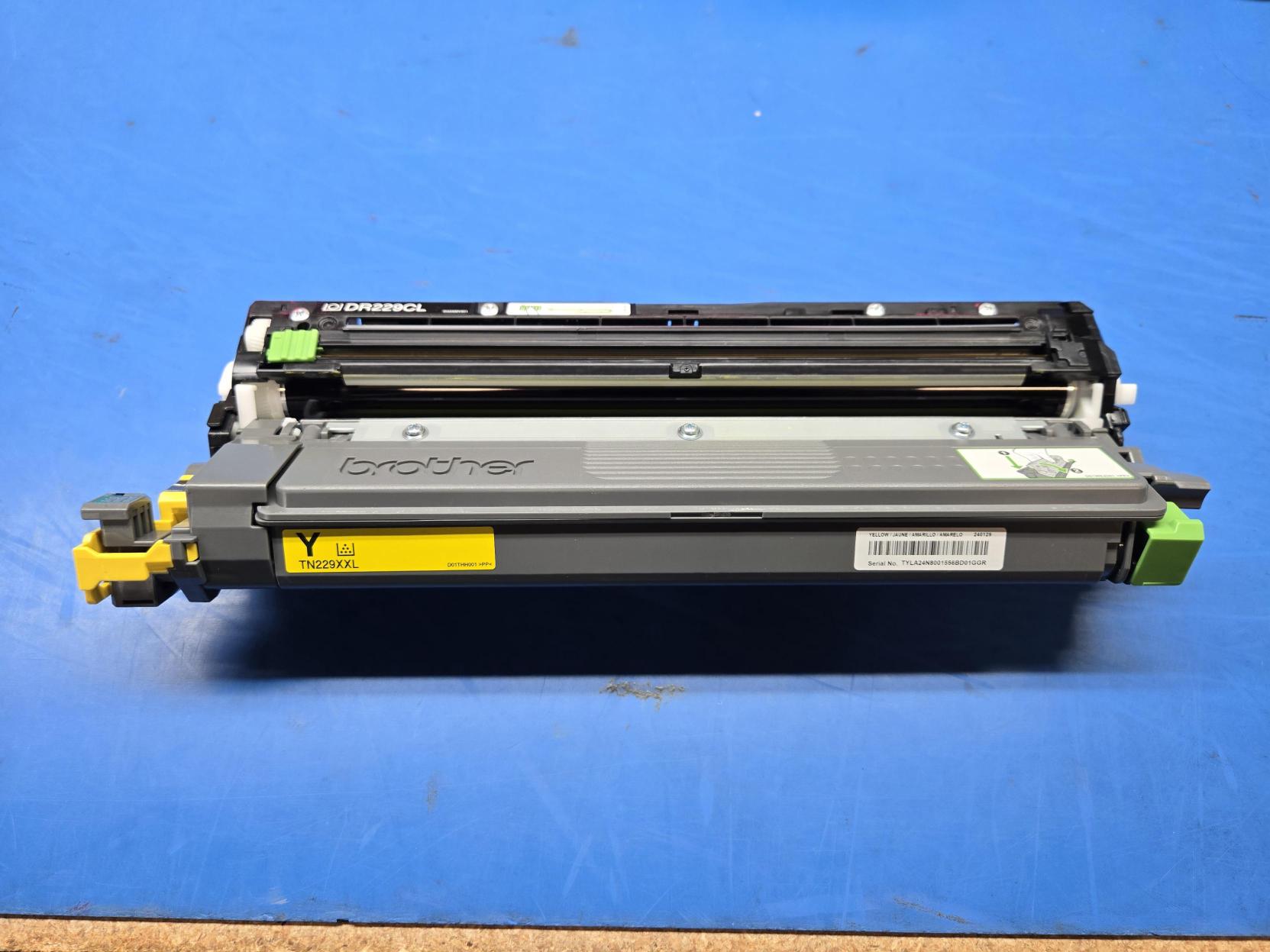
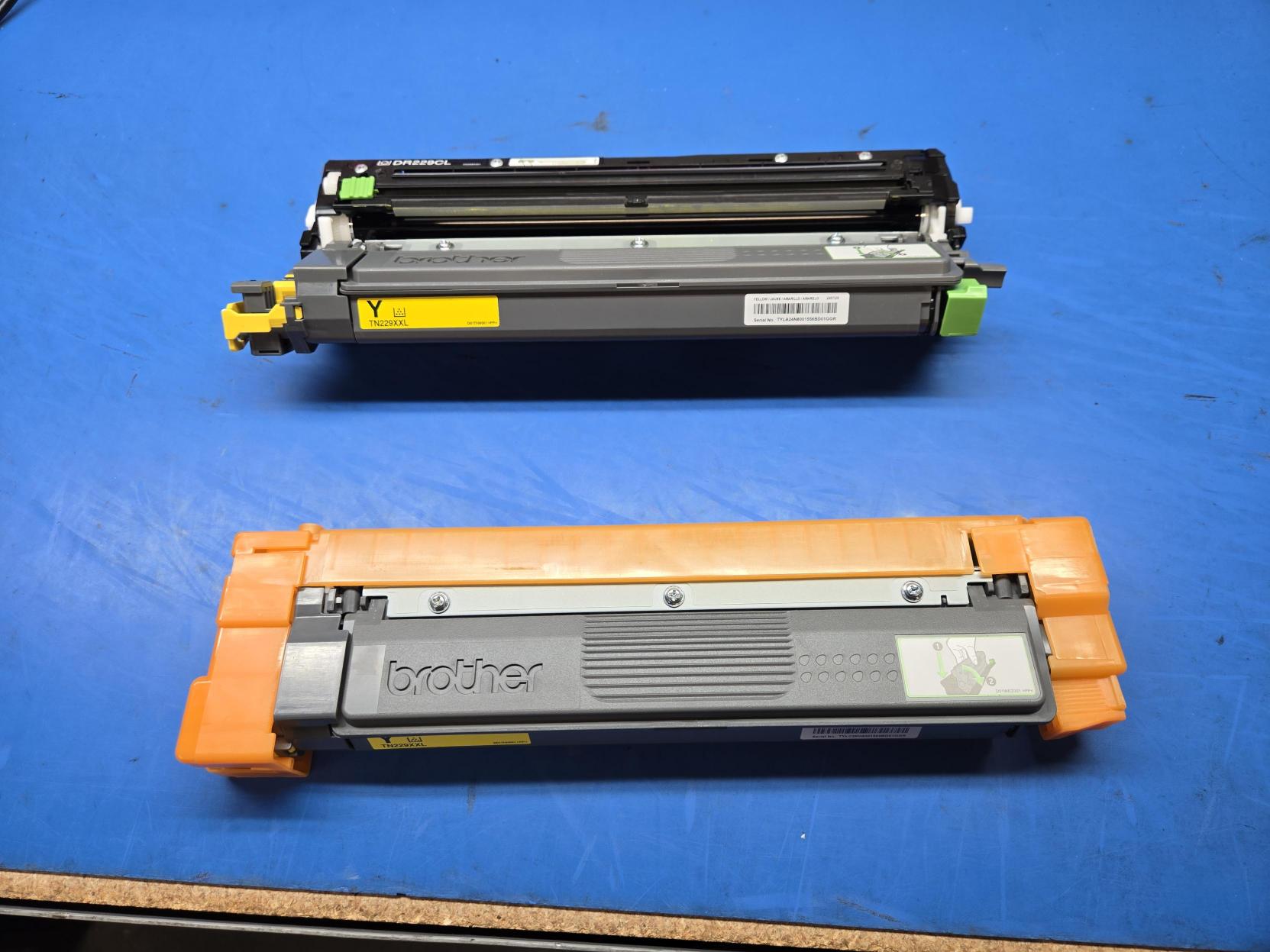
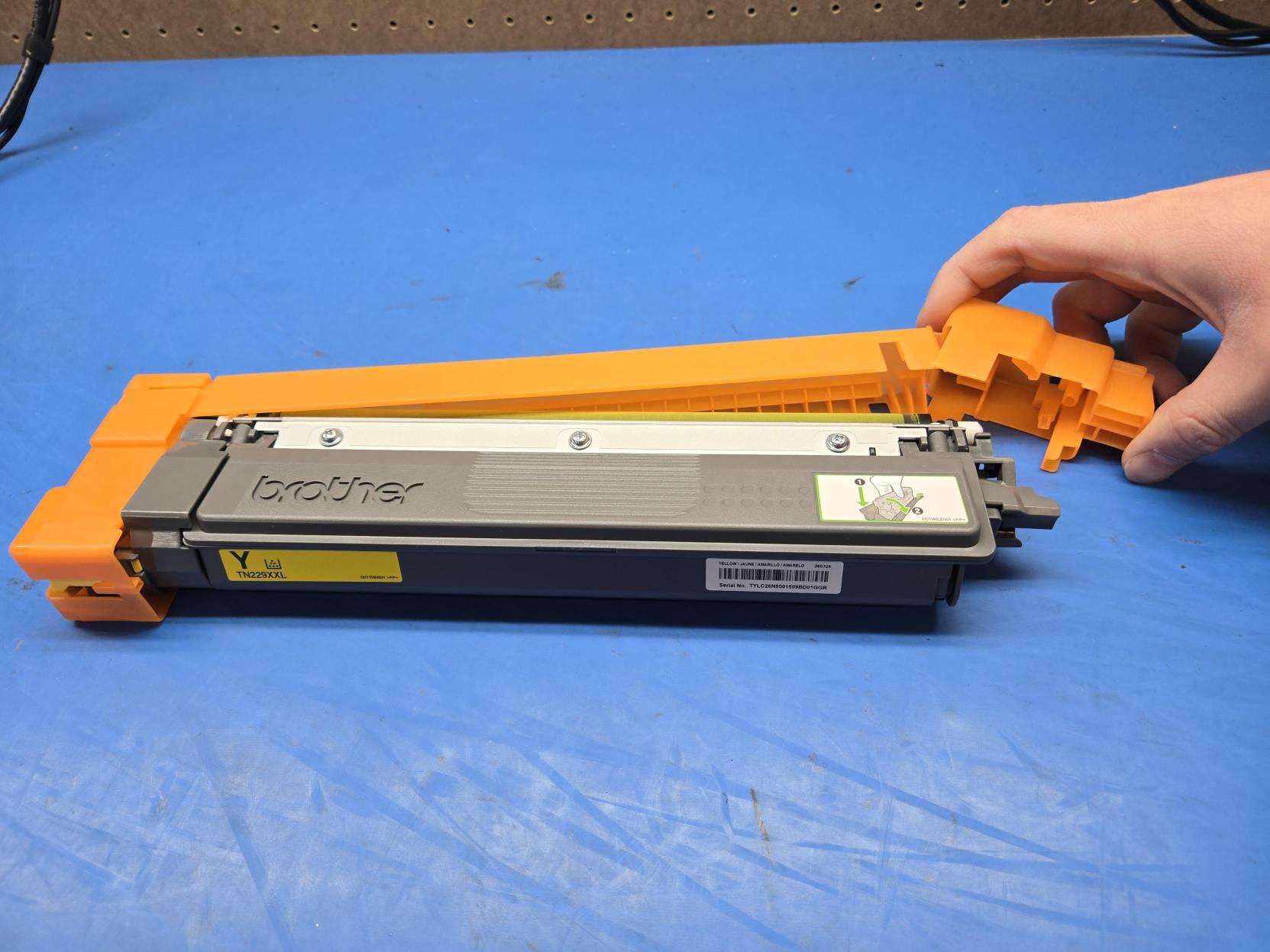
- Remove the new cartridge from its packaging, but leave the orange plastic cover in place.
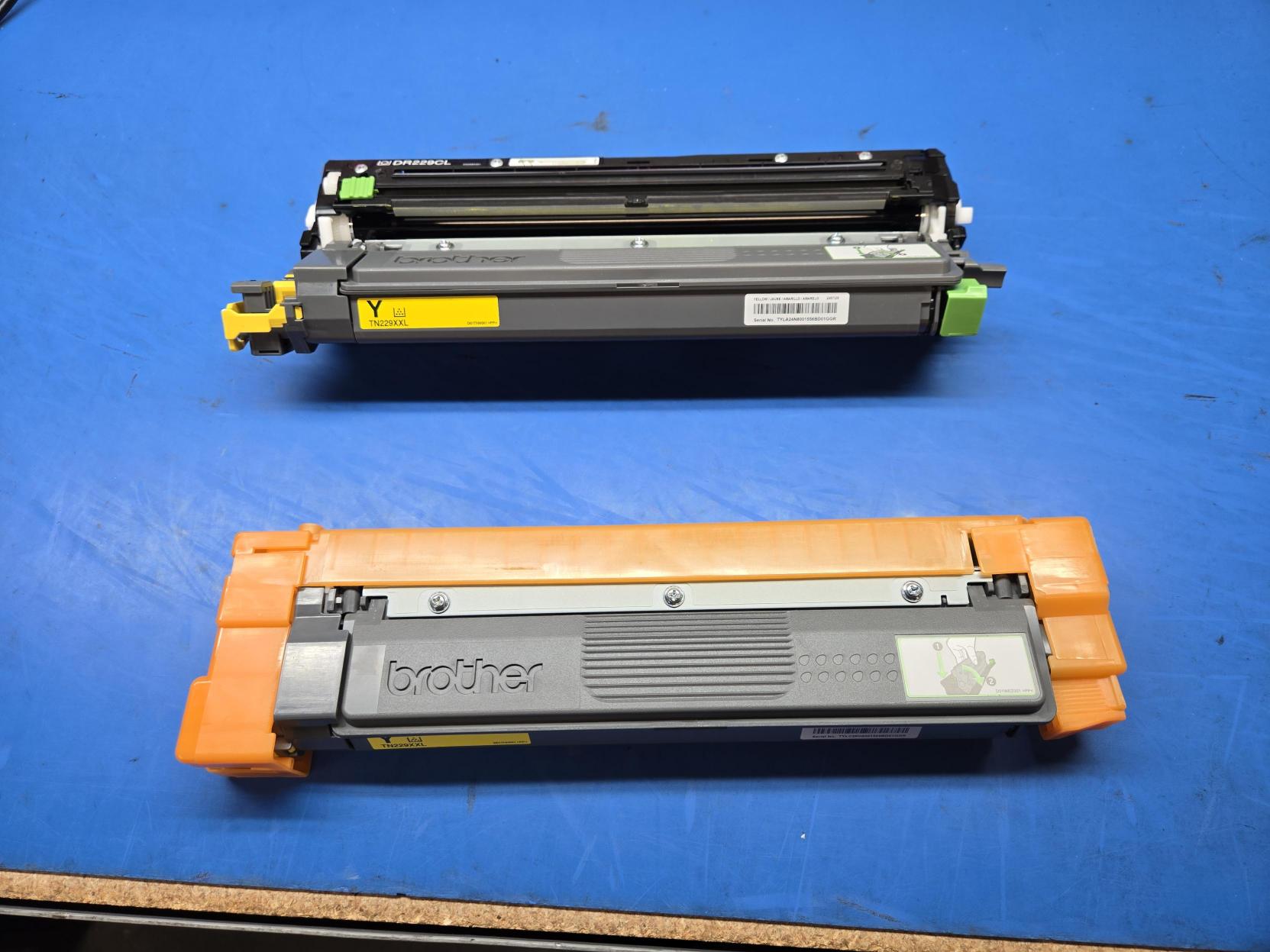
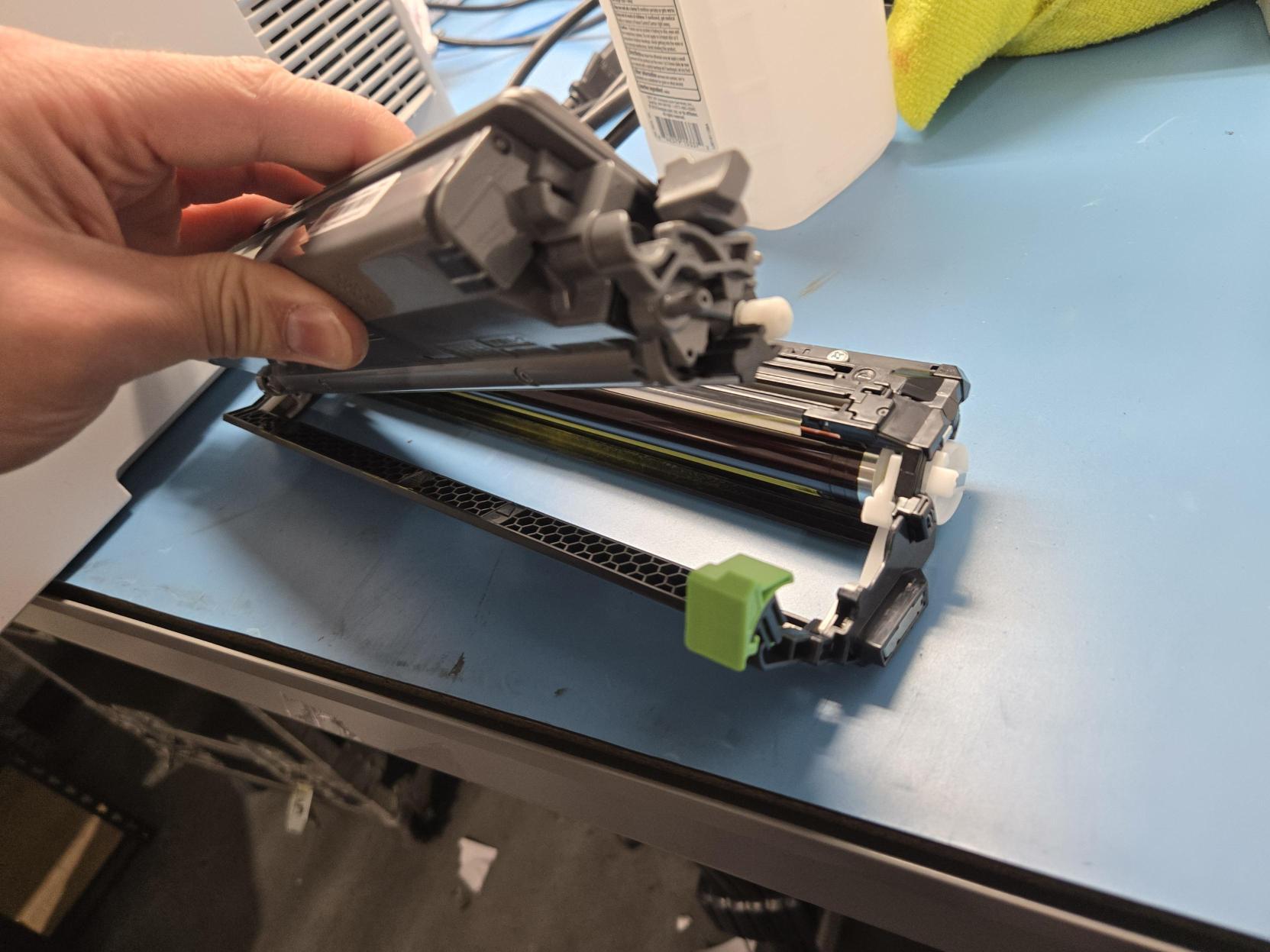
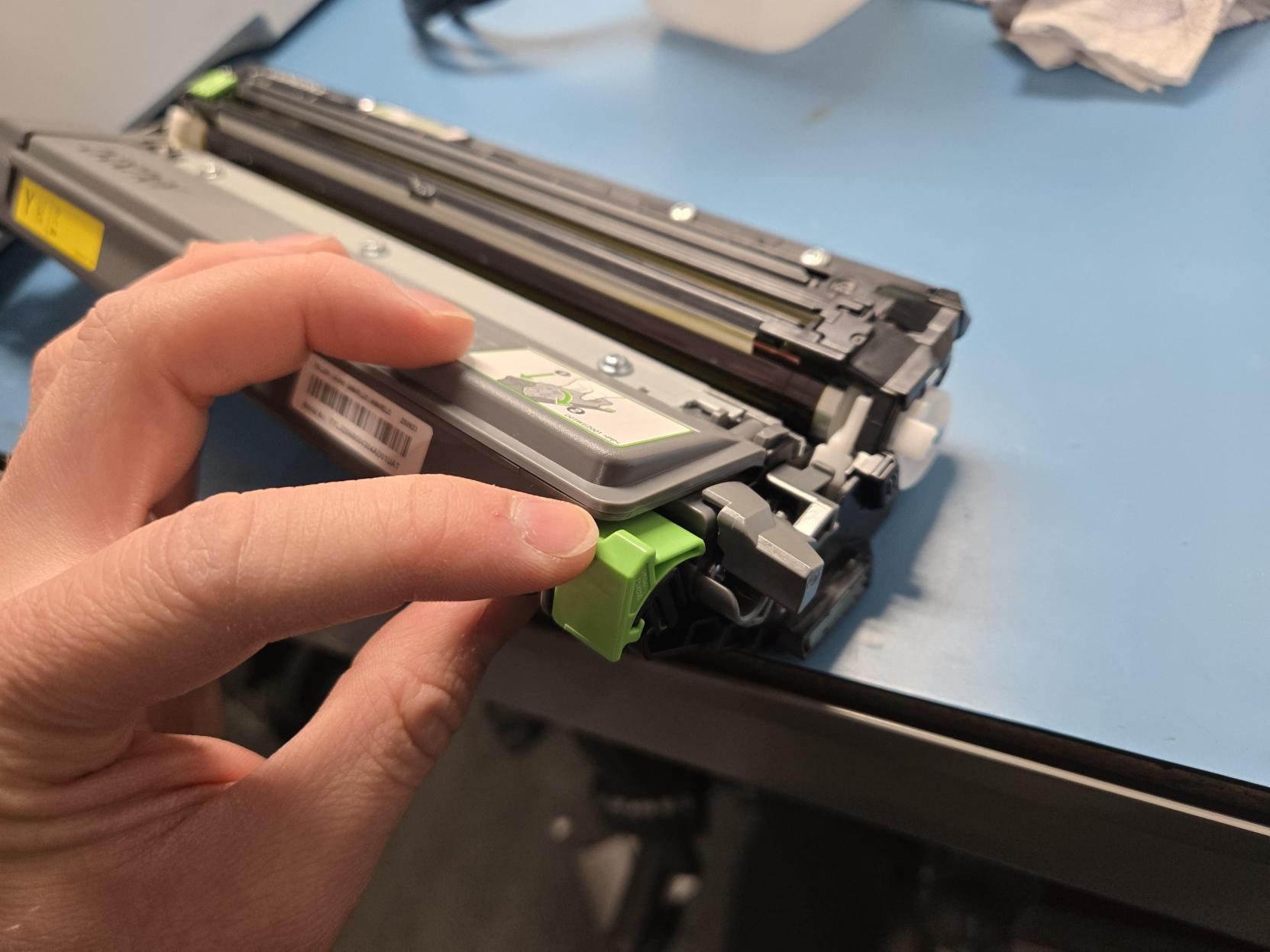
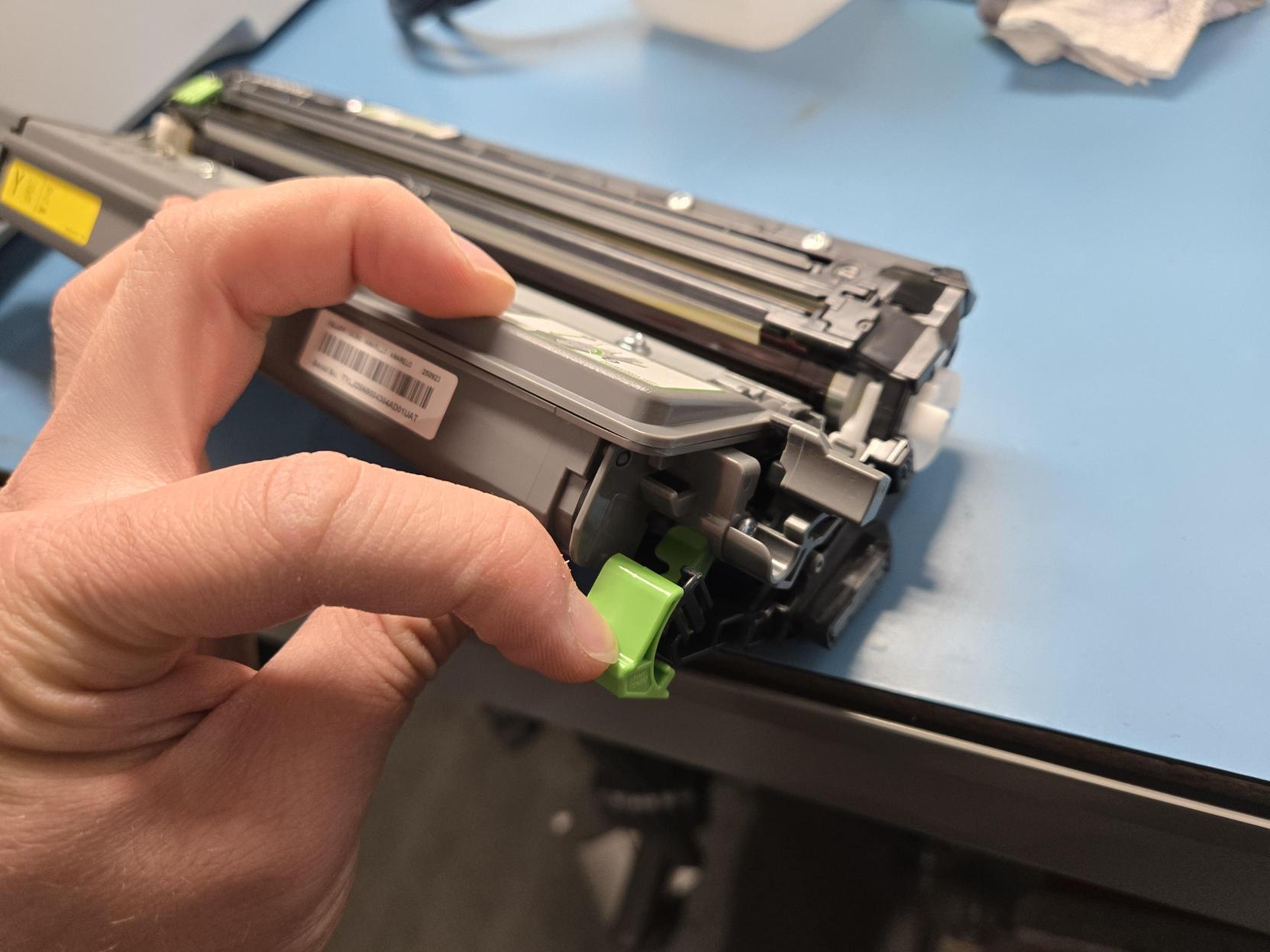
- Locate the light green lever on the right side of the old cartridge.
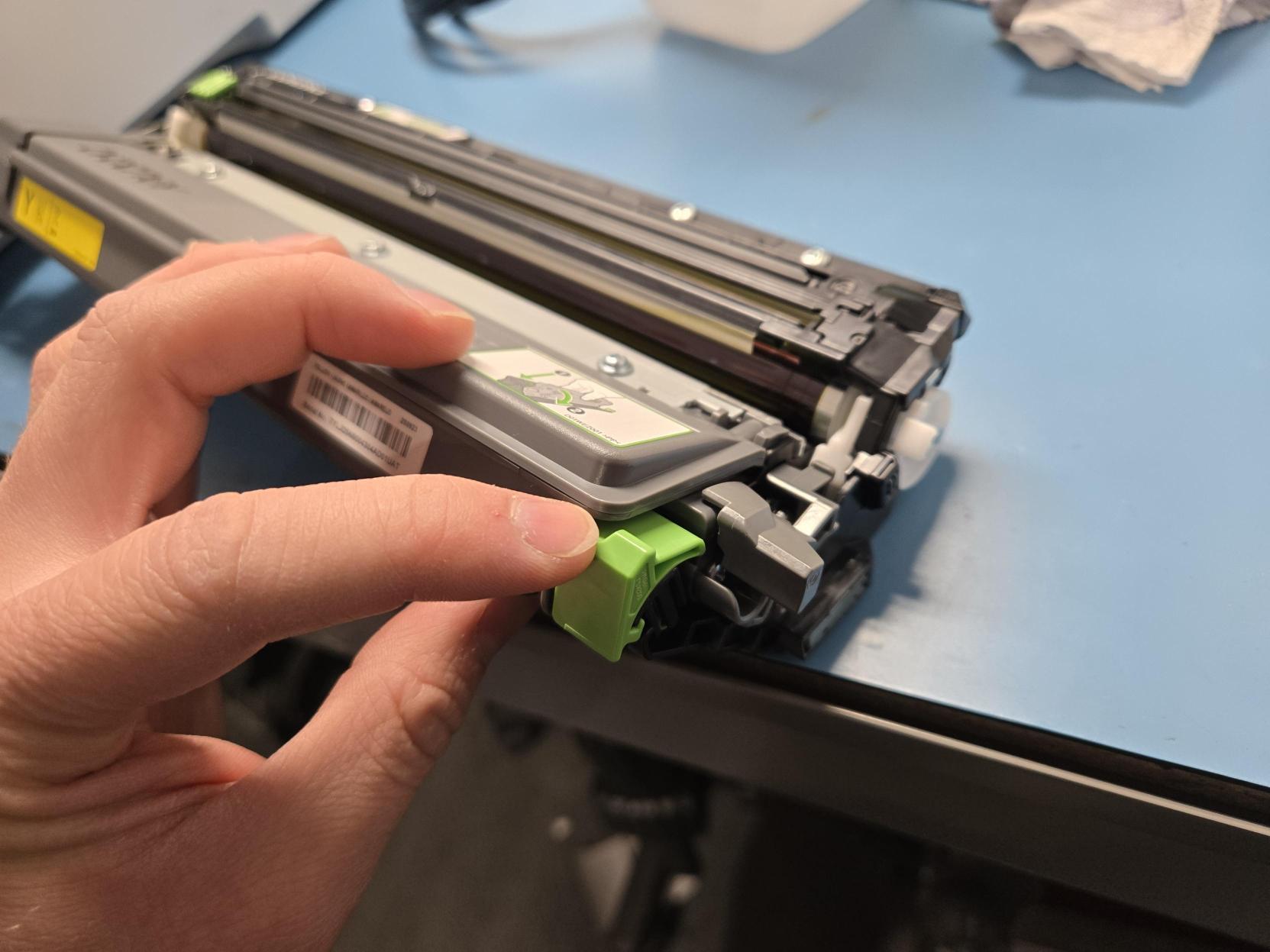
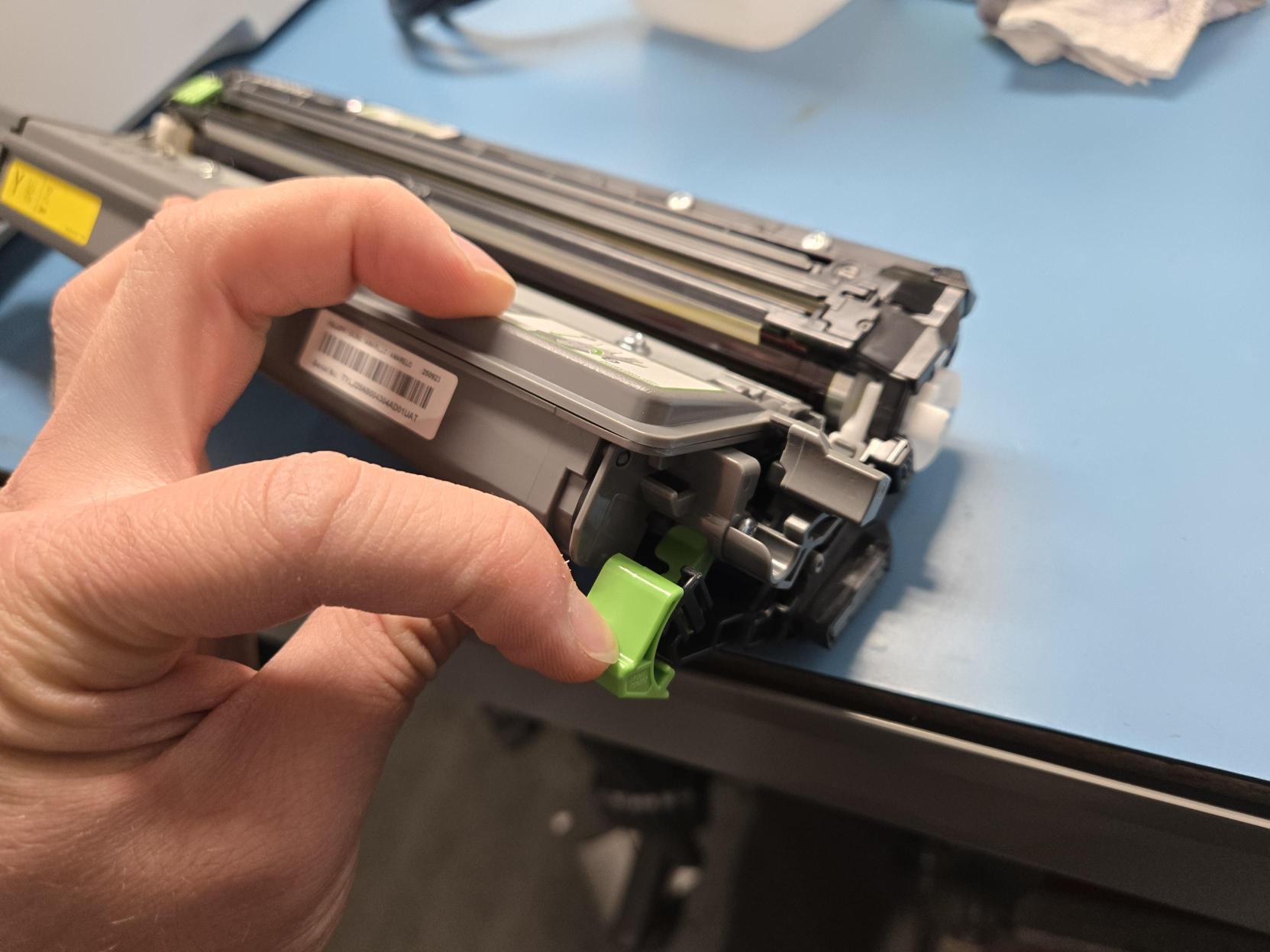
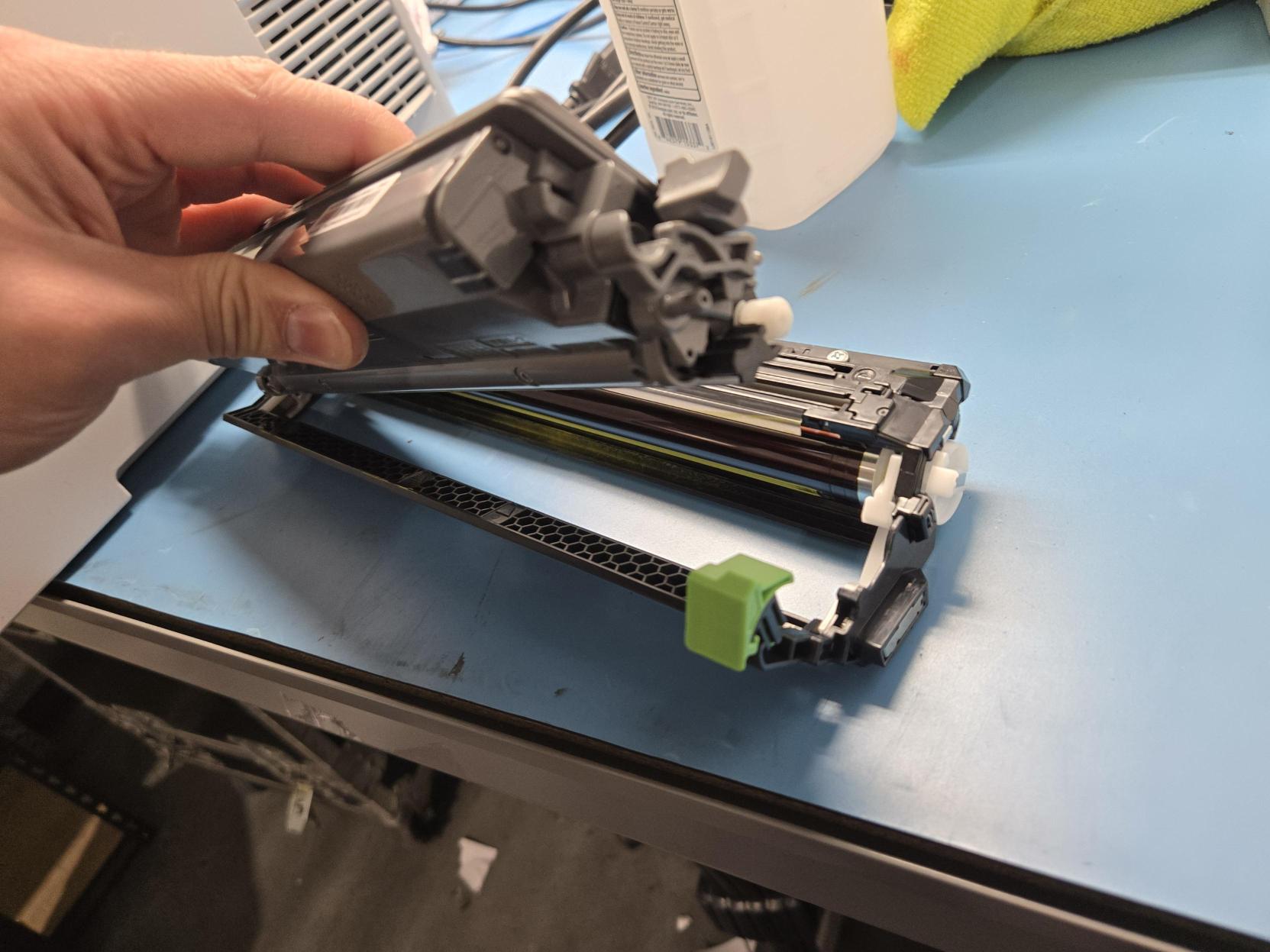
- While pressing down the lever, lift the toner compartment away from the drum unit.
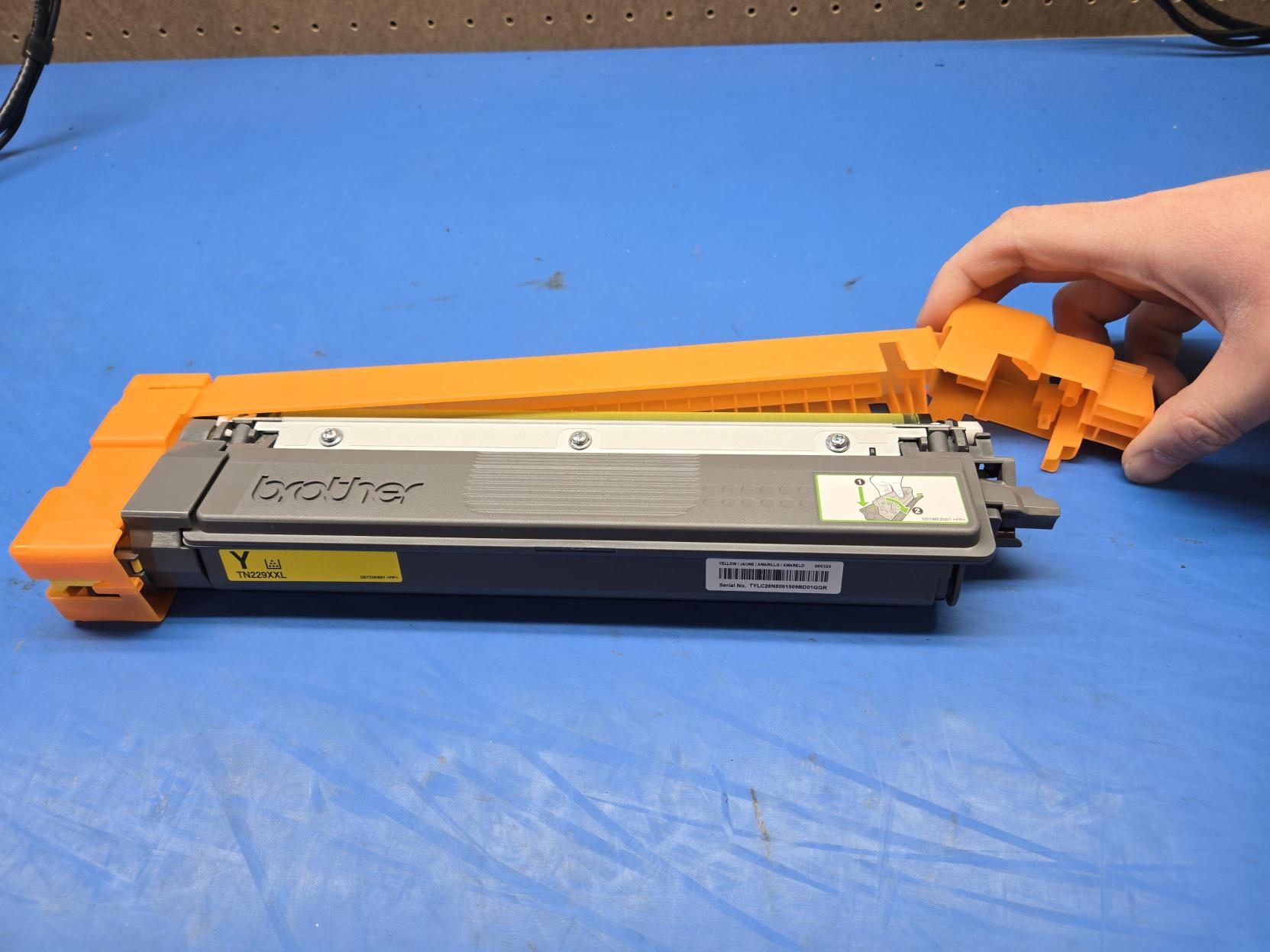
- Remove the orange plastic cover from the new toner cartridge by swinging the right side out. Place this cover on the old cartridge to avoid spilling any remaining toner.
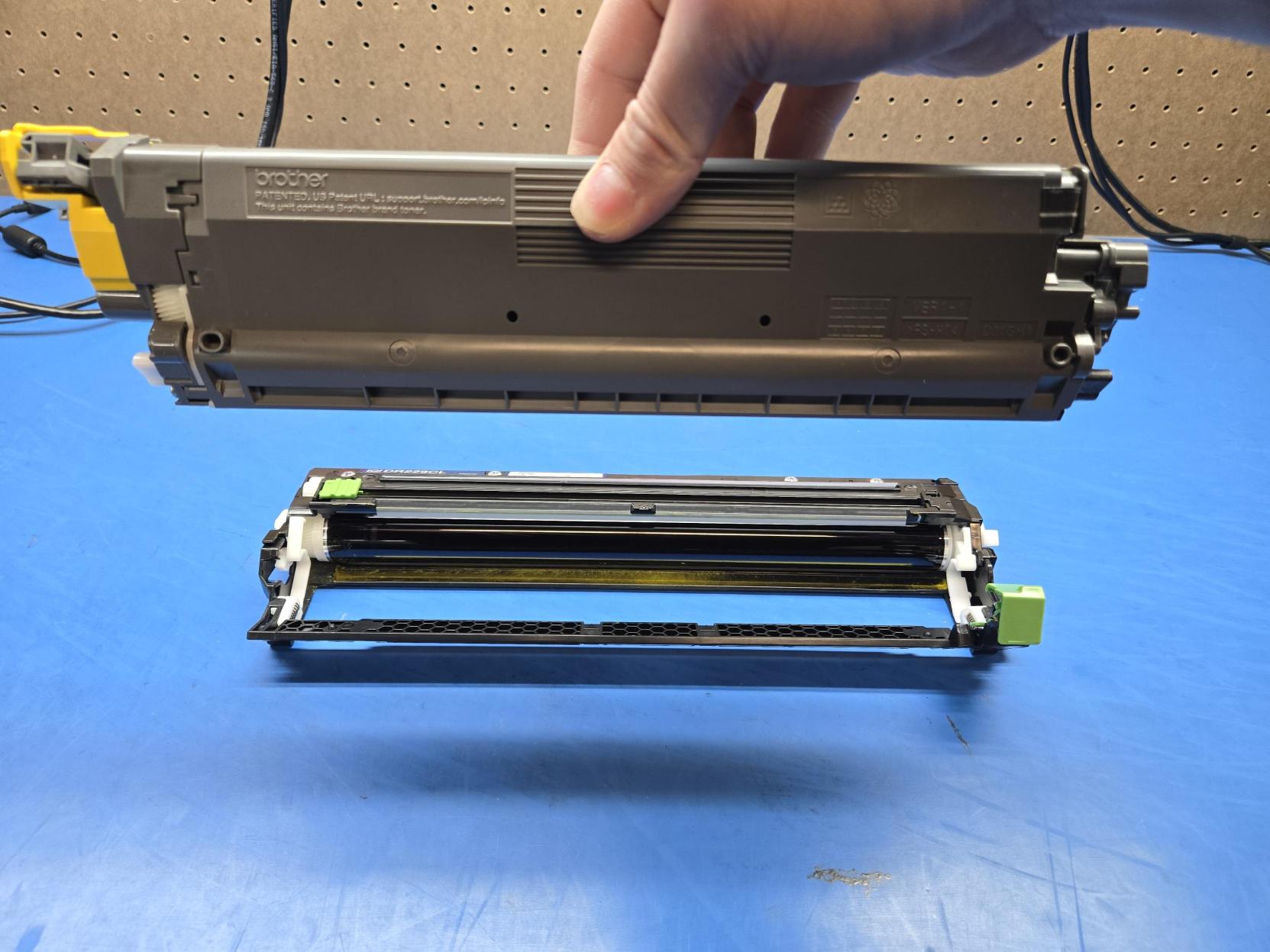
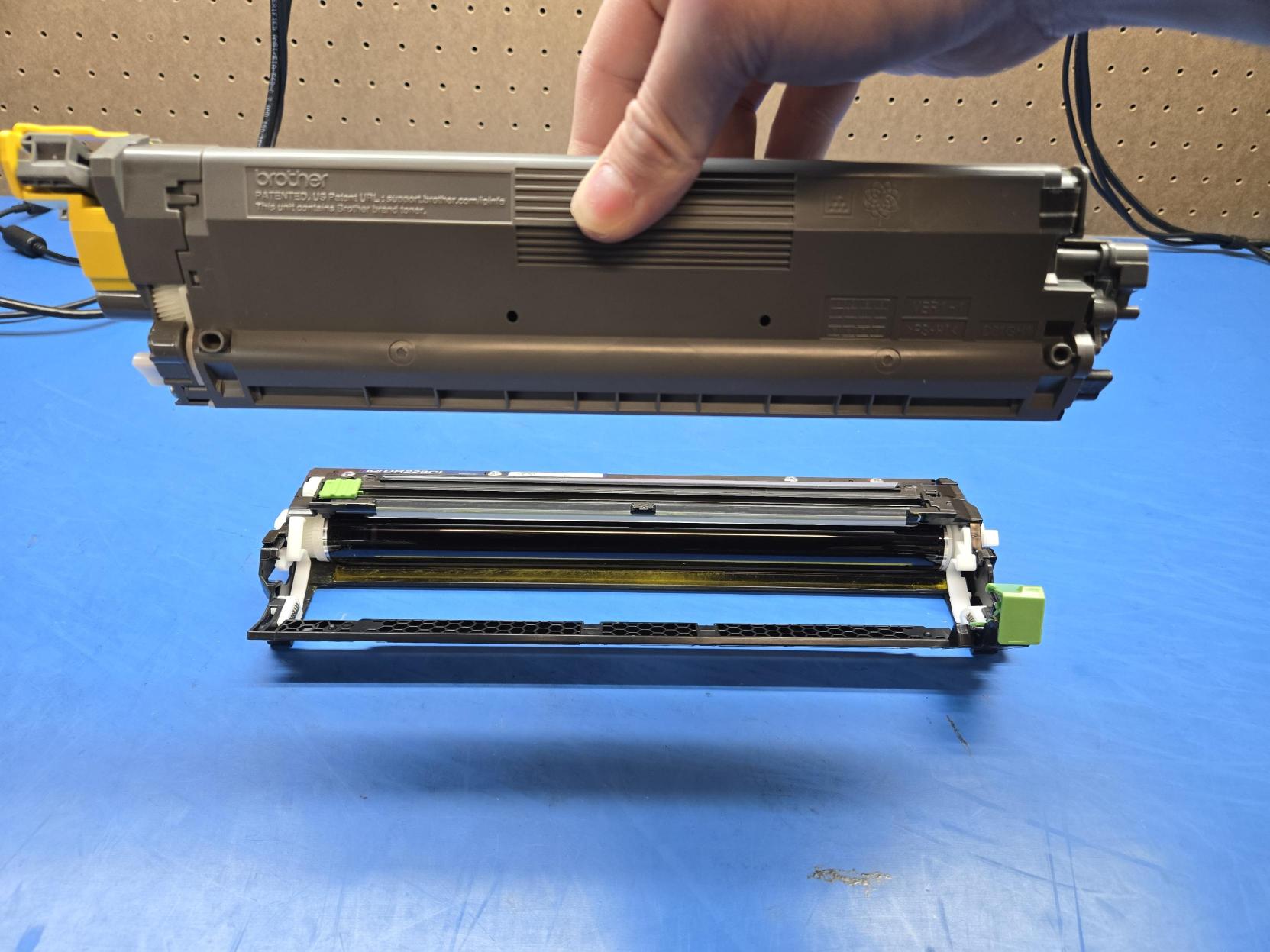
- With the color label facing up on the left side, place the new cartridge rollers-first into the drum unit. Pivot it downwards to latch it into place.
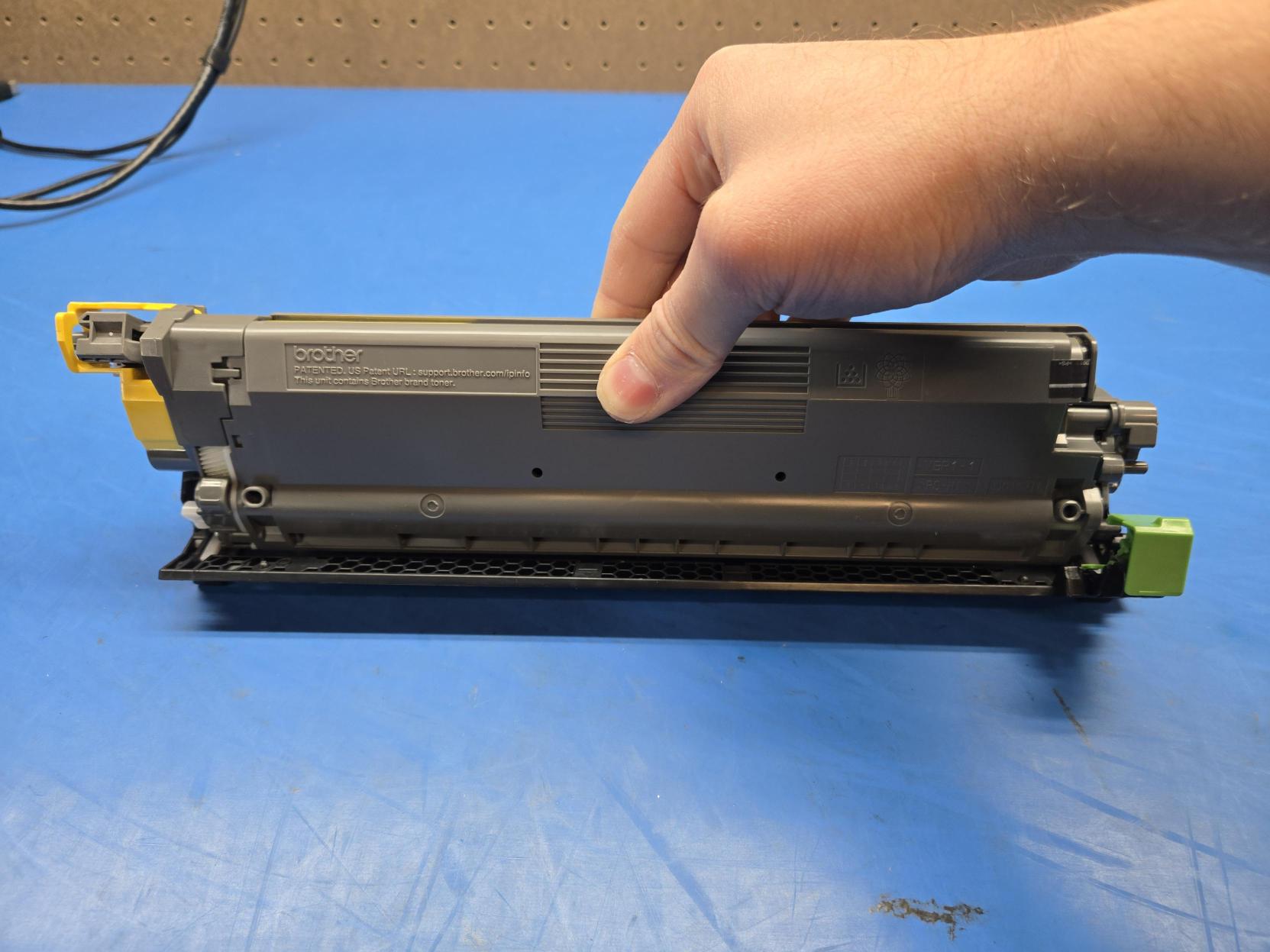
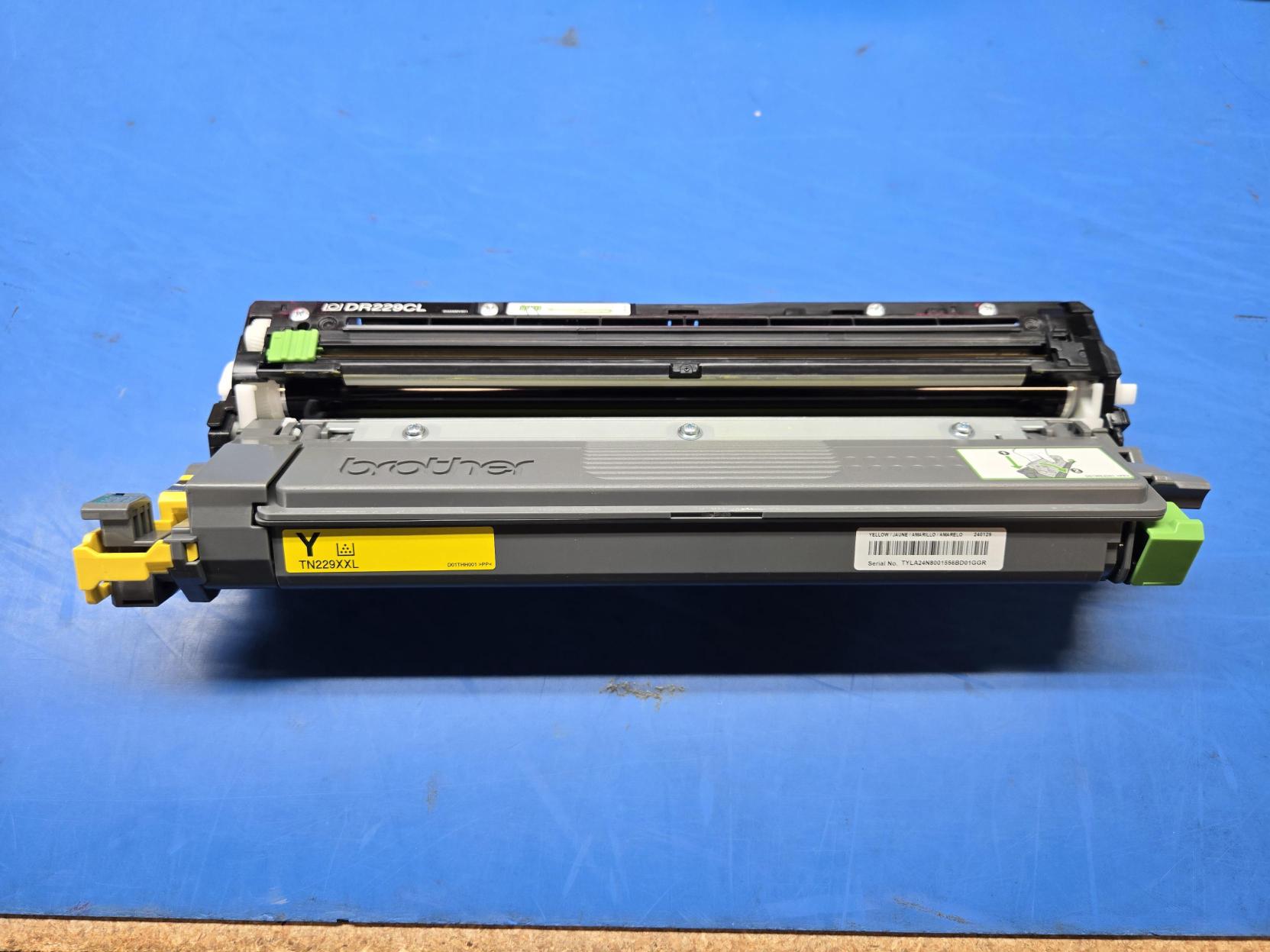
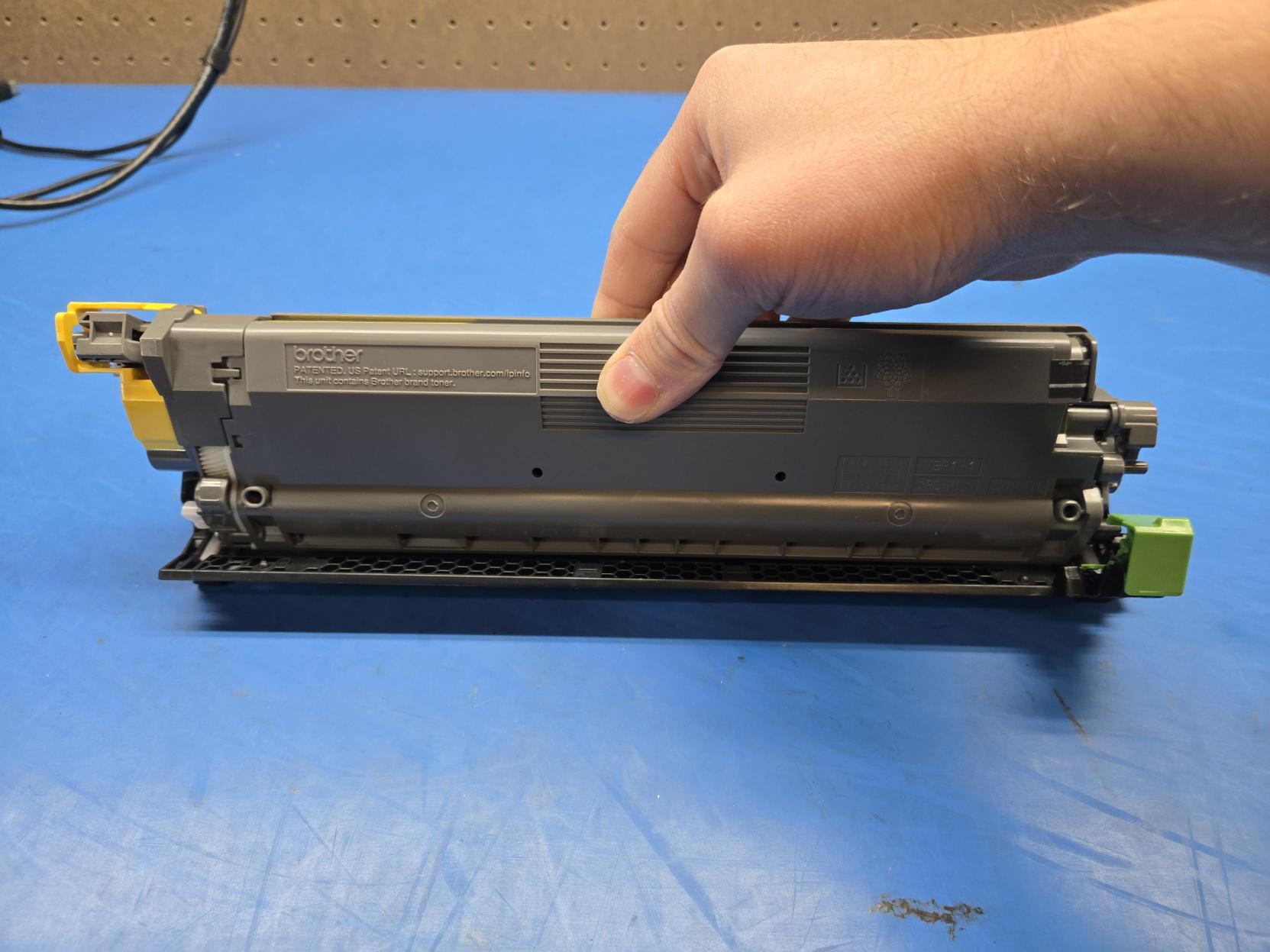
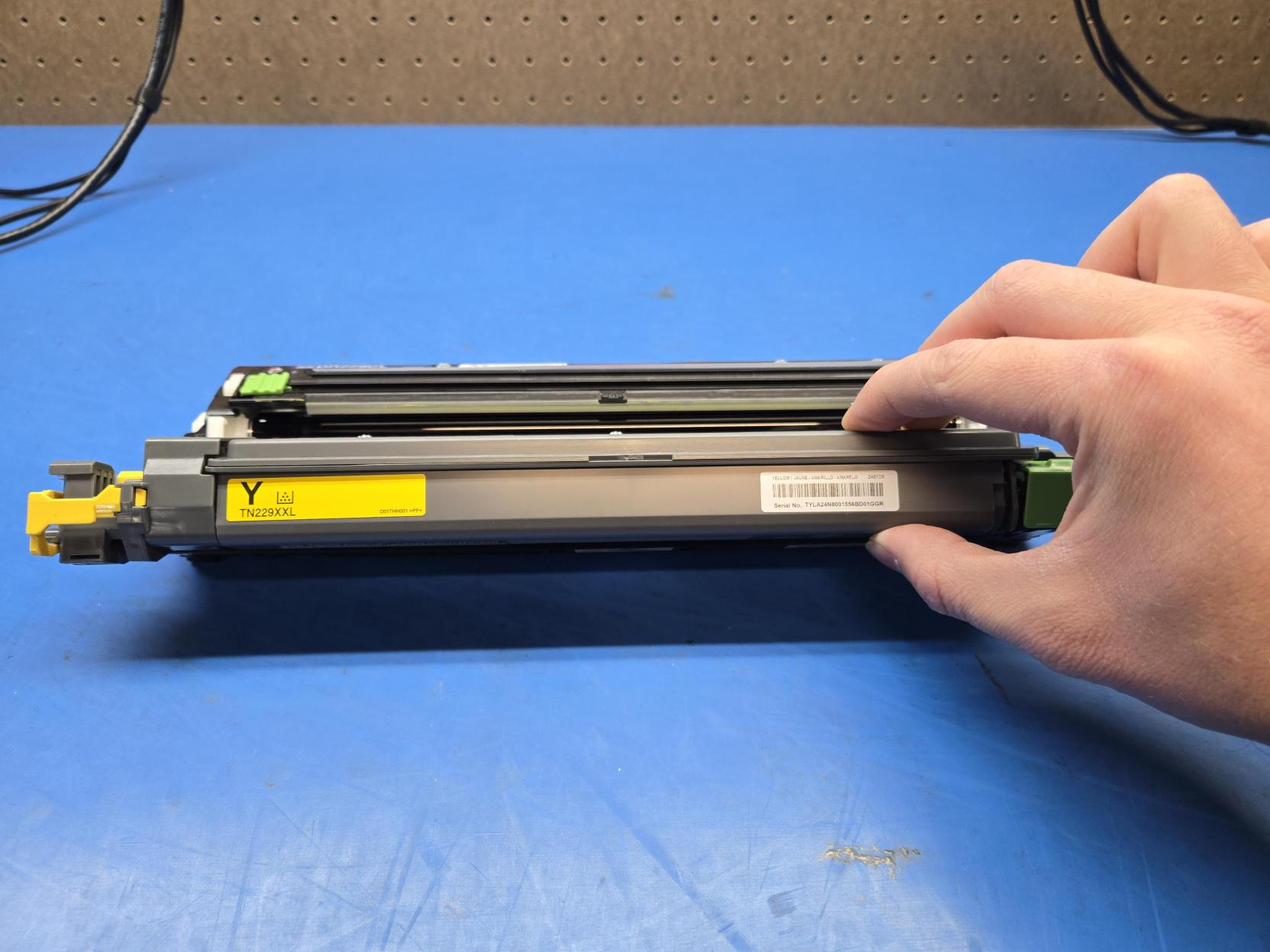
The new toner cartridge is now ready to be installed.