Skip to main content
Quick Start v5.5 (iOS)
Please note that Access Point Name and SSID information may differ in physical location between models of poster.
Requires
- An iOS Device
- ViPlex Handy
1. Turn on the Poster
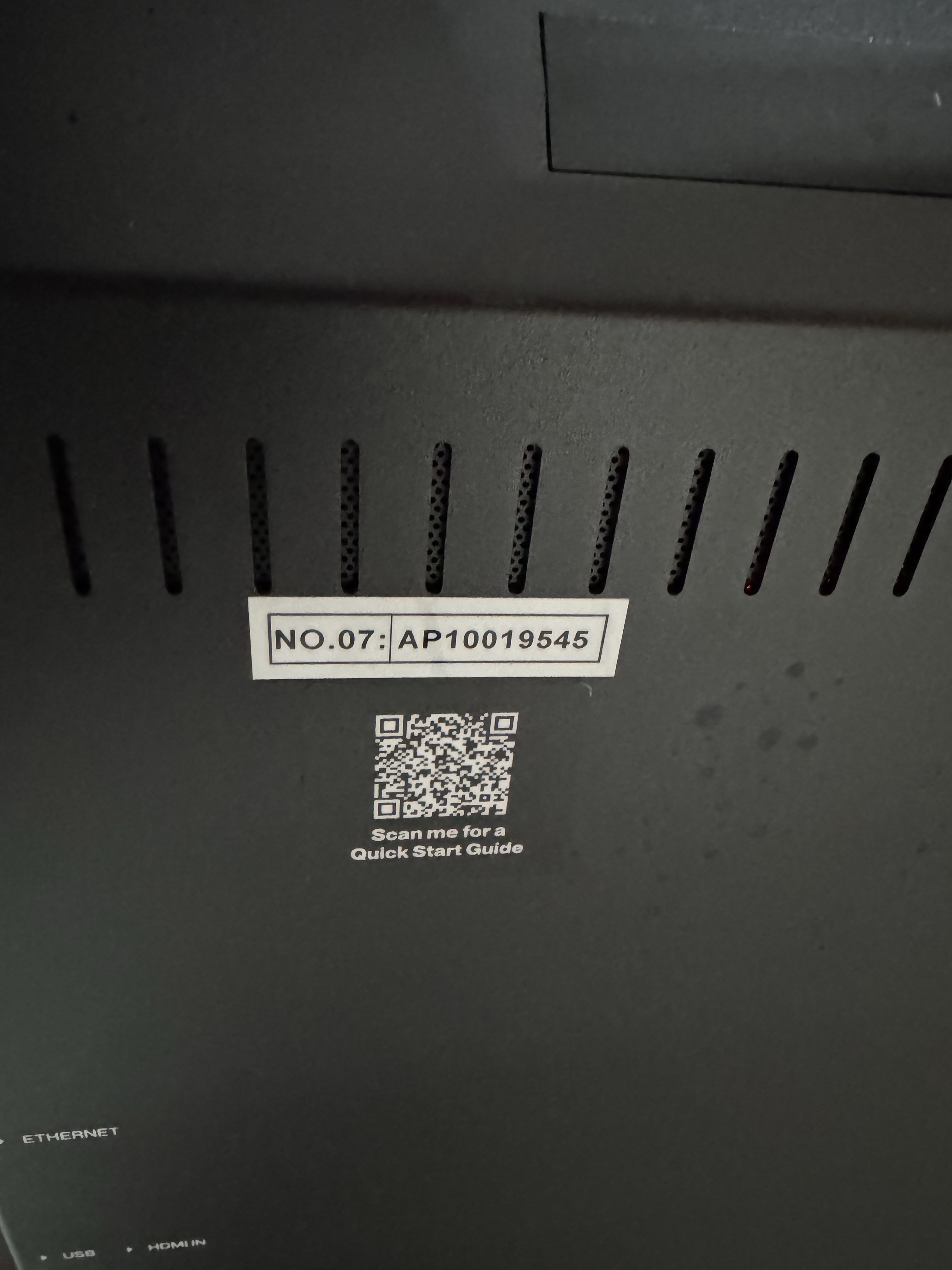
2.Find the Poster's Name on the Back of the Poster
- It will be a Number preceded by the letters AP
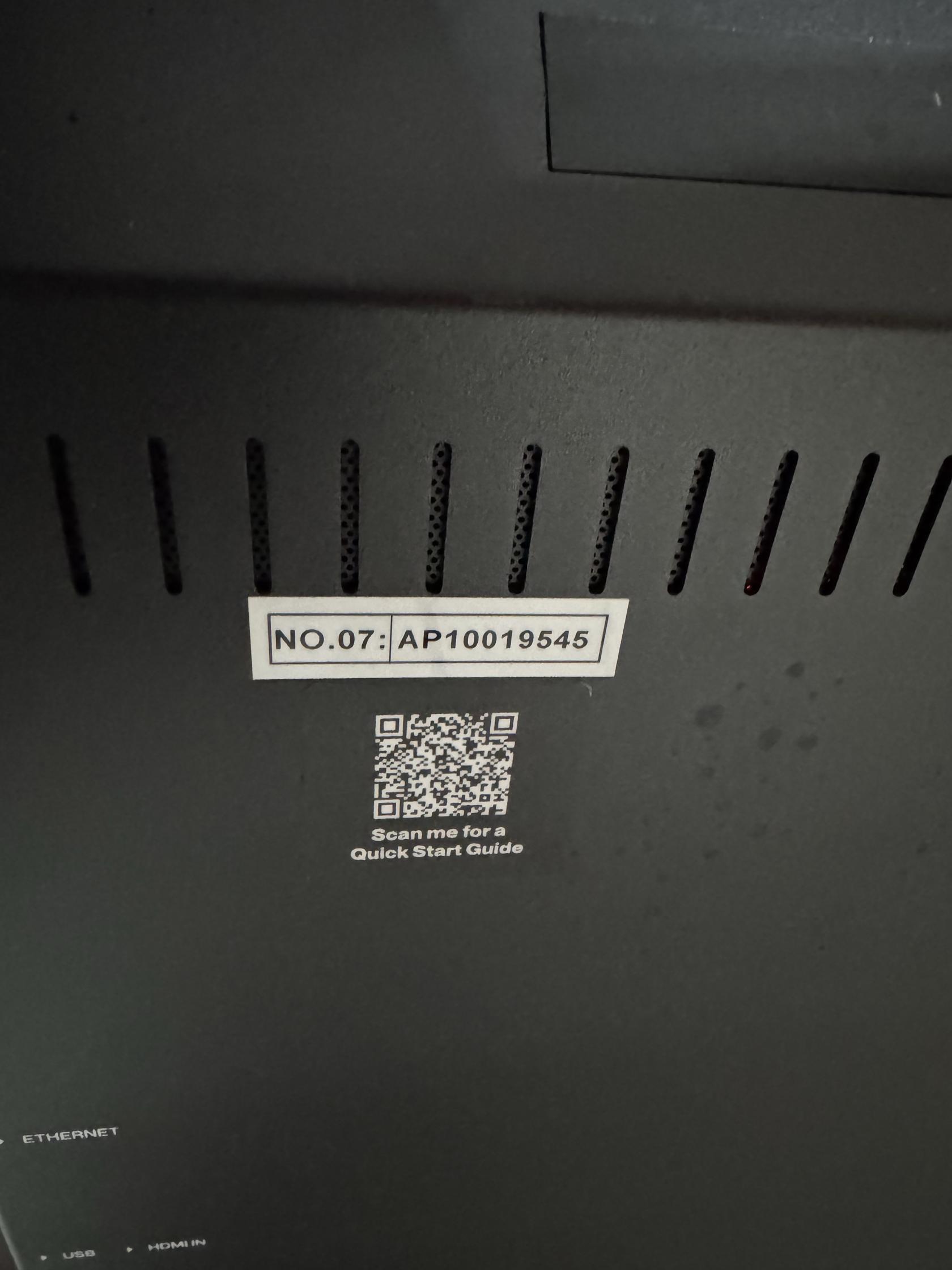
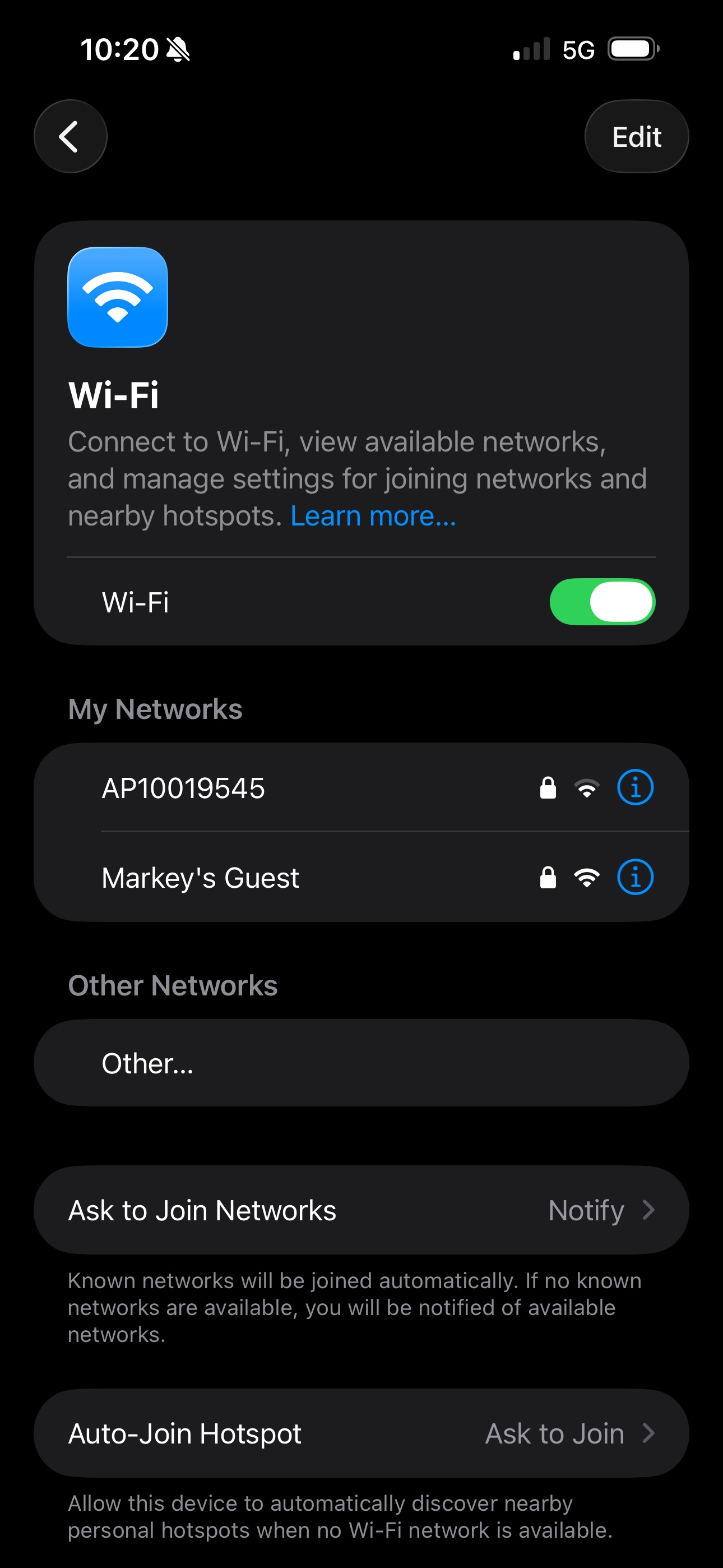
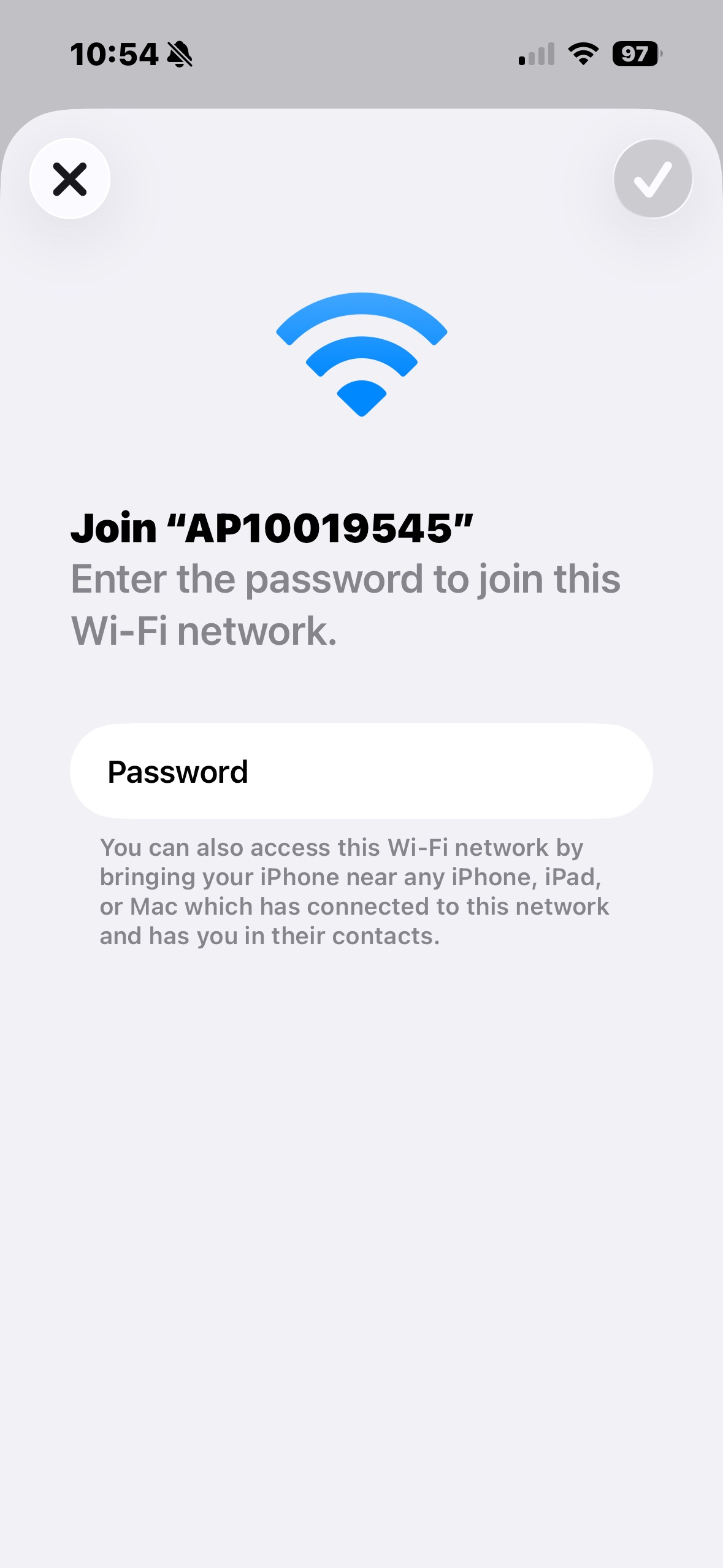
3. Find the Poster's Access Point in WiFi
- It's SSID is the AP Number you saw on the back.
- For Transtech Posters the Password is 12345678
- For Theatrixx Posters the Password is SN2008@+
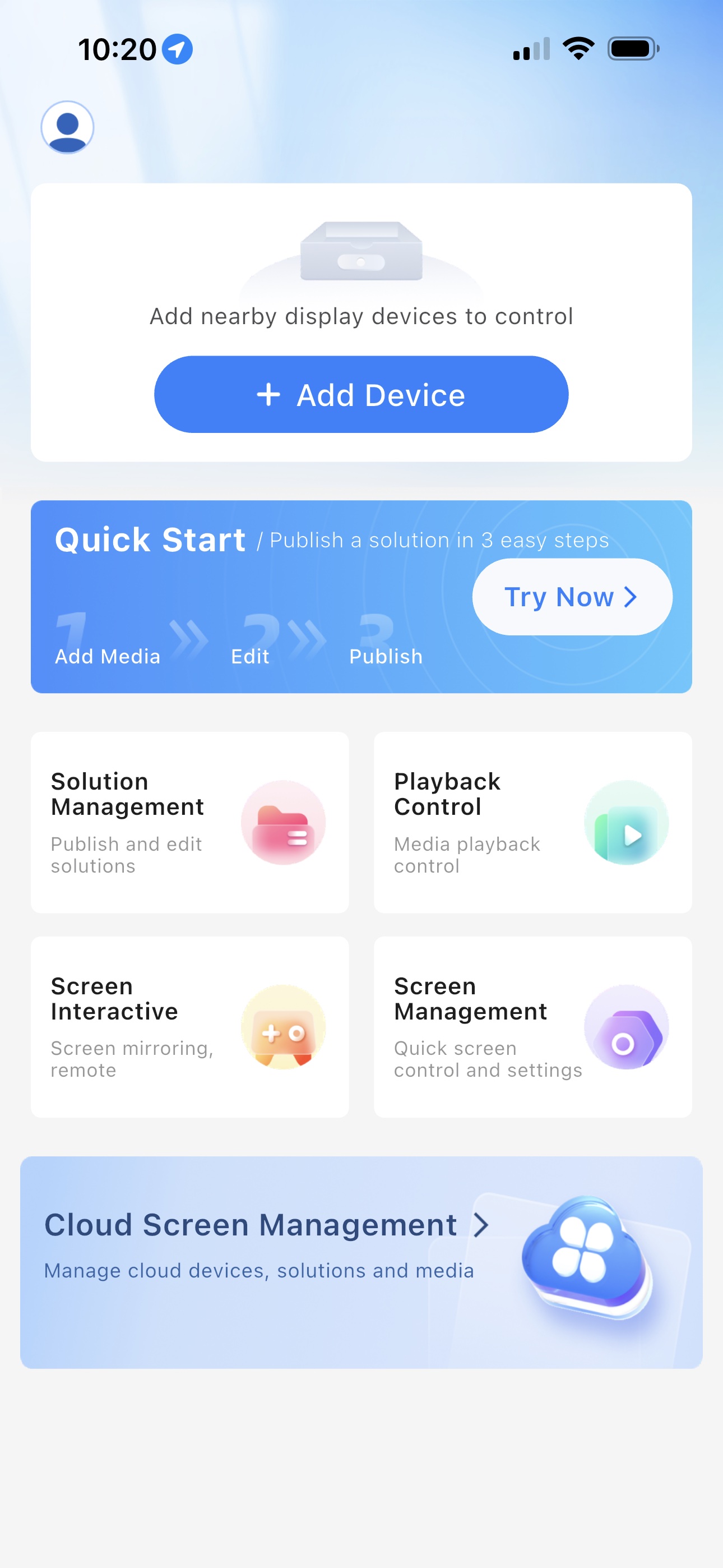
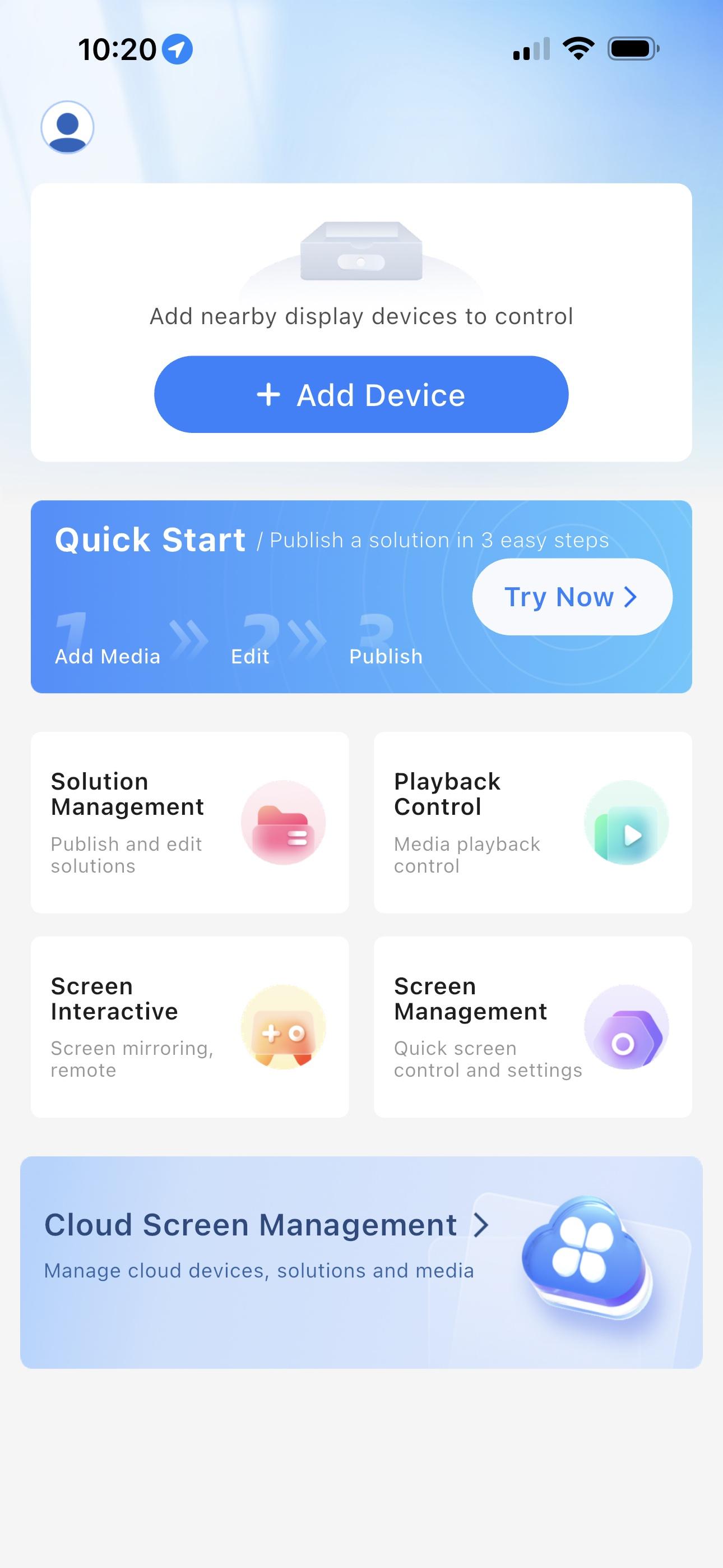
4. Open ViPlex Handy and Tap "+ Add Device"
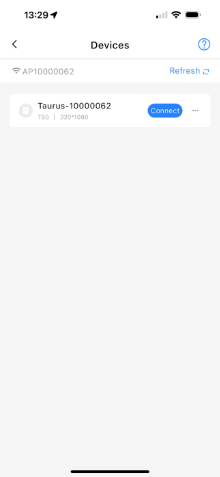
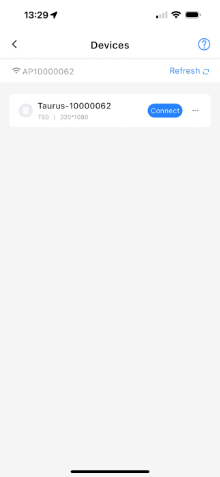
5. Tap Connect Next to the Poster's Name
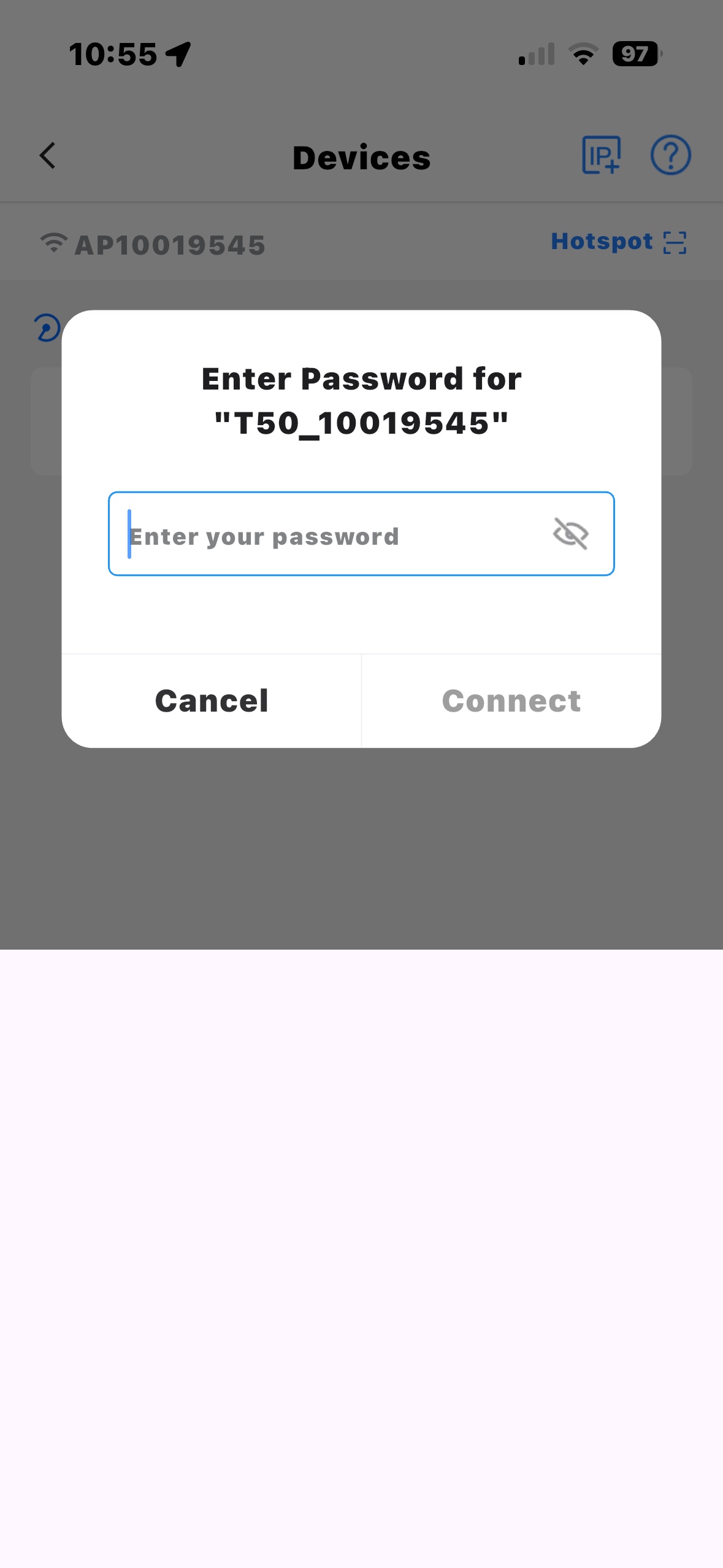
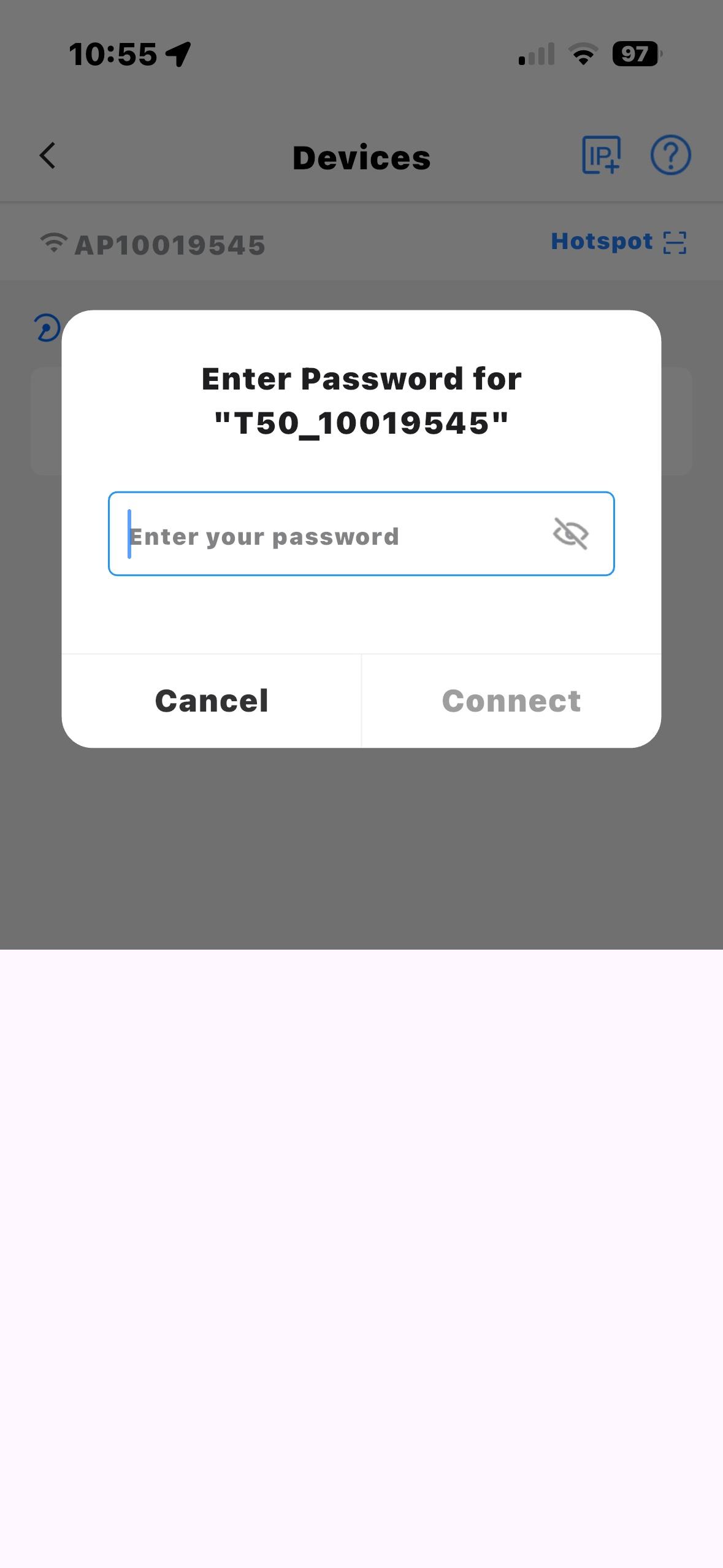
6. Type the Password
- For Transtech Posters the Password is 123456
- For Theatrixx Posters the Password is SN2008@+
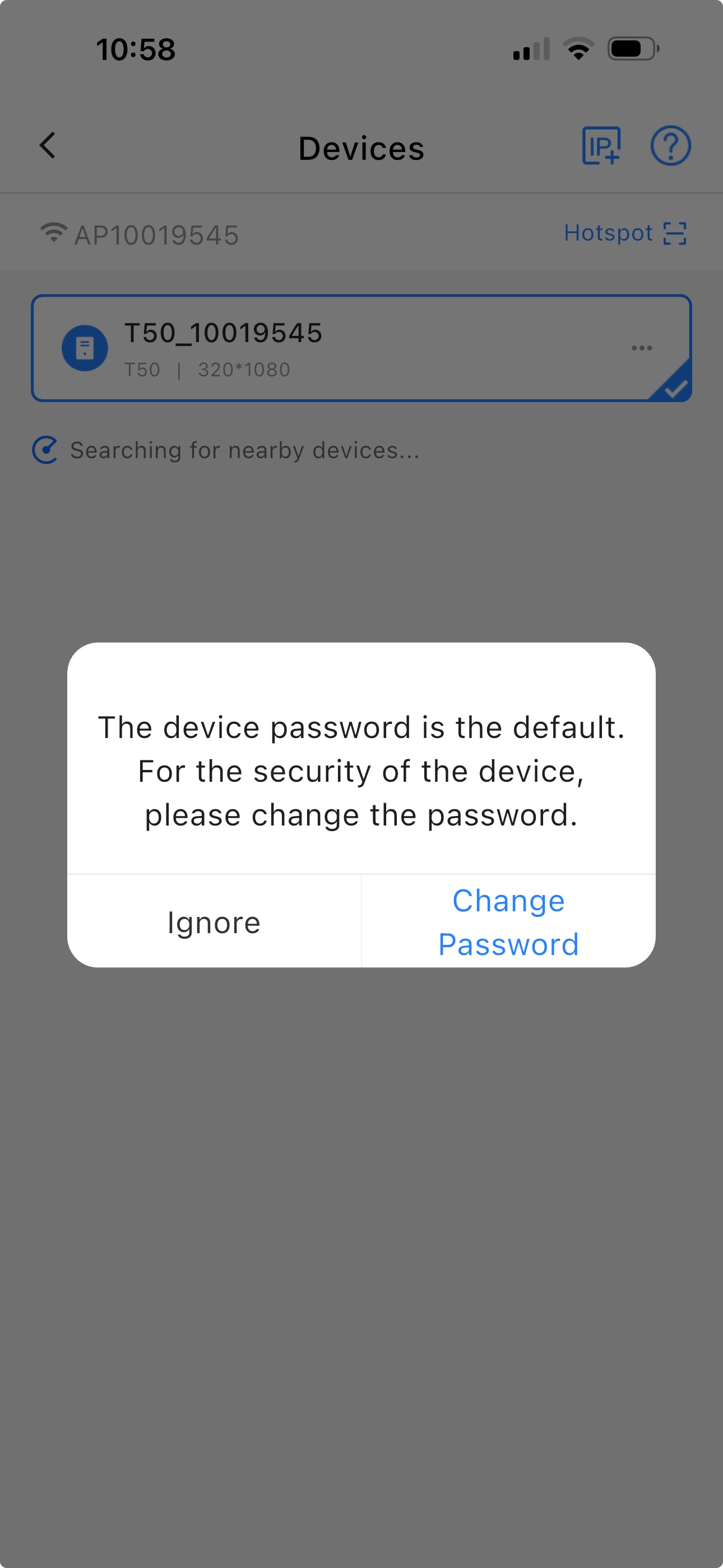
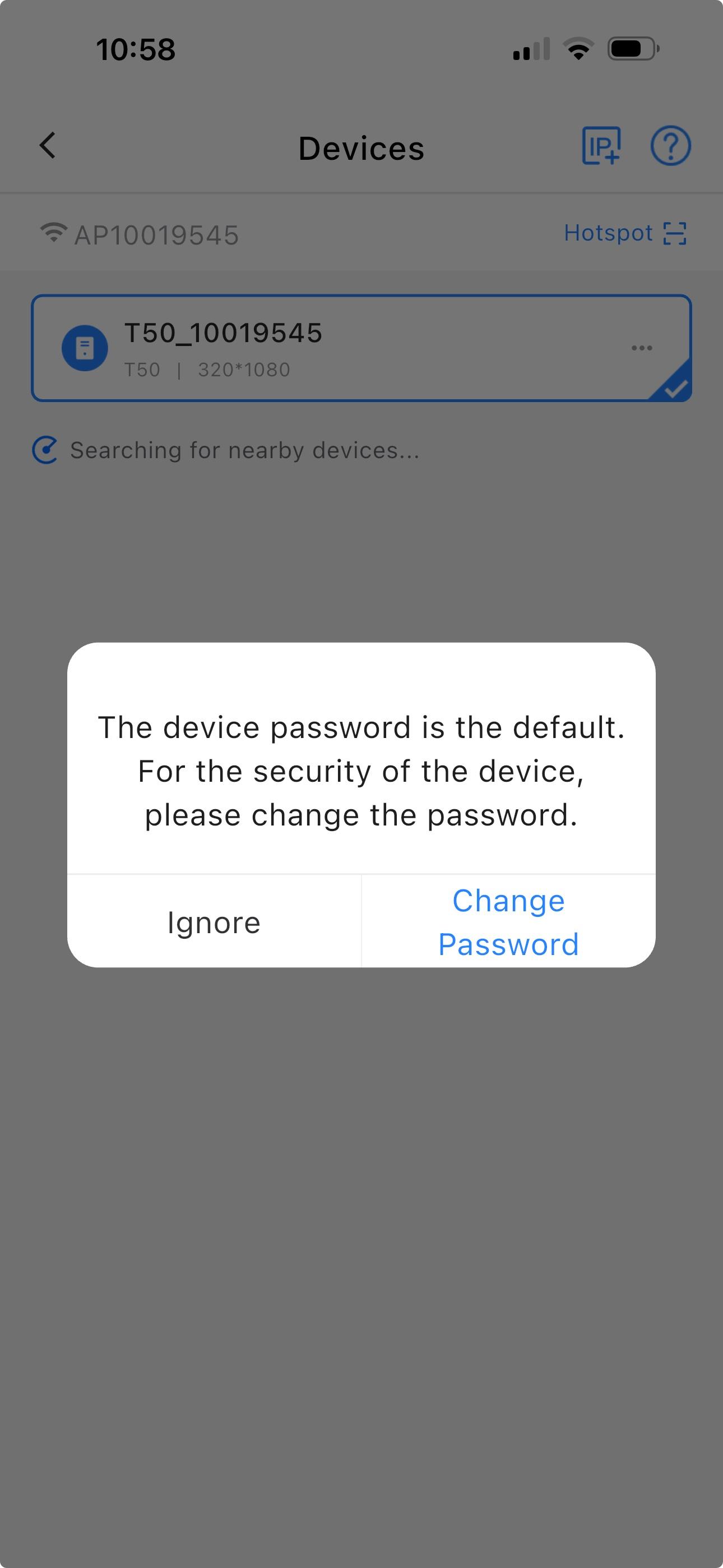
7. Ignore Security Recommendations//DO NOT CHANGE THE PASSWORD
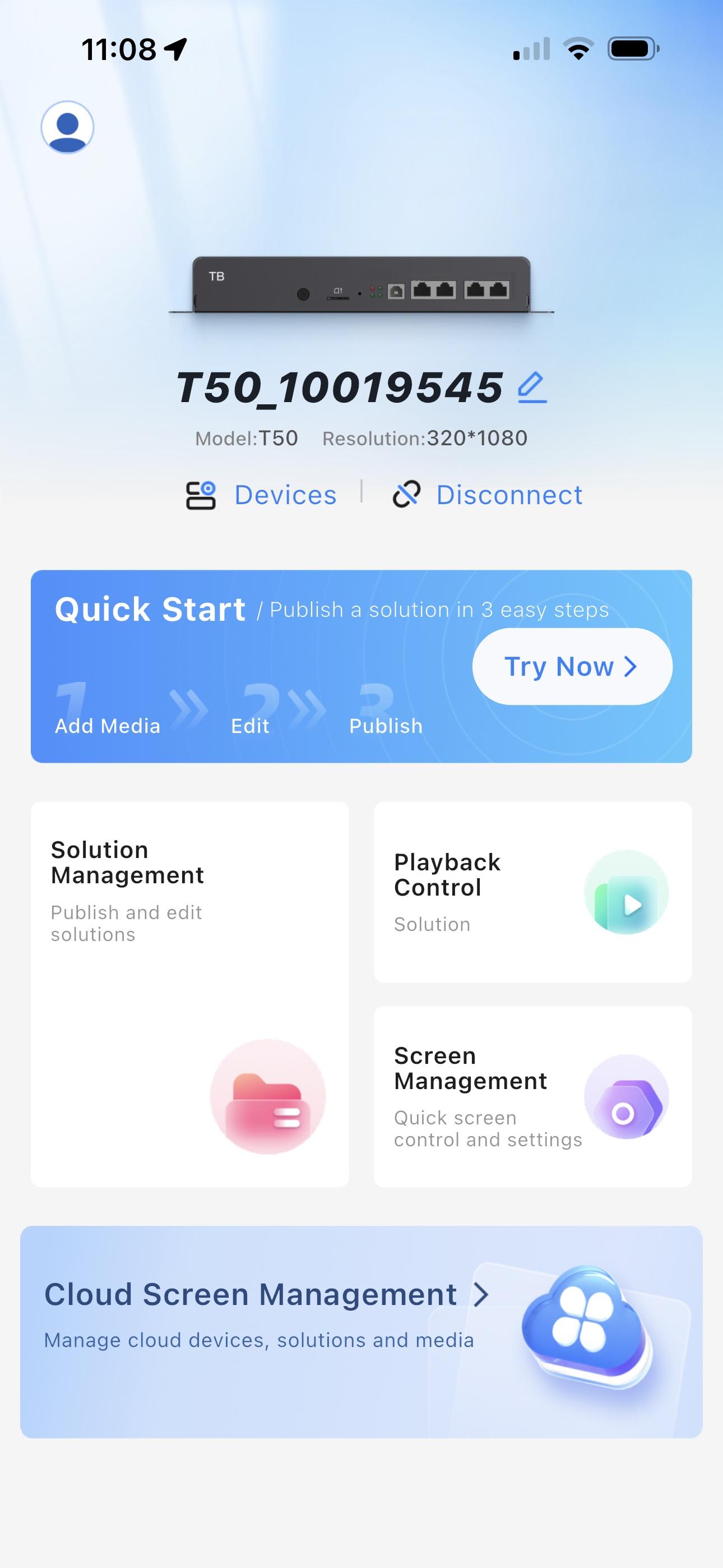
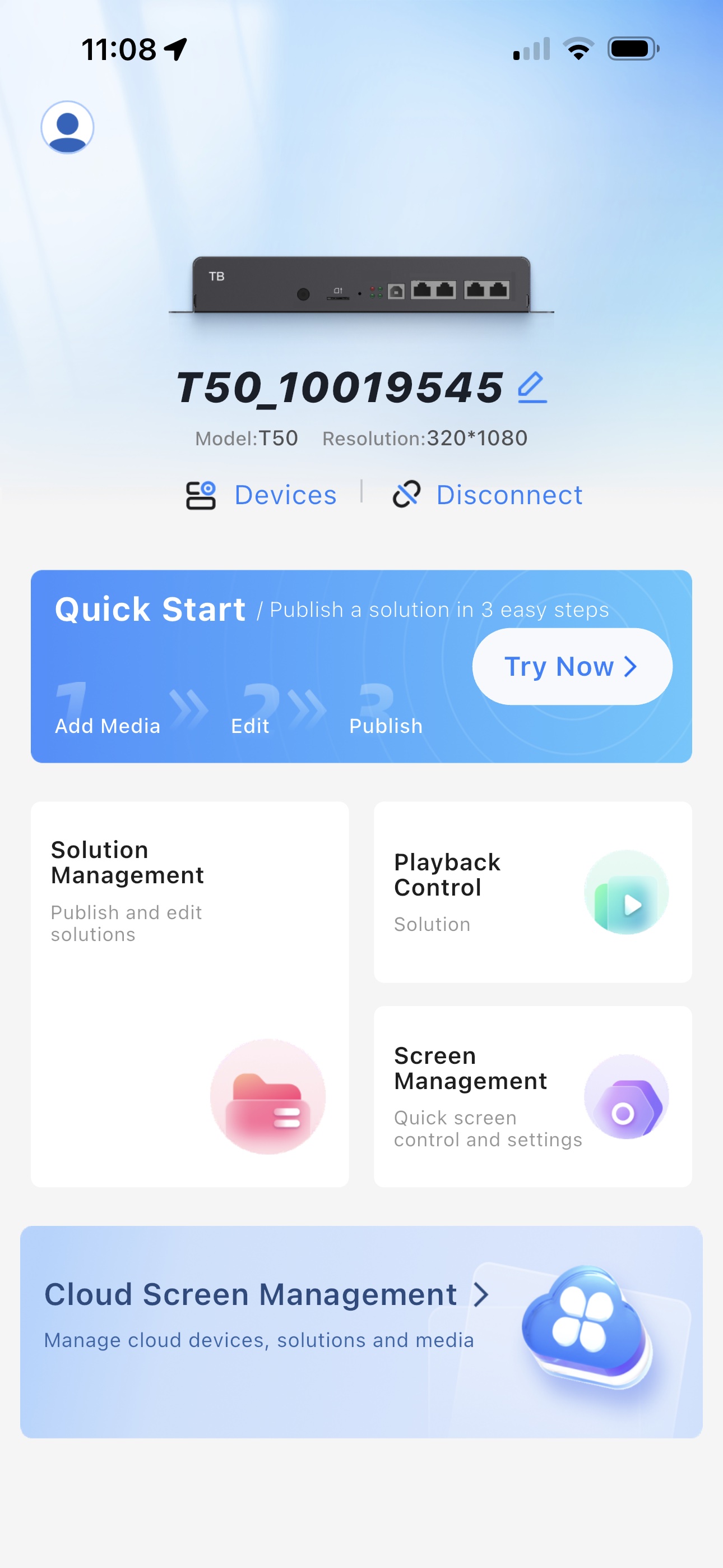
8. You are now Connected and Ready